
نموذج philippine passport application form
باستخدام مجموعة الميزات التقليدية لعرض مستند PDF وتعبئته ، جنبًا إلى جنب مع مزايا تطبيق الويب والتخطيط سريع الاستجابة ، يمكنك إكمال philippine passport application form في دقائق.


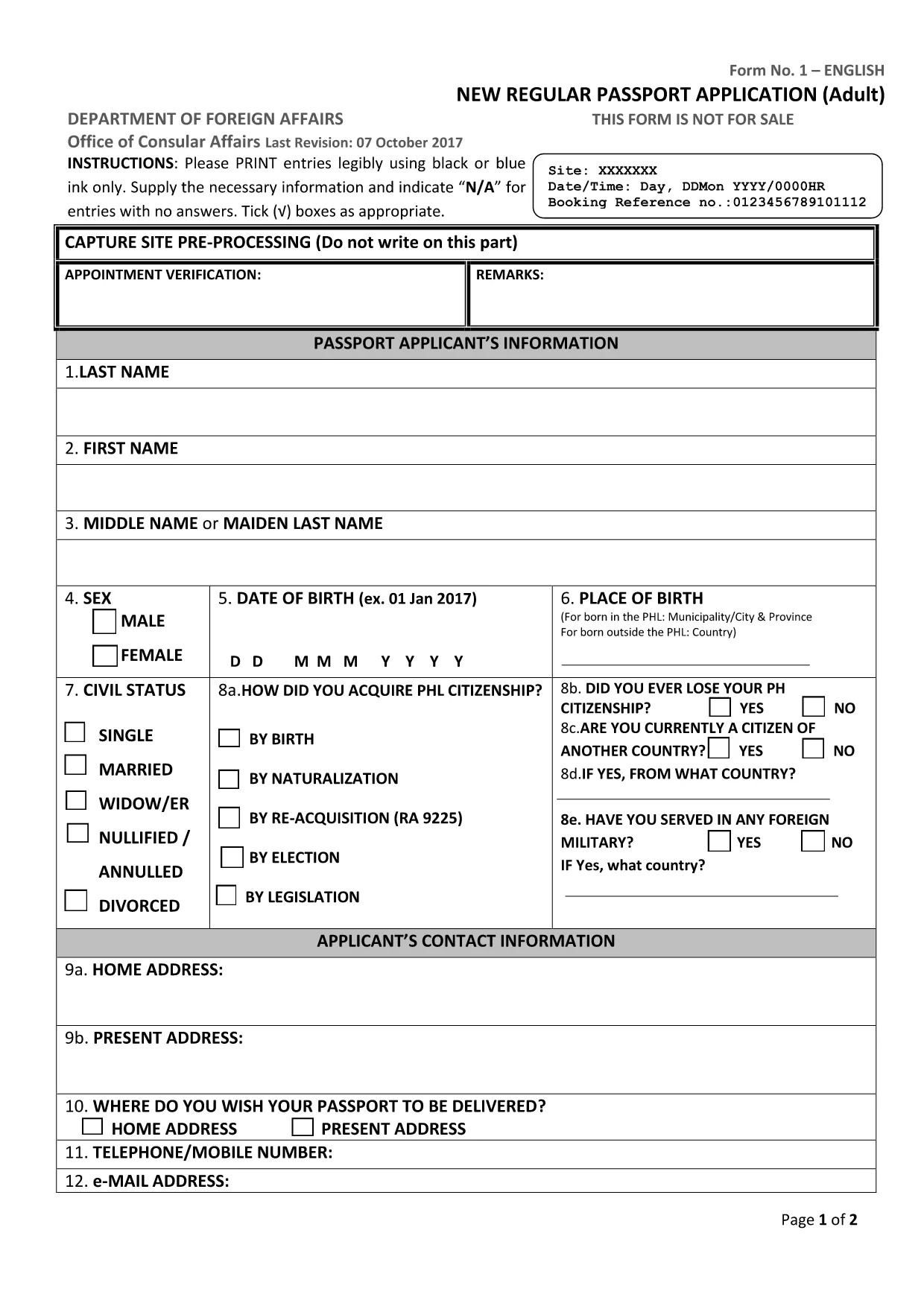
Applying for a Philippine passport? The first step is a correctly filled application form. Our fillable PDF matches the official DFA document, so you can complete it online, print it, and bring it to your appointment without any hassle.
Follow these simple steps to finish your passport application using the Formize PDF Filler:
After printing, bring the accomplished form to the Department of Foreign Affairs (DFA) office where you booked your appointment. The DFA staff will verify the form, collect your fees, and process your passport.
Need a quick reminder of the required supporting documents? Check the DFA website or your appointment confirmation email.
Yes. The linked PDF is the current adult new‑application form used by the DFA as of 2024.
The Formize PDF Filler works on most smartphones and tablets. For best results, use a larger screen when adding a photo.
The DFA requires a printed copy with your signature. Print the completed PDF on A4 paper before your appointment.
Minor errors can be corrected by crossing out the entry, writing “N/A” where needed, and signing the correction. For major errors, refill the PDF and re‑print.
Typically 2–5 seconds on a standard broadband connection.
No. Formize provides the filler for free; you only pay the DFA passport processing fees.
Yes. Use the “Save” button in the filler to download a draft and return to it later.
The completed document is saved as a standard PDF, ready for printing or electronic submission if required.
باستخدام مجموعة الميزات التقليدية لعرض مستند PDF وتعبئته ، جنبًا إلى جنب مع مزايا تطبيق الويب والتخطيط سريع الاستجابة ، يمكنك إكمال philippine passport application form في دقائق.
أسهل طريقة لملء نماذج PDF عبر الإنترنت
حذف جلسة التعبئة
حذف جلسة التحرير