
نموذج USPS application form
باستخدام مجموعة الميزات التقليدية لعرض مستند PDF وتعبئته ، جنبًا إلى جنب مع مزايا تطبيق الويب والتخطيط سريع الاستجابة ، يمكنك إكمال USPS application form في دقائق.


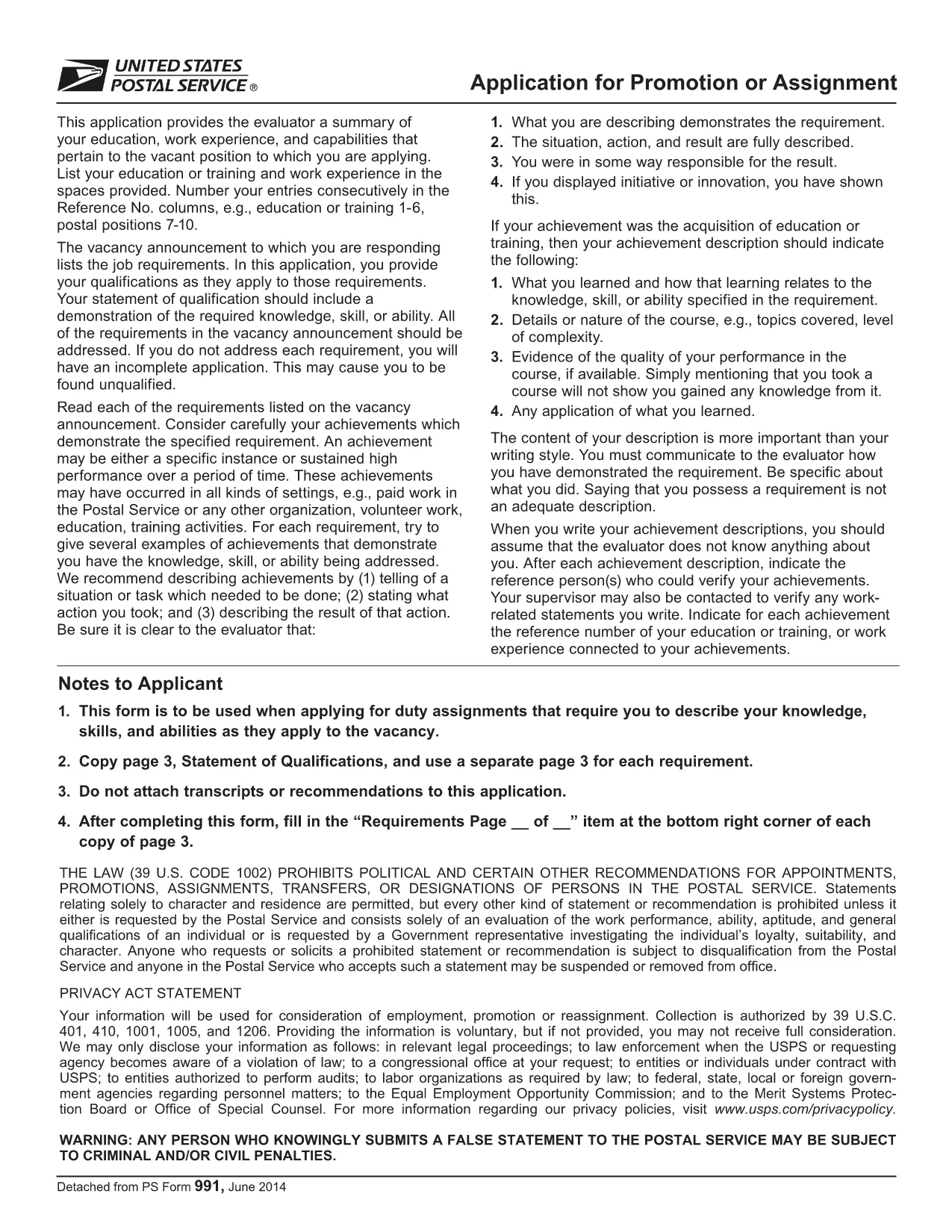
Applying for a position, promotion, or assignment with the United States Postal Service (USPS) starts with the official PS‑991 Application Form. Instead of printing, scanning, or hand‑writing, you can fill the form instantly online using Formize’s secure PDF filler.
Follow the simple steps below to finish your application without leaving the page.
The PDF you will fill out is the exact form provided by USPS. Click the button below to launch the Formize PDF Filler and start editing instantly.
Find quick answers to the most common questions below. If you need more help, refer to the official USPS instructions.
Yes, PS‑991 is intended for current USPS employees applying for promotions, reassignments, or special duties.
The Formize PDF Filler works on most smartphones and tablets. For the best experience, use a desktop browser.
No. The fillable version runs entirely in your web browser via Formize’s secure PDF filler.
Open the saved PDF again with the Formize filler, edit the needed fields, and re‑save.
Yes. Formize uses SSL encryption, and the PDF never leaves your browser unless you choose to download or submit it.
Most USPS hiring portals accept a PDF upload. Print only if the specific posting requires a hard copy.
USPS updates the form as needed. The link on this page always points to the latest version.
باستخدام مجموعة الميزات التقليدية لعرض مستند PDF وتعبئته ، جنبًا إلى جنب مع مزايا تطبيق الويب والتخطيط سريع الاستجابة ، يمكنك إكمال USPS application form في دقائق.
أسهل طريقة لملء نماذج PDF عبر الإنترنت
حذف جلسة التعبئة
حذف جلسة التحرير