Избери език

OCSEAS Application Form – Fill Out Online

  1. Държава Австралия
  2. език Английски
  3. Дейност Academic Programs
  4. Отдел Department of Education
OCSEAS Application Form – Fill Out Online

The OCSEAS application form is now available as a fully fillable PDF that you can complete instantly in your browser. No extra software is required – simply click the "Fill out this form" button and let the Formize PDF Filler load the document for you.

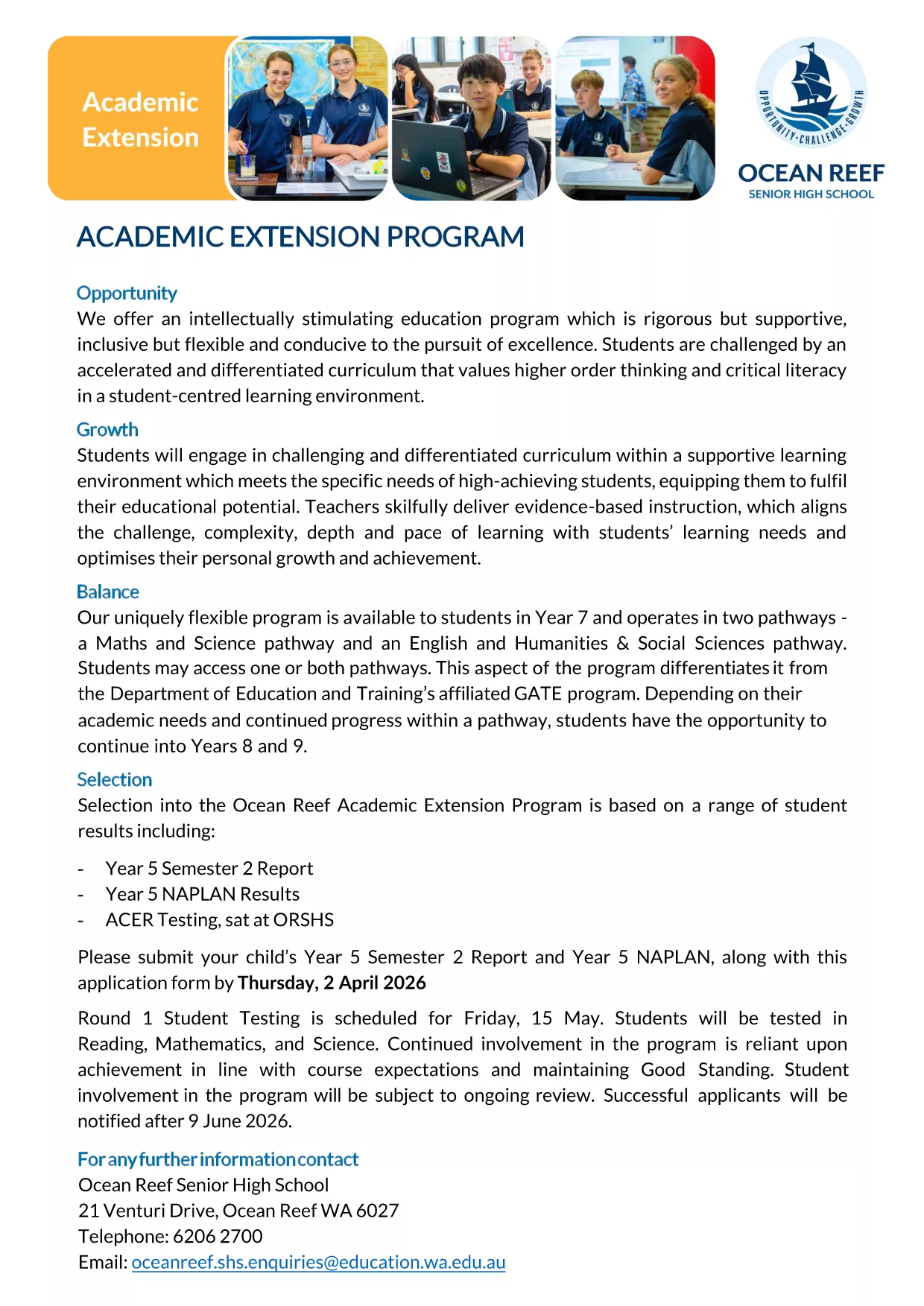
Whether you are applying for the Academic Extension Program or submitting a related request, this page gives you everything you need: a direct download link, step‑by‑step guidance, and answers to the most common questions.

  • Secure, online completion – your data stays private.
  • Automatic field validation to reduce errors.
  • Save a copy for your records with just one click.

Ready to get started? Follow the simple instructions below, avoid typical pitfalls, and submit a flawless application.

ЧЗВ
  • Do I need Adobe Acrobat to fill the OCSEAS form?

    No. The Formize PDF Filler works in any modern browser, so you can complete the form without installing additional software.

  • Can I save my progress and return later?

    Yes. Use the "Save" button in the Formize app to download a partially completed PDF, then re‑upload it later to continue.

  • Is the form secure?

    All data entered in the Formize app is encrypted in transit. The form never leaves your browser unless you choose to submit or download it.

  • What file format will I receive after submission?

    You will receive a completed, searchable PDF that includes all your entered data and signatures.

  • What if I make a mistake after submitting?

    Contact the OCSEAS office immediately. They can provide a corrected form or allow you to upload a revised PDF.

  • Are there any size limits for attachments?

    Attachments must be under 5 MB each. If you have larger files, compress them before uploading.

  • Do I need to print the form after completing it online?

    Printing is optional. The electronic PDF is accepted by the OCSEAS office, but you may print a copy for your records if desired.

КАК ДА

Как да попълните OCSEAS application form безплатно онлайн в 5 лесни стъпки:

  1. 1
    Click the Fill‑out Button
    Press the "Fill out this form" button on this page. The Formize PDF Filler app will open in a new tab and load the OCSEAS application automatically.
  2. 2
    Wait for the Form to Load
    Give the app a few seconds to render the fillable fields. You’ll see a clean, interactive version of the PDF ready for input.
  3. 3
    Enter Your Information
    Type directly into each field, select dates from the calendar widget, and upload any required supporting documents.
  4. 4
    Add Your Signature
    Use the built‑in signature tool to draw or type your signature. The form validates the signature placement automatically.
  5. 5
    Submit or Save
    When you’re finished, click "Submit" to send the completed form to the designated email address, or click "Download" to save a copy on your device.
Приложение Formize PDF Filler
ОТНОСНО

OCSEAS application form шаблон

С традиционния набор от функции за преглед и попълване на PDF документ, съчетан с предимствата на уеб приложение и адаптивно оформление, можете да завършите OCSEAS application form за минути.

ХАРАКТЕРИСТИКА

PDF пълнител

Най-лесният начин да попълните OCSEAS application form онлайн

  • Бързо попълнете OCSEAS application form
    Търсите начин бързо да попълните OCSEAS application form онлайн? С нашия онлайн безплатен инструмент за попълване на PDF формуляри ще знаете как да редактирате и попълвате този PDF документ за по-малко от минута.
  • Лесен за използване онлайн PDF редактор
    Писнало ви е да разпечатвате PDF файлове, за да можете да ги редактирате, преди да сканирате повторно и да ги изпратите обратно? Редактирайте PDF документи безплатно онлайн. Използвайте нашия онлайн pdf редактор, за да спестите време и хартия.
  • Страхотни инструменти, всички платформи
    Чудите се как да попълните OCSEAS application form на Mac или може би как да използвате PDF пълнител безплатно? Нашите онлайн PDF инструменти работят на всички платформи.
  • Сигурно съхранение на файлове
    Завършените „OCSEAS application form“ файлове се съхраняват в защитена база данни, управлявана от Amazon Cloud хостинг. Можете да изтриете вашите файлове от нашата система по всяко време. Във всеки случай тези файлове се изтриват автоматично след 24 часа.
  • Чат с OCSEAS application form
    Разговаряйте с „OCSEAS application form“ в Chatize, който е безплатен асистент за четене на PDF файлове. Задавайте въпроси и получавайте отговори от „OCSEAS application form“. Просто щракнете върху бутона Чат с документ по-горе.

Изтриване на сесията за пълнене

Изтриване на избраната сесия за пълнене? В този случай вашият напредък в попълването на формуляра ще бъде загубен.

Изтриване на сесия за редактиране

Изтриване на избраната сесия за редактиране? В този случай вашият напредък в създаването и редактирането на формуляра ще бъде загубен.