Избери език

Looking for a quick, paper‑free way to apply for Australian citizenship? You’ve come to the right place. The official Australian Citizenship Application Form (PDF) is now available as a fully fillable document through Formize’s online PDF filler.

What is the Australian Citizenship Application?

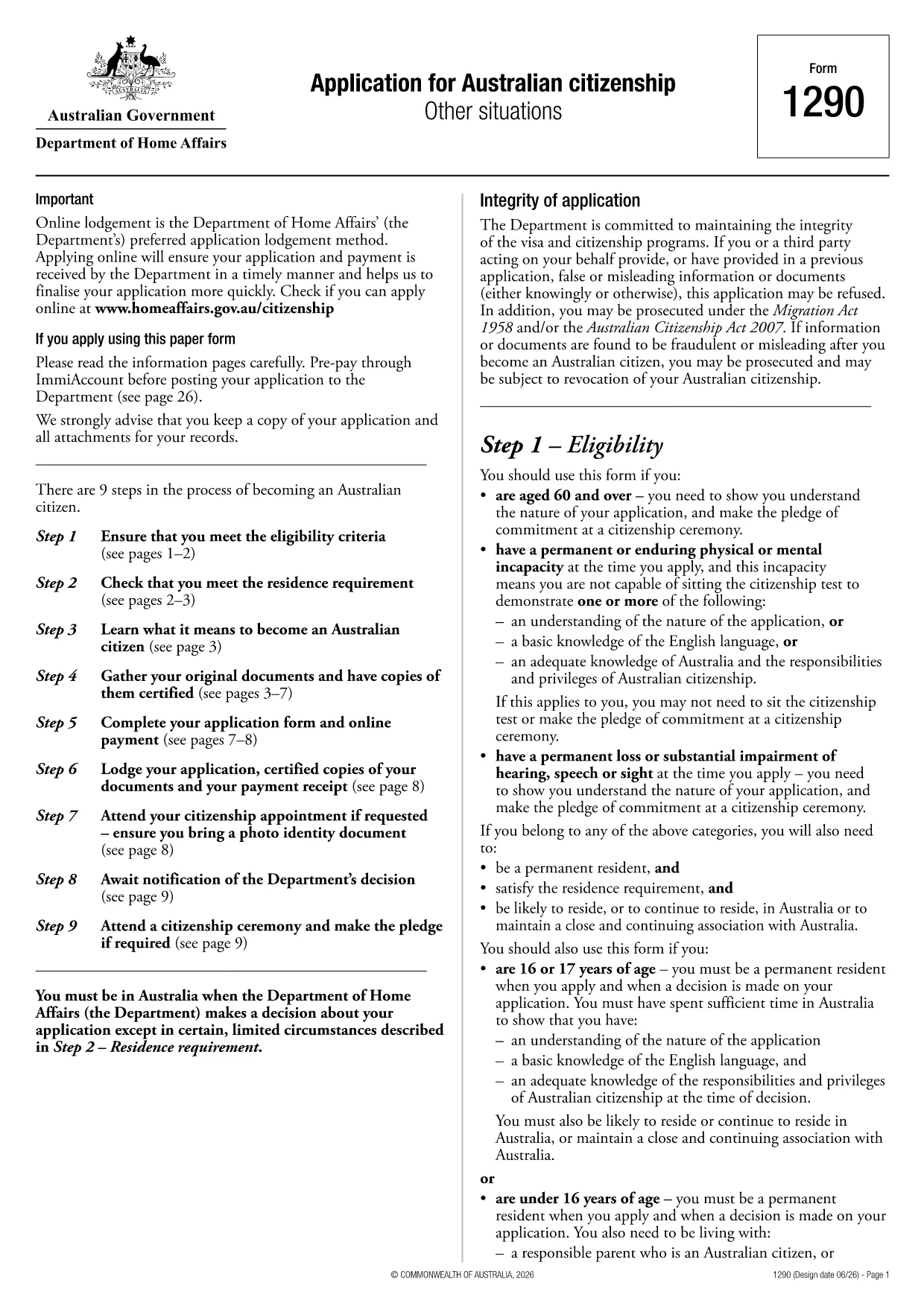
This form, provided by the Department of Home Affairs, is the primary document you need to complete if you want to become an Australian citizen. It collects personal details, residency history, character information, and your consent for background checks.

How to Complete the Form Online with Formize

Instead of printing, scanning, or using a separate PDF editor, simply click the "Fill out this form" button on this page. The Formize PDF Filler app will load in your browser, allowing you to:

  • Enter data directly into each field
  • Save progress and return later
  • Validate required fields in real time
  • Download a completed, signed PDF ready for submission

Common Mistakes to Avoid

  • Leaving mandatory fields blank: The filler highlights missing information before you can download.
  • Using an outdated version: This page always links to the latest form (PDF ID 1300t).
  • Incorrect date formats: Use DD/MM/YYYY as shown in the form instructions.
  • Forgetting to sign: Add your electronic signature in the designated field before saving.

Eligibility Requirements

Before you start, make sure you meet the basic criteria:

  • At least 4 years of lawful residence in Australia
  • Passed the citizenship test (or exempt)
  • Good character status
  • Intention to reside in Australia

Where to Submit Your Application

After completing the form, download the finished PDF and submit it through your ImmiAccount or mail it to the address listed in the instructions. Keep a copy for your records.

Need help? Review the Department of Home Affairs eligibility guide for detailed information.

ЧЗВ
  • Is this the latest Australian citizenship application form?

    Yes. The link points to PDF ID 1300t, which is the current version published by the Department of Home Affairs.

  • Can I save my progress and finish later?

    Absolutely. The Formize filler lets you save a draft locally and reload it at any time before downloading the final PDF.

  • Do I need to print the form to sign it?

    No. The online filler includes an electronic signature field that complies with Department guidelines.

  • What if I make a mistake after downloading?

    You can reopen the saved draft in Formize, correct the error, and download a new PDF. Keep only the final version for submission.

  • Are there any fees to use Formize?

    Formize’s basic PDF filler is free for public government forms like this citizenship application.

  • How long does it take for the Department to process my application?

    Processing times vary; typically 4–6 months after you submit a complete and correct application.

  • Can I apply for citizenship online instead of using the PDF?

    Yes, you may apply via ImmiAccount. Some applicants prefer the PDF for offline completion or record‑keeping.

  • What documents must I attach to the completed form?

    You’ll need proof of identity, residency, character documents, and any supporting evidence listed in the form’s instruction guide.

КАК ДА

Как да попълните Australian citizenship application безплатно онлайн в 5 лесни стъпки:

  1. 1
    Click the Fill Button
    Press the "Fill out this form" button on the page. The Formize PDF Filler will open in a new browser tab.
  2. 2
    Enter Your Information
    Complete each field using your keyboard. Required fields are marked with an asterisk and will be validated in real time.
  3. 3
    Review and Sign
    Check all entered data for accuracy, add your electronic signature in the signature field, and confirm the declaration.
  4. 4
    Download the Completed PDF
    Click "Download" to save the filled‑out form to your device. The file is ready for upload to ImmiAccount or mailing.
  5. 5
    Submit Your Application
    Upload the PDF through your ImmiAccount or send it by post to the address provided in the form instructions.
Приложение Formize PDF Filler
ОТНОСНО

Формуляри за гражданство

Australian citizenship application е един от формулярите за гражданство, които са документи, които се използват за кандидатстване за гражданство в дадена страна. Точните формуляри и изисквания за гражданство варират според държавата, но като цяло процесът включва предоставяне на лична информация и доказателство за допустимост за гражданство.

В Съединените щати най-често срещаният формуляр за гражданство е N-400 Application for Naturalization. Този формуляр се използва от законни постоянни жители (притежатели на зелена карта), за да кандидатстват за гражданство на САЩ. Формулярът изисква лична информация като име, дата на раждане и информация за контакт, както и информация за имиграционния статут на кандидата, криминално минало и други изисквания за допустимост.

Други държави може да имат различни форми и изисквания за гражданство, но основният процес обикновено включва предоставяне на информация за миналото на кандидата и отговарянето на определени критерии за допустимост. Това може да включва преминаване на тест за гражданство, демонстриране на познания за историята и правителството на страната и демонстриране на владеене на езика на страната.

Важно е да се отбележи, че процесът на получаване на гражданство може да бъде сложен и отнема много време. Препоръчително е лицата, които търсят гражданство, да се консултират с имиграционен адвокат или друг квалифициран специалист, за да ви помогнат да се ориентирате в процеса и да се уверите, че всички необходими формуляри и изисквания са изпълнени.

ХАРАКТЕРИСТИКА

PDF пълнител

Най-лесният начин да попълните Australian citizenship application онлайн

  • Бързо попълнете Australian citizenship application
    Търсите начин бързо да попълните Australian citizenship application онлайн? С нашия онлайн безплатен инструмент за попълване на PDF формуляри ще знаете как да редактирате и попълвате този PDF документ за по-малко от минута.
  • Лесен за използване онлайн PDF редактор
    Писнало ви е да разпечатвате PDF файлове, за да можете да ги редактирате, преди да сканирате повторно и да ги изпратите обратно? Редактирайте PDF документи безплатно онлайн. Използвайте нашия онлайн pdf редактор, за да спестите време и хартия.
  • Страхотни инструменти, всички платформи
    Чудите се как да попълните Australian citizenship application на Mac или може би как да използвате PDF пълнител безплатно? Нашите онлайн PDF инструменти работят на всички платформи.
  • Сигурно съхранение на файлове
    Завършените „Australian citizenship application“ файлове се съхраняват в защитена база данни, управлявана от Amazon Cloud хостинг. Можете да изтриете вашите файлове от нашата система по всяко време. Във всеки случай тези файлове се изтриват автоматично след 24 часа.
  • Чат с Australian citizenship application
    Разговаряйте с „Australian citizenship application“ в Chatize, който е безплатен асистент за четене на PDF файлове. Задавайте въпроси и получавайте отговори от „Australian citizenship application“. Просто щракнете върху бутона Чат с документ по-горе.

Изтриване на сесията за пълнене

Изтриване на избраната сесия за пълнене? В този случай вашият напредък в попълването на формуляра ще бъде загубен.

Изтриване на сесия за редактиране

Изтриване на избраната сесия за редактиране? В този случай вашият напредък в създаването и редактирането на формуляра ще бъде загубен.