
Избери език

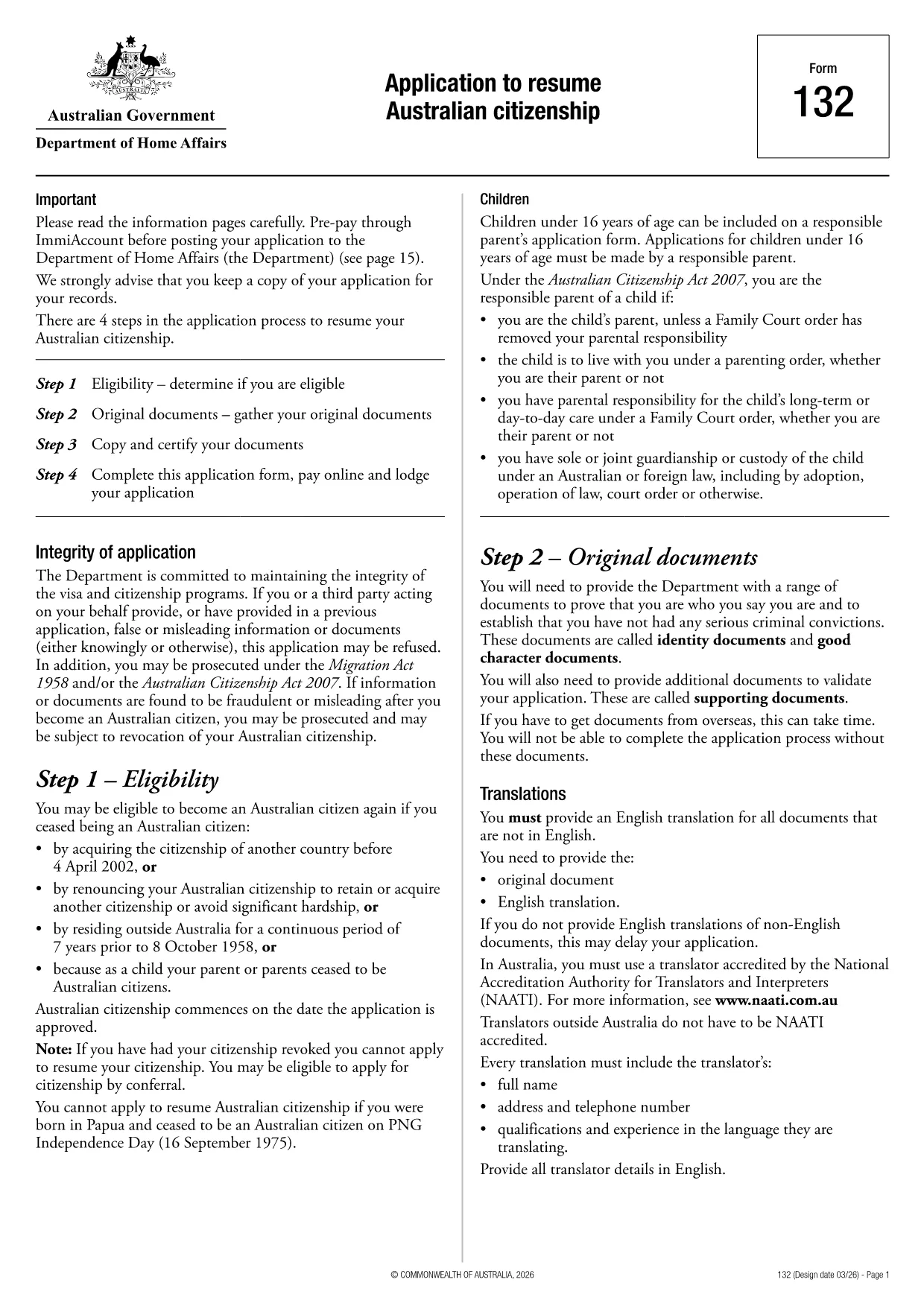
Application to Resume Australian Citizenship (Form 132) – Fill Online

  1. език Английски
  2. Държава Австралия
  3. Дейност Гражданство
  4. Отдел Home Affairs
Application to Resume Australian Citizenship (Form 132) – Fill Online

If you need to resume your Australian citizenship, you’ll use Form 132 – Application to Resume Australian Citizenship. This official PDF can now be completed entirely online with the Formize PDF Filler, so you never have to print, scan, or manually edit the document.

Why Use the Online Formize PDF Filler?

The Formize filler loads the exact PDF you need, preserving the government‑approved layout while letting you type directly into each field. Benefits include:

  • Instant validation of required fields
  • Automatic saving – you can pause and return later
  • Secure, browser‑based processing – no software install
  • One‑click download of the completed PDF for submission

Step‑by‑Step Guide to Completing Form 132

Follow these simple steps to fill out the application correctly:

  1. Click the “Fill out this form” button below.
  2. Wait for the Formize PDF Filler app to load the PDF.
  3. Enter your personal details, citizenship history, and reasons for resumption.
  4. Attach any required supporting documents (e.g., passport copy, proof of residence).
  5. Review the completed form for accuracy.
  6. Download the finished PDF and submit it to the Department of Home Affairs.

Common Mistakes to Avoid

Even with an easy online tool, mistakes happen. Avoid these pitfalls:

  • Leaving mandatory fields blank – the filler will highlight them.
  • Uploading files in the wrong format (use PDF, JPG, or PNG only).
  • Using an outdated version of the form – the link below always points to the latest Form 132.

Eligibility & Supporting Documents

Before you start, make sure you meet the eligibility criteria:

  • You previously held Australian citizenship.
  • You have been outside Australia for a period that requires resumption.
  • You can provide proof of identity and residency.

Typical supporting documents include a current passport, a statutory declaration, and any relevant court orders.

Where to Submit Your Application

After downloading the completed PDF, submit it through the Department of Home Affairs portal or mail it to the address listed on the form. Keep a copy for your records.

Ready to get started? Click the button below and let Formize handle the rest.

ЧЗВ
  • Do I need to download any software to fill Form 132?

    No. Formize’s PDF filler works entirely in your web browser, so there’s nothing to install.

  • Can I save my progress and return later?

    Yes. The filler automatically saves your entries locally, allowing you to close the browser and continue later.

  • What file formats are accepted for supporting documents?

    PDF, JPG, and PNG are accepted. Make sure each file is under 5 MB for smooth uploading.

  • Is the online filler secure?

    All data is processed locally in your browser and never stored on our servers. Your information remains private.

  • Can I print the completed form directly from the filler?

    After you finish, click the “Download” button to save the completed PDF, then print it using any PDF viewer.

  • What if I make a mistake after downloading?

    You can reopen the downloaded PDF in Formize’s filler, correct the error, and download a new version.

  • Where do I send the finished Form 132?

    Submit the PDF through the Department of Home Affairs online portal or mail it to the address listed on the form.

КАК ДА

Как да попълните Australian citizenship resume form безплатно онлайн в 4 лесни стъпки:

  1. 1
    Open the Form
    Click the “Fill out this form” button on this page. The Formize PDF Filler will launch in your browser.
  2. 2
    Enter Your Details
    Type directly into each highlighted field – the filler automatically saves your progress.
  3. 3
    Upload Supporting Documents
    Use the “Attach File” option to add passport scans, statutory declarations, or other required PDFs.
  4. 4
    Review and Submit
    Check every section for completeness, then download the finished PDF and send it to the Department of Home Affairs.
Приложение Formize PDF Filler
ОТНОСНО

Формуляри за гражданство

Australian citizenship resume form е един от формулярите за гражданство, които са документи, които се използват за кандидатстване за гражданство в дадена страна. Точните формуляри и изисквания за гражданство варират според държавата, но като цяло процесът включва предоставяне на лична информация и доказателство за допустимост за гражданство.

В Съединените щати най-често срещаният формуляр за гражданство е N-400 Application for Naturalization. Този формуляр се използва от законни постоянни жители (притежатели на зелена карта), за да кандидатстват за гражданство на САЩ. Формулярът изисква лична информация като име, дата на раждане и информация за контакт, както и информация за имиграционния статут на кандидата, криминално минало и други изисквания за допустимост.

Други държави може да имат различни форми и изисквания за гражданство, но основният процес обикновено включва предоставяне на информация за миналото на кандидата и отговарянето на определени критерии за допустимост. Това може да включва преминаване на тест за гражданство, демонстриране на познания за историята и правителството на страната и демонстриране на владеене на езика на страната.

Важно е да се отбележи, че процесът на получаване на гражданство може да бъде сложен и отнема много време. Препоръчително е лицата, които търсят гражданство, да се консултират с имиграционен адвокат или друг квалифициран специалист, за да ви помогнат да се ориентирате в процеса и да се уверите, че всички необходими формуляри и изисквания са изпълнени.

ХАРАКТЕРИСТИКА

PDF пълнител

Най-лесният начин да попълните Australian citizenship resume form онлайн

  • Бързо попълнете Australian citizenship resume form
    Търсите начин бързо да попълните Australian citizenship resume form онлайн? С нашия онлайн безплатен инструмент за попълване на PDF формуляри ще знаете как да редактирате и попълвате този PDF документ за по-малко от минута.
  • Лесен за използване онлайн PDF редактор
    Писнало ви е да разпечатвате PDF файлове, за да можете да ги редактирате, преди да сканирате повторно и да ги изпратите обратно? Редактирайте PDF документи безплатно онлайн. Използвайте нашия онлайн pdf редактор, за да спестите време и хартия.
  • Страхотни инструменти, всички платформи
    Чудите се как да попълните Australian citizenship resume form на Mac или може би как да използвате PDF пълнител безплатно? Нашите онлайн PDF инструменти работят на всички платформи.
  • Сигурно съхранение на файлове
    Завършените „Australian citizenship resume form“ файлове се съхраняват в защитена база данни, управлявана от Amazon Cloud хостинг. Можете да изтриете вашите файлове от нашата система по всяко време. Във всеки случай тези файлове се изтриват автоматично след 24 часа.
  • Чат с Australian citizenship resume form
    Разговаряйте с „Australian citizenship resume form“ в Chatize, който е безплатен асистент за четене на PDF файлове. Задавайте въпроси и получавайте отговори от „Australian citizenship resume form“. Просто щракнете върху бутона Чат с документ по-горе.

Изтриване на сесията за пълнене

Изтриване на избраната сесия за пълнене? В този случай вашият напредък в попълването на формуляра ще бъде загубен.

Изтриване на сесия за редактиране

Изтриване на избраната сесия за редактиране? В този случай вашият напредък в създаването и редактирането на формуляра ще бъде загубен.