Избери език

Application Form Model – Fillable PDF

  1. език Английски
  2. Държава САЩ
  3. Отдел Health & Human Services
  4. Дейност Health Insurance
Application Form Model – Fillable PDF

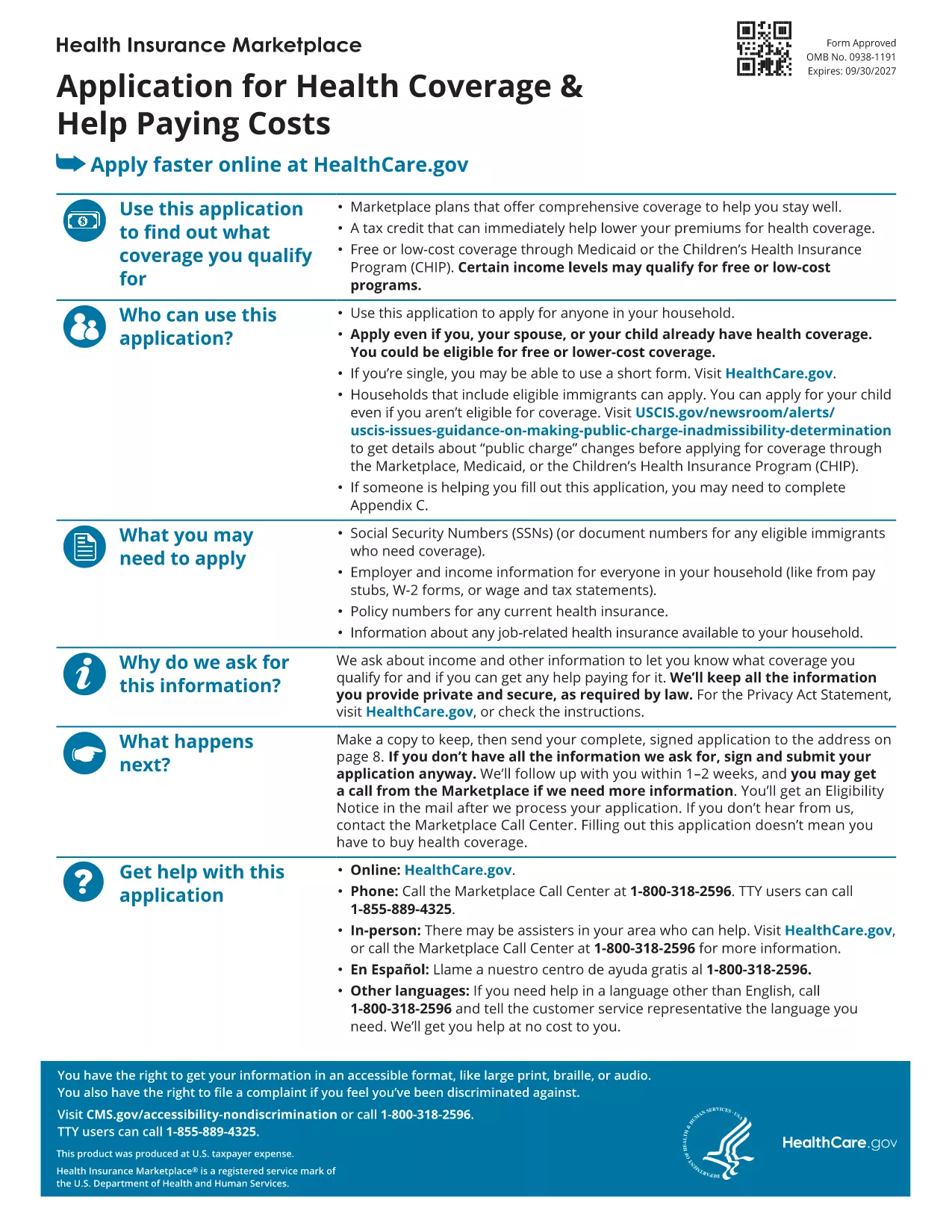
Looking for a reliable application form model that you can fill out directly in your browser? You’ve come to the right place. Our page offers a fillable PDF of the Marketplace Application for Family. This form is a perfect example of a generic application template that can be adapted for health‑coverage enrollment, scholarship requests, or any multi‑person application process.

What Is This Application Form Model?

The PDF provided by the Centers for Medicare & Medicaid Services (CMS) is a comprehensive application form model that captures household information, income details, and coverage preferences. Although it’s designed for health‑insurance enrollment, the structure—sections for personal data, dependents, and signatures—makes it an excellent reference for creating your own custom applications.

How to Fill Out the Form Online with Formize

Instead of downloading the file and opening a PDF editor, simply click the "Fill out this form" button on this page. The Formize PDF Filler app will load in seconds, letting you type, check boxes, and sign directly on the screen. All changes are saved automatically, and you can download the completed form at the end.

Common Mistakes to Avoid

  • Leaving required fields blank – the filler will highlight missing information before you submit.
  • Using the wrong date format – follow the MM/DD/YYYY pattern shown in the form.
  • Forgetting to sign – the digital signature field must be completed; otherwise the PDF is considered incomplete.

Where to Find Help and Additional Resources

If you need guidance, the CMS website offers detailed instructions for each section of the application. You can also consult the CMS Marketplace Help Center for FAQs and video tutorials.

Ready to start? Click the button below and let Formize do the heavy lifting.

ЧЗВ
  • Do I need a PDF reader to fill out this form?

    No. The Formize PDF Filler works entirely in your web browser, so no extra software is required.

  • Can I edit the form after I download it?

    Yes. The downloaded file remains fully editable with any standard PDF editor if you need to make changes later.

  • Is my data secure while using Formize?

    Formize uses SSL encryption, ensuring that all information you enter is transmitted securely.

  • What if I make a mistake while filling the form?

    You can use the "Undo" button or simply click into the field again to correct any errors before saving.

  • Is this form suitable for non‑health‑insurance applications?

    Absolutely. The layout is a generic application model that can be adapted for scholarships, memberships, or any multi‑person request.

  • How long does it take to complete the form?

    Typical completion time is 10‑15 minutes, depending on how many household members you need to add.

  • Can I submit the form directly to an agency from Formize?

    Formize only provides the filled PDF. You’ll need to upload or mail the completed form according to the agency’s instructions.

КАК ДА

Как да попълните application form model безплатно онлайн в 3 лесни стъпки:

  1. 1
    Click the Fill Out Button
    Press the "Fill out this form" button on the page. The Formize PDF Filler app will open in a new tab.
  2. 2
    Enter Your Information
    Type directly into each field, select checkboxes, and upload signatures just like you would on paper.
  3. 3
    Save and Download
    When all required sections are completed, click "Save" and then download the finished PDF for your records.
Приложение Formize PDF Filler
ОТНОСНО

application form model шаблон

С традиционния набор от функции за преглед и попълване на PDF документ, съчетан с предимствата на уеб приложение и адаптивно оформление, можете да завършите application form model за минути.

ХАРАКТЕРИСТИКА

PDF пълнител

Най-лесният начин да попълните application form model онлайн

  • Бързо попълнете application form model
    Търсите начин бързо да попълните application form model онлайн? С нашия онлайн безплатен инструмент за попълване на PDF формуляри ще знаете как да редактирате и попълвате този PDF документ за по-малко от минута.
  • Лесен за използване онлайн PDF редактор
    Писнало ви е да разпечатвате PDF файлове, за да можете да ги редактирате, преди да сканирате повторно и да ги изпратите обратно? Редактирайте PDF документи безплатно онлайн. Използвайте нашия онлайн pdf редактор, за да спестите време и хартия.
  • Страхотни инструменти, всички платформи
    Чудите се как да попълните application form model на Mac или може би как да използвате PDF пълнител безплатно? Нашите онлайн PDF инструменти работят на всички платформи.
  • Сигурно съхранение на файлове
    Завършените „application form model“ файлове се съхраняват в защитена база данни, управлявана от Amazon Cloud хостинг. Можете да изтриете вашите файлове от нашата система по всяко време. Във всеки случай тези файлове се изтриват автоматично след 24 часа.
  • Чат с application form model
    Разговаряйте с „application form model“ в Chatize, който е безплатен асистент за четене на PDF файлове. Задавайте въпроси и получавайте отговори от „application form model“. Просто щракнете върху бутона Чат с документ по-горе.

Изтриване на сесията за пълнене

Изтриване на избраната сесия за пълнене? В този случай вашият напредък в попълването на формуляра ще бъде загубен.

Изтриване на сесия за редактиране

Изтриване на избраната сесия за редактиране? В този случай вашият напредък в създаването и редактирането на формуляра ще бъде загубен.