
Избери език

SS-4PR Fillable PDF – Apply for a Puerto Rico EIN

  1. Държава САЩ
  2. език Английски
  3. Дейност Данъци
  4. Отдел IRS
SS-4PR Fillable PDF – Apply for a Puerto Rico EIN

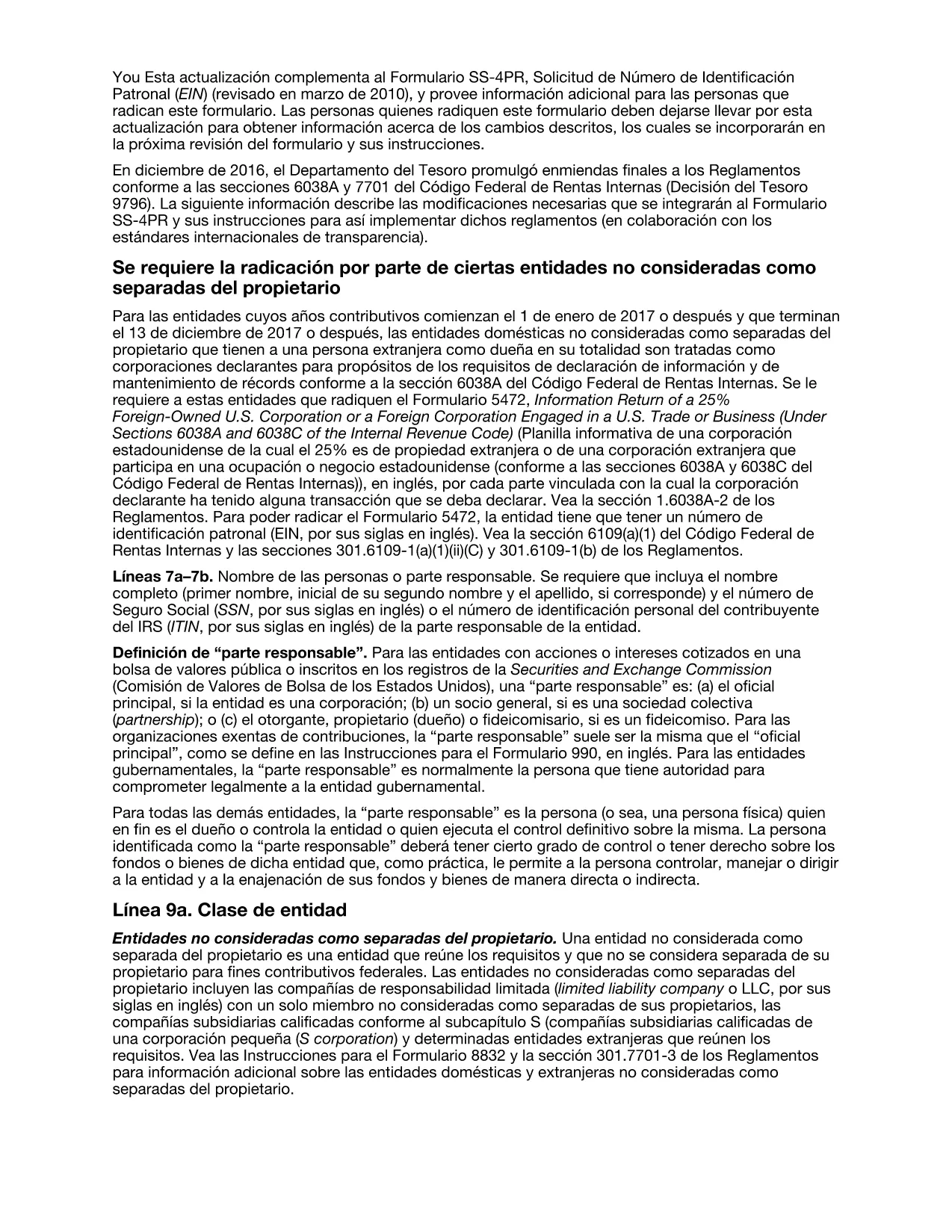
The SS-4PR is the IRS application used by businesses, trusts, estates, and other entities in Puerto Rico to request an Employer Identification Number (EIN). This number is required for tax reporting, opening bank accounts, and hiring employees.

What Is the SS-4PR Form?

Form SS-4PR is a Puerto Rico‑specific version of the standard SS‑4. It includes fields for the legal name, trade name, principal address in Puerto Rico, and the entity’s classification (corporation, LLC, partnership, etc.). The form is accepted by the IRS for all EIN requests originating in Puerto Rico.

Step‑by‑Step Guide to Completing SS-4PR Online

Instead of printing, filling, and scanning, you can complete the form directly in your browser using Formize’s Fillable PDF tool. Click the “Fill out this form” button below, wait for the Formize PDF Filler to load, and follow the on‑screen prompts.

  • Legal name: Enter the exact legal name of the entity or individual requesting the EIN.
  • Trade name (if different): Provide the DBA or “doing‑business‑as” name.
  • Principal address: Must be a physical street address in Puerto Rico (no PO Boxes).
  • Entity classification: Choose the correct box (Corporation, Partnership, LLC, etc.).
  • Reason for applying: Select the appropriate reason (new business, banking, change of ownership, etc.).

Common Mistakes & Tips for a Smooth EIN Application

Avoid these pitfalls to prevent processing delays:

  • Do not use a PO Box for the principal address.
  • Make sure the name matches exactly with any existing state registrations.
  • Provide a valid phone number and email – the IRS may need to contact you.
  • Check the box for “Limited Liability Company” only if the entity is an LLC.
  • Review the form for typos before submitting; even a small error can cause a rejection.

Download & Fill the PDF Instantly

Ready to start? Click the button below, let Formize load the fillable PDF, and complete the SS‑4PR in minutes. When you’re done, you can download, print, or submit the form electronically.

ЧЗВ
  • Who needs to file Form SS-4PR?

    Any Puerto Rico entity—corporations, LLCs, partnerships, trusts, estates, or sole proprietors—that requires an EIN for tax reporting, banking, or hiring employees.

  • Can I submit the SS-4PR online?

    Yes. After filling the PDF with Formize, you can fax or mail the completed form to the IRS. The IRS also accepts electronic submissions through the Business Services Online portal.

  • Is a PO Box acceptable for the principal address?

    No. The IRS requires a physical street address in Puerto Rico for the principal place of business.

  • How long does it take to receive an EIN after filing SS-4PR?

    If you submit the form online or by fax, the EIN is usually issued within 24–48 hours. Mail submissions can take up to 4 weeks.

  • Do I need a separate SS-4 form for Puerto Rico?

    Form SS-4PR is the Puerto Rico‑specific version of the standard SS‑4. Use SS‑4PR for all Puerto Rico EIN requests.

  • What if I make a mistake after the EIN is issued?

    Contact the IRS Business & Specialty Tax Line at 800‑829‑4933 to correct errors or request a new EIN if the original was issued to the wrong entity.

  • Is there a fee to obtain an EIN with SS-4PR?

    No. The IRS provides EINs free of charge.

КАК ДА

Как да попълните SS-4PR безплатно онлайн в 5 лесни стъпки:

  1. 1
    Open the Fillable Form
    Click the “Fill out this form” button on the page. The Formize PDF Filler will open in a new tab.
  2. 2
    Enter Entity Information
    Type the legal name, trade name, address, and classification exactly as they appear on official documents.
  3. 3
    Complete EIN Reason and Details
    Select why you need an EIN (new business, banking, etc.) and fill in the requested dates and employee estimates.
  4. 4
    Review & Validate
    Use the built‑in validation to check for missing fields or formatting errors before finalizing.
  5. 5
    Save or Submit
    When the form is complete, download the signed PDF, print it, or submit it electronically to the IRS.
Приложение Formize PDF Filler
ОТНОСНО

Данъчни формуляри

SS-4PR е един от данъчните формуляри, които са документи, използвани за докладване на информация, свързана с данъци, на съответния данъчен орган. Има различни видове данъчни формуляри, включително федерални, щатски и местни данъчни формуляри, които могат да варират в зависимост от обстоятелствата и местоположението на данъкоплатеца.

ХАРАКТЕРИСТИКА

PDF пълнител

Най-лесният начин да попълните SS-4PR онлайн

  • Бързо попълнете SS-4PR
    Търсите начин бързо да попълните SS-4PR онлайн? С нашия онлайн безплатен инструмент за попълване на PDF формуляри ще знаете как да редактирате и попълвате този PDF документ за по-малко от минута.
  • Лесен за използване онлайн PDF редактор
    Писнало ви е да разпечатвате PDF файлове, за да можете да ги редактирате, преди да сканирате повторно и да ги изпратите обратно? Редактирайте PDF документи безплатно онлайн. Използвайте нашия онлайн pdf редактор, за да спестите време и хартия.
  • Страхотни инструменти, всички платформи
    Чудите се как да попълните SS-4PR на Mac или може би как да използвате PDF пълнител безплатно? Нашите онлайн PDF инструменти работят на всички платформи.
  • Сигурно съхранение на файлове
    Завършените „SS-4PR“ файлове се съхраняват в защитена база данни, управлявана от Amazon Cloud хостинг. Можете да изтриете вашите файлове от нашата система по всяко време. Във всеки случай тези файлове се изтриват автоматично след 24 часа.
  • Чат с SS-4PR
    Разговаряйте с „SS-4PR“ в Chatize, който е безплатен асистент за четене на PDF файлове. Задавайте въпроси и получавайте отговори от „SS-4PR“. Просто щракнете върху бутона Чат с документ по-горе.

Изтриване на сесията за пълнене

Изтриване на избраната сесия за пълнене? В този случай вашият напредък в попълването на формуляра ще бъде загубен.

Изтриване на сесия за редактиране

Изтриване на избраната сесия за редактиране? В този случай вашият напредък в създаването и редактирането на формуляра ще бъде загубен.