Избери език

USPS Post Office Application Form (Fillable PDF)

  1. език Английски
  2. Държава САЩ
  3. Дейност Employment
  4. Отдел USPS
USPS Post Office Application Form (Fillable PDF)

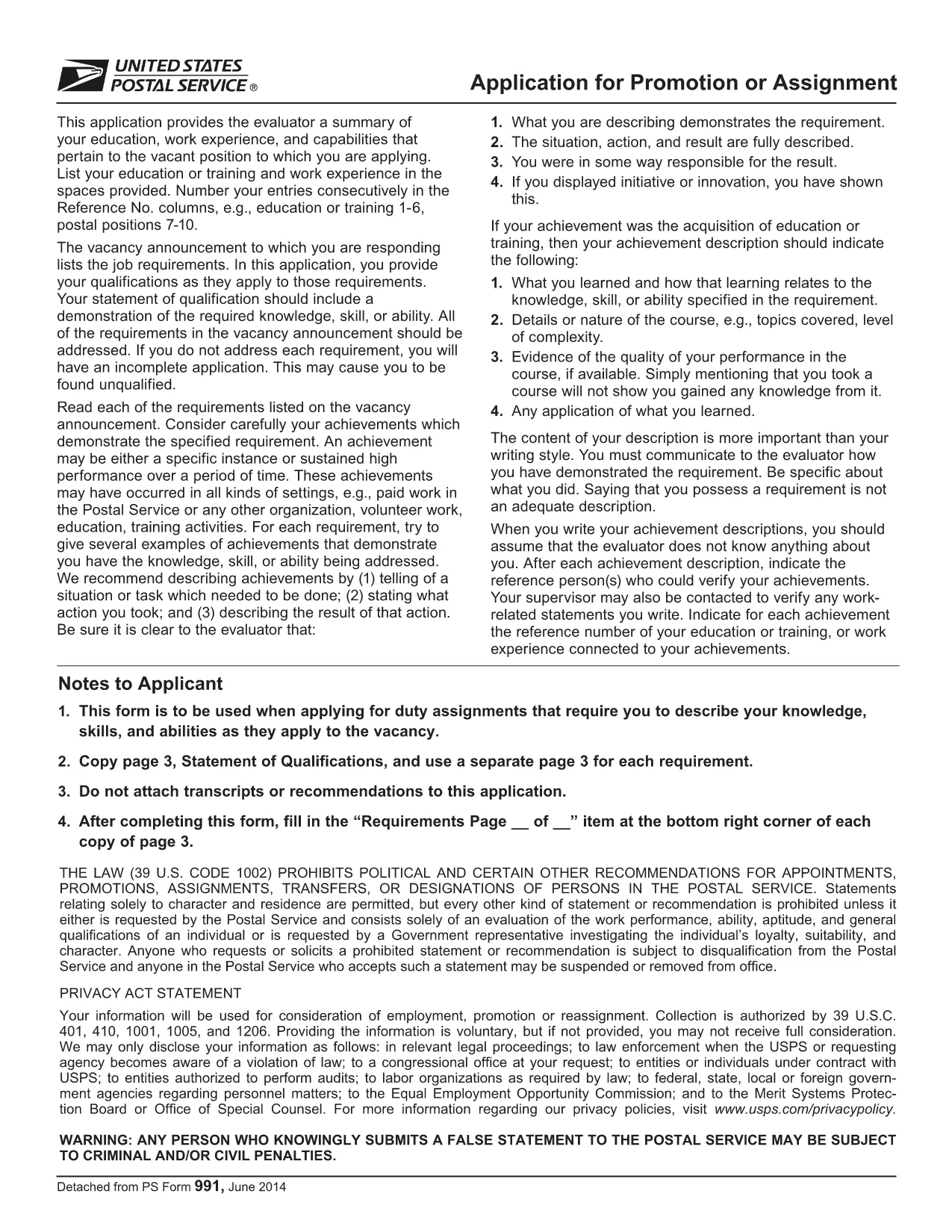
Applying for a position, promotion, or assignment with the United States Postal Service (USPS) starts with the official PS‑991 Application Form. Instead of printing, scanning, or hand‑writing, you can fill the form instantly online using Formize’s secure PDF filler.

Why Use the Fillable PDF Form?

  • Fast loading – the form opens in seconds.
  • Auto‑save feature prevents lost data.
  • Built‑in validation reduces errors.
  • Direct download of the official USPS PDF (PS‑991).

How to Complete the USPS Application Online

Follow the simple steps below to finish your application without leaving the page.

Common Mistakes to Avoid

  • Leaving required fields blank – the filler will highlight them.
  • Using an outdated version of the form – always use the latest PDF linked below.
  • Submitting without reviewing – use the “Preview” button to double‑check.

Download the Official PDF

The PDF you will fill out is the exact form provided by USPS. Click the button below to launch the Formize PDF Filler and start editing instantly.

FAQs About the USPS Application

Find quick answers to the most common questions below. If you need more help, refer to the official USPS instructions.

ЧЗВ
  • Is the PS‑991 form only for current USPS employees?

    Yes, PS‑991 is intended for current USPS employees applying for promotions, reassignments, or special duties.

  • Can I edit the PDF on a mobile device?

    The Formize PDF Filler works on most smartphones and tablets. For the best experience, use a desktop browser.

  • Do I need Adobe Acrobat to fill the form?

    No. The fillable version runs entirely in your web browser via Formize’s secure PDF filler.

  • What if I make a mistake after saving?

    Open the saved PDF again with the Formize filler, edit the needed fields, and re‑save.

  • Is my personal data safe while using the filler?

    Yes. Formize uses SSL encryption, and the PDF never leaves your browser unless you choose to download or submit it.

  • Do I need to print the form before submitting?

    Most USPS hiring portals accept a PDF upload. Print only if the specific posting requires a hard copy.

  • How often is the PS‑991 form updated?

    USPS updates the form as needed. The link on this page always points to the latest version.

КАК ДА

Как да попълните USPS application form безплатно онлайн в 5 лесни стъпки:

  1. 1
    Click “Fill out this form”
    Press the button on this page to open the Formize PDF Filler with the PS‑991 PDF loaded.
  2. 2
    Wait for the filler to load
    The app loads in a few seconds; you’ll see the form fields become editable.
  3. 3
    Enter your information
    Type directly into each field. Required fields are marked with an asterisk and validated in real time.
  4. 4
    Review and save
    Use the “Preview” button to check all entries, then click “Save” to download a completed copy.
  5. 5
    Submit to USPS
    Print the saved PDF or attach it to your online USPS job portal submission as instructed by the hiring manager.
Приложение Formize PDF Filler
ОТНОСНО

USPS application form шаблон

С традиционния набор от функции за преглед и попълване на PDF документ, съчетан с предимствата на уеб приложение и адаптивно оформление, можете да завършите USPS application form за минути.

ХАРАКТЕРИСТИКА

PDF пълнител

Най-лесният начин да попълните USPS application form онлайн

  • Бързо попълнете USPS application form
    Търсите начин бързо да попълните USPS application form онлайн? С нашия онлайн безплатен инструмент за попълване на PDF формуляри ще знаете как да редактирате и попълвате този PDF документ за по-малко от минута.
  • Лесен за използване онлайн PDF редактор
    Писнало ви е да разпечатвате PDF файлове, за да можете да ги редактирате, преди да сканирате повторно и да ги изпратите обратно? Редактирайте PDF документи безплатно онлайн. Използвайте нашия онлайн pdf редактор, за да спестите време и хартия.
  • Страхотни инструменти, всички платформи
    Чудите се как да попълните USPS application form на Mac или може би как да използвате PDF пълнител безплатно? Нашите онлайн PDF инструменти работят на всички платформи.
  • Сигурно съхранение на файлове
    Завършените „USPS application form“ файлове се съхраняват в защитена база данни, управлявана от Amazon Cloud хостинг. Можете да изтриете вашите файлове от нашата система по всяко време. Във всеки случай тези файлове се изтриват автоматично след 24 часа.
  • Чат с USPS application form
    Разговаряйте с „USPS application form“ в Chatize, който е безплатен асистент за четене на PDF файлове. Задавайте въпроси и получавайте отговори от „USPS application form“. Просто щракнете върху бутона Чат с документ по-горе.

Изтриване на сесията за пълнене

Изтриване на избраната сесия за пълнене? В този случай вашият напредък в попълването на формуляра ще бъде загубен.

Изтриване на сесия за редактиране

Изтриване на избраната сесия за редактиране? В този случай вашият напредък в създаването и редактирането на формуляра ще бъде загубен.