Zvolte jazyk

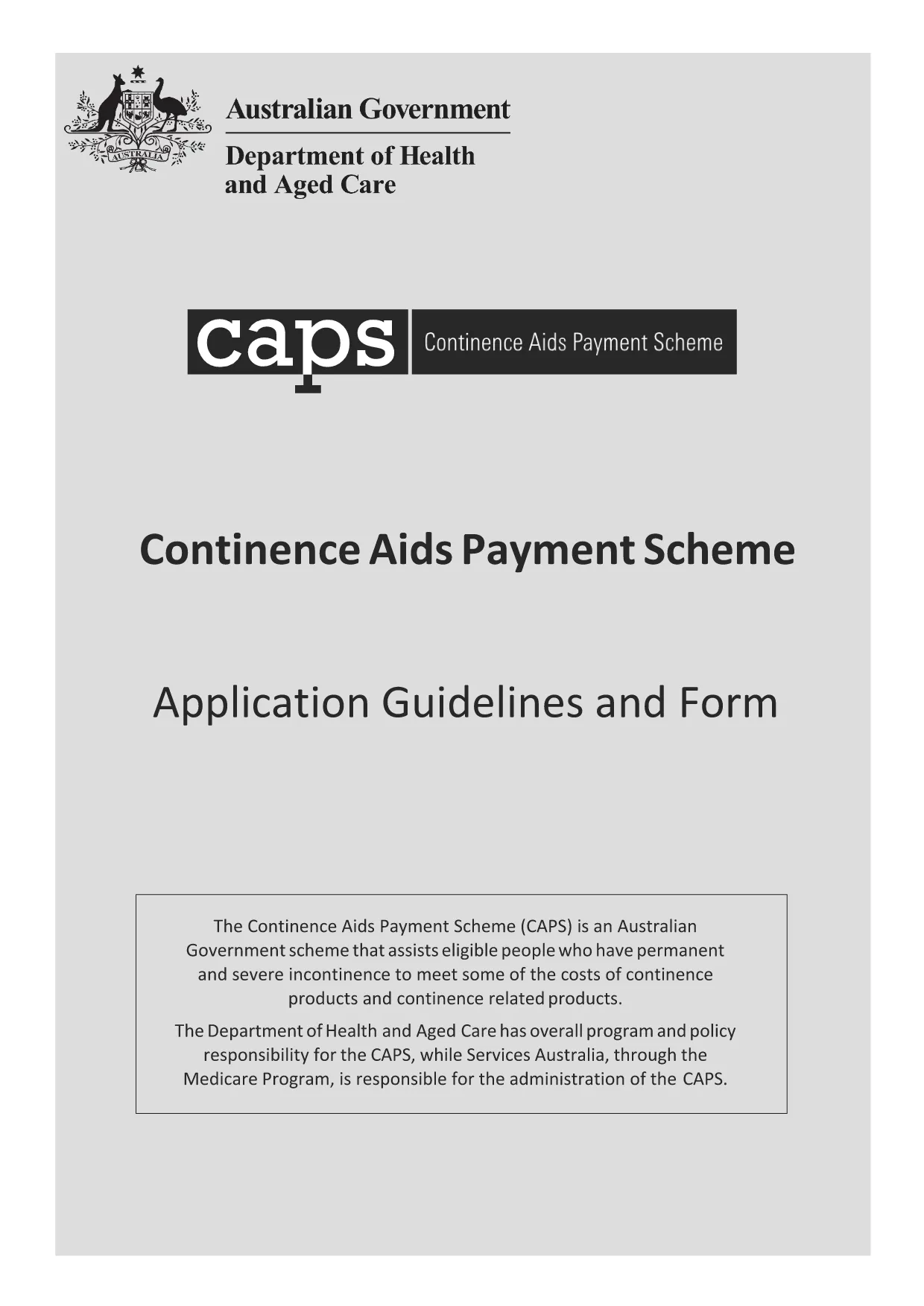
Continence Aids Payment Scheme Application Form (Fillable PDF)

  1. Jazyk Angličtina
  2. Země Austrálie
  3. Aktivita Government Benefits
  4. oddělení Ministerstvo zdravotnictví a péče o rodinu
Continence Aids Payment Scheme Application Form (Fillable PDF)

Looking for a fast, secure way to complete the Australian Government Continence Aids Payment Scheme application? You’ve come to the right place. This page provides a direct download of the official fillable PDF and step‑by‑step guidance on using Formize’s online PDF filler, so you never need to print, scan, or fax.

What is this form for?

The Continence Aids Payment Scheme (CAPS) assists eligible Australians with the cost of continence products. The downloadable PDF includes both the application guidelines and the actual form you must submit to the Department of Health.

Key sections you need to complete

  • Applicant details – name, date of birth, address, and contact information.
  • Medical information – diagnosis, supporting health report, and prescribing doctor details.
  • Representative details (if applicable) – information for a carer or legal guardian.
  • Bank account details – where the payment will be deposited.
  • Signature – electronic signature accepted when using Formize.

How to fill the form online

Instead of downloading the PDF and opening it in a separate editor, simply click the "Fill out this form" button on this page. The Formize PDF Filler will load in your browser, allowing you to complete every field with a few clicks.

Common mistakes to avoid

  • Using cursive or decorative fonts – stick to plain, black or blue text.
  • Leaving required fields blank – the filler will highlight any missing information.
  • Submitting an outdated health report – ensure the report is dated within the last 12 months.
  • Entering bank details that don’t match your name – this will cause payment delays.

Where to submit your application

After completing the form, download the final PDF and attach it to your online submission portal on the Department of Health website, or mail it to the address listed in the guidelines. Keep a copy for your records.

FAQ
  • Do I need to print the form to sign it?

    No. The Formize PDF Filler includes an electronic signature field that is legally accepted for this government application.

  • Can I save my progress and return later?

    Yes. Use the “Save” button in the filler to download a partially completed PDF, then reload it later to finish.

  • What file format is required for supporting documents?

    Upload supporting health reports as PDF, JPG, or PNG files. Ensure each file is under 5 MB.

  • Is there a fee to use Formize’s filler?

    Formize’s basic PDF filler is free for government and public forms. No hidden charges apply.

  • How long does the application process take after submission?

    The Department of Health typically processes CAPS applications within 15‑20 business days, provided all information is complete.

  • What if I make a mistake after downloading the completed form?

    You can re‑open the downloaded PDF in Formize, correct the error, and re‑download the updated version before submitting.

JAK

Jak zdarma vyplnit government application form online v 4 jednoduchých krocích:

  1. 1
    Click the Fill button
    Press the “Fill out this form” button on this page to open the Formize PDF Filler in a new tab.
  2. 2
    Wait for the filler to load
    The Formize app loads within seconds. You’ll see a familiar PDF layout with editable fields.
  3. 3
    Complete each section
    Enter your information, upload any required health reports, and use the dropdowns where provided.
  4. 4
    Sign and download
    Add an electronic signature, review the completed form, then download the final PDF for submission.
Aplikace Formize PDF Filler
O

šablona government application form

S tradiční sadou funkcí pro prohlížení a vyplňování dokumentu PDF v kombinaci s výhodami webové aplikace a responzivního rozvržení zvládnete government application form dokončit během několika minut.

FUNKCE

PDF Filler

Nejjednodušší způsob, jak vyplnit government application form online

  • Rychle vyplňte government application form
    Hledáte způsob, jak rychle vyplnit government application form online? S naším online bezplatným vyplňováním formulářů PDF budete vědět, jak upravit a vyplnit tento dokument PDF za méně než minutu.
  • Snadno použitelný online editor PDF
    Už vás nebaví tisknout soubory PDF, abyste je mohli upravovat, než je znovu naskenujete a odešlete zpět? Upravujte dokumenty PDF zdarma online. Použijte náš online editor PDF, abyste ušetřili čas a papír.
  • Skvělé nástroje, všechny platformy
    Zajímá vás, jak vyplnit government application form na Macu, nebo možná jak používat PDF filler zdarma? Naše online nástroje PDF fungují na všech platformách.
  • Bezpečné ukládání souborů
    Dokončené soubory „government application form“ jsou uloženy v zabezpečené databázi spravované hostingem Amazon Cloud. Své soubory můžete z našeho systému kdykoli smazat. V každém případě jsou tyto soubory po 24 hodinách automaticky smazány.
  • Chat s government application form
    Chatujte s „government application form“ na Chatize, což je bezplatný pomocník pro čtení PDF. Ptejte se a získejte odpovědi z „government application form“. Stačí kliknout na tlačítko Chat with Document výše.

Smazat relaci plnění

Smazat vybranou relaci plnění? V takovém případě bude váš postup při vyplňování formuláře ztracen.

Smazat relaci úprav

Smazat vybranou relaci úprav? V tomto případě bude váš postup při vytváření a úpravách formuláře ztracen.