
šablona application form
S tradiční sadou funkcí pro prohlížení a vyplňování dokumentu PDF v kombinaci s výhodami webové aplikace a responzivního rozvržení zvládnete application form dokončit během několika minut.


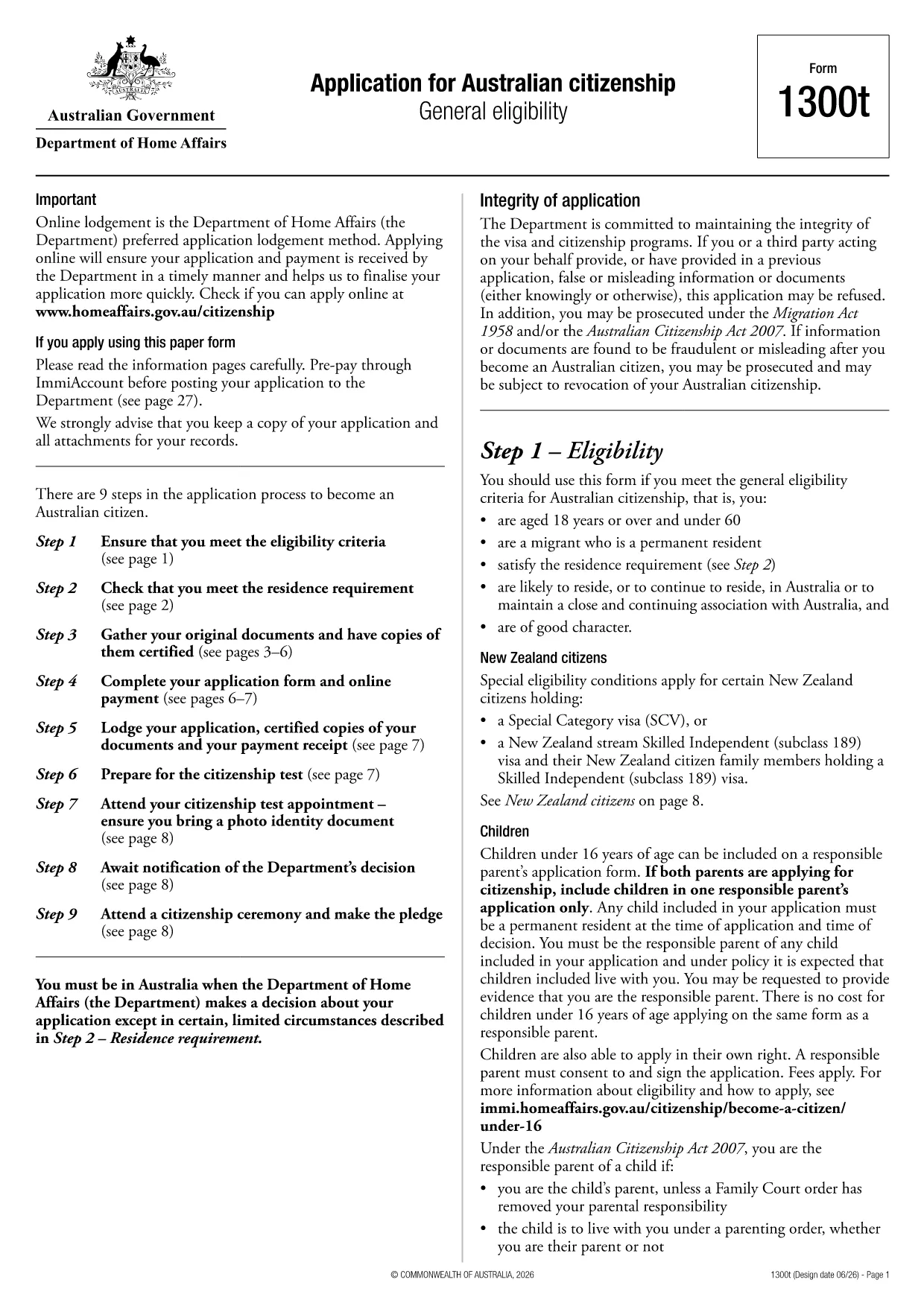
Looking for a fast, secure way to complete the Australian citizenship application (Form 1300T)? With Formize’s built‑in PDF filler you can fill, sign, and download the form directly in your browser – no Adobe Acrobat or other software required.
Our cloud‑based filler works on any device and integrates seamlessly with Google Drive, allowing you to store the completed form where you need it. It’s perfect for anyone who wants a fillable PDF that behaves like a Google Form – intuitive, fast, and always accessible.
After completing Form 1300T, include it with certified copies of your identity documents and the required fee receipt. Submit the package online via ImmiAccount or mail it to the address listed on the form’s instruction pages.
Find quick answers to the most common queries about this form below (full FAQ list further down the page).
Yes. The official PDF from the Department of Home Affairs is fully fillable and works with our online PDF filler.
No. Formize’s web‑based filler lets you complete the form in any modern browser without extra software.
You can download a partially completed PDF and re‑upload it later to continue editing.
After you finish, you can choose the “Save to Google Drive” option to store the file directly in your Drive.
A passport, proof of residence, and any supporting evidence listed in the form’s instruction pages must be certified copies.
Print, sign the declaration page, and include the form in your citizenship application packet submitted via ImmiAccount or mail.
No. Formize provides the filler for free; you only pay the government fee required for the citizenship application.
Yes, you can re‑open the downloaded PDF in the Formize filler to make changes before final submission.
We link directly to the latest version hosted by the Department of Home Affairs, ensuring you always have the current form.
Refresh the page and reload the filler. If the problem persists, try a different browser or clear your cache.
S tradiční sadou funkcí pro prohlížení a vyplňování dokumentu PDF v kombinaci s výhodami webové aplikace a responzivního rozvržení zvládnete application form dokončit během několika minut.
Nejjednodušší způsob, jak vyplnit application form online
Smazat relaci plnění
Smazat relaci úprav