Zvolte jazyk

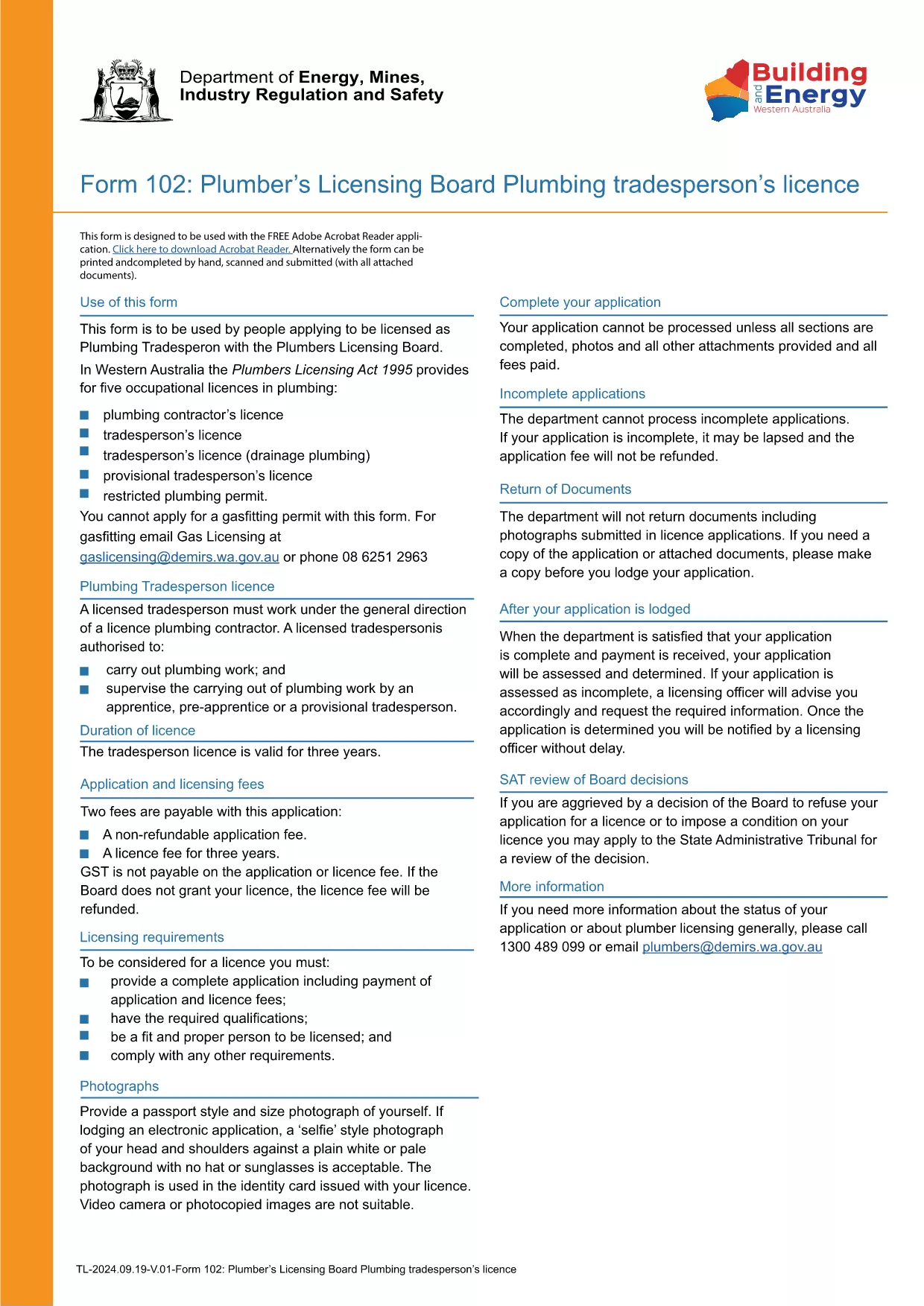
Form TR-102 – Plumbing Tradesperson Licence (Western Australia)

  1. Země Austrálie
  2. Jazyk Angličtina
  3. Aktivita Licensing
  4. oddělení Plumbers Licensing Board
Form TR-102 – Plumbing Tradesperson Licence (Western Australia)

Form TR-102 is the official application used by individuals in Western Australia who want to obtain a new Plumbing Tradesperson Licence. The form is available as a fillable PDF, making it easy to complete on any device.

What is Form TR-102?

This form is issued by the Plumbers Licensing Board under the Plumbers Licensing Act 1995. It captures personal details, qualifications, work experience, and authorisations needed for a licence to practice plumbing trades in WA.

How to Fill Form TR-102 Online

Instead of downloading the PDF and editing it with a separate editor, simply click the "Fill out this form" button on this page. The Formize PDF Filler app will load the document directly in your browser, allowing you to:

  • Enter data into each field with keyboard or touch input.
  • Save progress and return later.
  • Validate entries in real‑time (e.g., date formats, numeric limits).
  • Download the completed, signed PDF for submission.

Common Mistakes to Avoid

  • Leaving required fields blank – the filler will highlight missing information before you can save.
  • Using the wrong licence class – ensure you select the correct trade (e.g., drainage, gas).
  • Incorrect dates or licence numbers – double‑check all numbers against your certificates.
  • Submitting an unsigned PDF – sign electronically in the Formize app or print and sign before sending.

Where to Submit Your Application

After completing the form, you can either:

Processing times vary, but most applications are reviewed within 10‑15 business days.

FAQ
  • What does the "TR-102" code mean?

    "TR-102" is the reference number for the Plumbing Tradesperson Licence application used by the Western Australian Plumbers Licensing Board.

  • Can I edit the PDF on a mobile device?

    Yes. The Formize PDF Filler works on smartphones and tablets, allowing you to fill the form on any device.

  • Do I need to pay a fee when I submit Form TR-102?

    A licence application fee is required. The exact amount is listed on the Plumbers Licensing Board website and must be paid when you submit the form.

  • How long does it take to get the licence after submission?

    Processing typically takes 10‑15 business days, provided all required information and supporting documents are included.

  • What if I make a mistake after I’ve submitted the form?

    Contact the Plumbers Licensing Board immediately. You may need to submit a corrected form or provide additional documentation.

  • Is an electronic signature accepted?

    Yes. The Formize PDF Filler allows you to add a legally accepted electronic signature, which the Board accepts for most applications.

JAK

Jak zdarma vyplnit Form TR-102 online v 5 jednoduchých krocích:

  1. 1
    Click the Fill Out Button
    Press the "Fill out this form" button on this page to launch the Formize PDF Filler.
  2. 2
    Wait for the Filler to Load
    The app loads the fillable PDF in your browser; this usually takes a few seconds.
  3. 3
    Complete Each Section
    Enter your personal details, qualifications, and licence preferences in the highlighted fields.
  4. 4
    Review and Sign
    Use the built‑in validation to check for errors, then add an electronic signature or print to sign.
  5. 5
    Download or Submit
    Save the completed PDF to your device or submit it directly through the Plumbers Licensing Board portal.
Aplikace Formize PDF Filler
O

šablona Form TR-102

S tradiční sadou funkcí pro prohlížení a vyplňování dokumentu PDF v kombinaci s výhodami webové aplikace a responzivního rozvržení zvládnete Form TR-102 dokončit během několika minut.

FUNKCE

PDF Filler

Nejjednodušší způsob, jak vyplnit Form TR-102 online

  • Rychle vyplňte Form TR-102
    Hledáte způsob, jak rychle vyplnit Form TR-102 online? S naším online bezplatným vyplňováním formulářů PDF budete vědět, jak upravit a vyplnit tento dokument PDF za méně než minutu.
  • Snadno použitelný online editor PDF
    Už vás nebaví tisknout soubory PDF, abyste je mohli upravovat, než je znovu naskenujete a odešlete zpět? Upravujte dokumenty PDF zdarma online. Použijte náš online editor PDF, abyste ušetřili čas a papír.
  • Skvělé nástroje, všechny platformy
    Zajímá vás, jak vyplnit Form TR-102 na Macu, nebo možná jak používat PDF filler zdarma? Naše online nástroje PDF fungují na všech platformách.
  • Bezpečné ukládání souborů
    Dokončené soubory „Form TR-102“ jsou uloženy v zabezpečené databázi spravované hostingem Amazon Cloud. Své soubory můžete z našeho systému kdykoli smazat. V každém případě jsou tyto soubory po 24 hodinách automaticky smazány.
  • Chat s Form TR-102
    Chatujte s „Form TR-102“ na Chatize, což je bezplatný pomocník pro čtení PDF. Ptejte se a získejte odpovědi z „Form TR-102“. Stačí kliknout na tlačítko Chat with Document výše.

Smazat relaci plnění

Smazat vybranou relaci plnění? V takovém případě bude váš postup při vyplňování formuláře ztracen.

Smazat relaci úprav

Smazat vybranou relaci úprav? V tomto případě bude váš postup při vytváření a úpravách formuláře ztracen.