
šablona CSC application form
S tradiční sadou funkcí pro prohlížení a vyplňování dokumentu PDF v kombinaci s výhodami webové aplikace a responzivního rozvržení zvládnete CSC application form dokončit během několika minut.


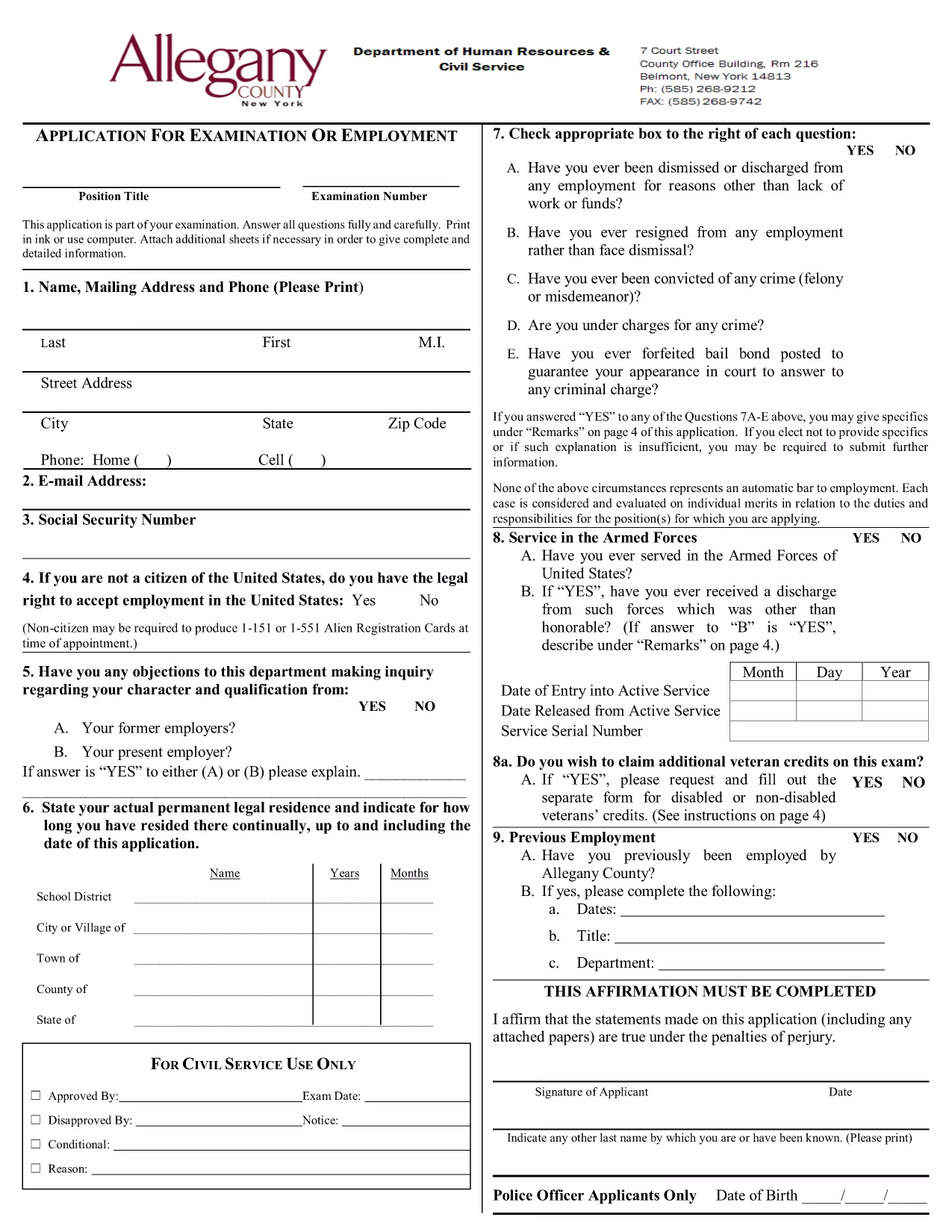
Looking for a fast, secure way to complete the CSC application form? Formize lets you open the official fillable PDF directly in your browser, fill every field, add a digital signature, and save or submit the document without ever installing extra software.
Follow these simple steps to complete the form correctly and avoid common errors.
MM/DD/YYYY as shown.When you’re satisfied with the information, click Save to download a copy, Print for a hard‑copy submission, or Email directly to the relevant department.
Need help? Review the FAQs below or contact the Civil Service Commission through their official channels.
Yes. Formize provides free access to the official fillable PDF. No hidden fees or subscriptions are required.
No. The Formize PDF Filler works in any modern browser, eliminating the need for separate PDF software.
Absolutely. Open the saved PDF again with Formize’s filler to make changes before final submission.
You will download a standard PDF file that retains all your entered data and digital signature.
Formize uses SSL encryption for all data transmitted between your browser and our servers. Your information is never stored permanently without your consent.
The filler highlights incomplete or incorrectly formatted fields. Correct the highlighted sections and try again. If the problem persists, refresh the page and start over.
S tradiční sadou funkcí pro prohlížení a vyplňování dokumentu PDF v kombinaci s výhodami webové aplikace a responzivního rozvržení zvládnete CSC application form dokončit během několika minut.
Nejjednodušší způsob, jak vyplnit CSC application form online
Smazat relaci plnění
Smazat relaci úprav