
Vælg sprog

Application Form Z – Fillable PDF

  1. Sprog engelsk
  2. Land Australien
  3. Afdeling Indenrigs- og Justitsministeriet
  4. Aktivitet Visum
Application Form Z – Fillable PDF

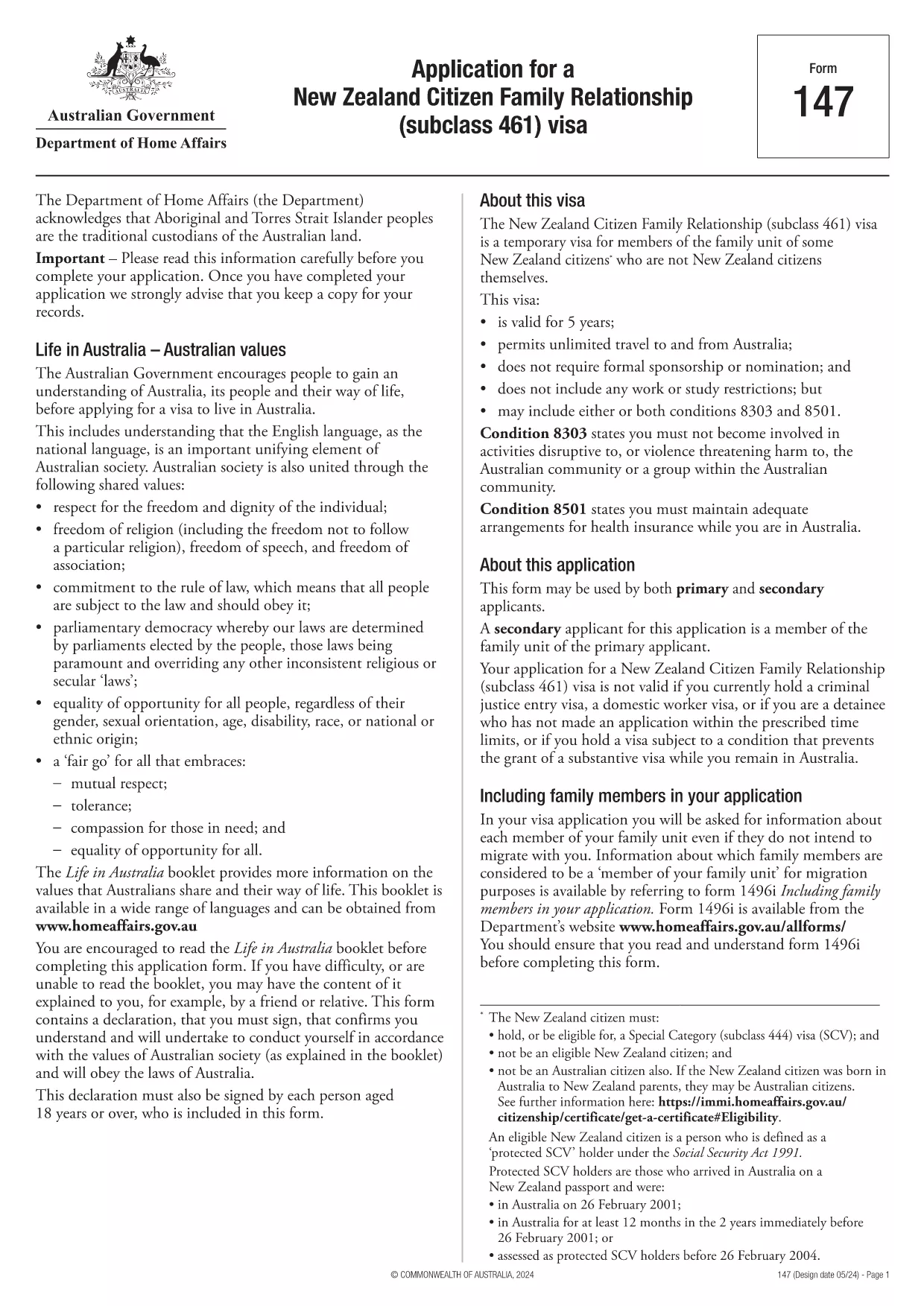
Looking for a quick, secure way to complete Application Form Z? You’ve come to the right place. Our fillable PDF version lets you enter data directly in your browser, sign electronically, and submit without ever printing a single page.

Formize hosts the official PDF from the Department of Home Affairs, so you can be confident you’re using the correct, up‑to‑date version. Below you’ll find everything you need to know – from a brief overview of the form’s purpose to detailed, step‑by‑step instructions on how to fill it out online.

What is Application Form Z?

Application Form Z is the official document used for certain visa and family‑relationship requests in Australia. It captures personal details, relationship information, and supporting evidence required by the Department of Home Affairs.

How to Fill the Form Online with Formize

Instead of downloading the PDF and opening it in a desktop editor, simply click the "Fill out this form" button on this page. The Formize PDF Filler app will load in seconds, presenting you with an intuitive, web‑based interface.

Common Mistakes to Avoid

  • Leaving required fields blank – the filler will highlight missing information before you can submit.
  • Using the wrong date format – the form expects DD/MM/YYYY.
  • Uploading unsupported file types for attachments – stick to PDF, JPG, or PNG.
  • Forgetting to add your electronic signature – the signature field is mandatory.

Download the Fillable PDF

If you prefer to keep a local copy, you can download the official PDF directly from the Department of Home Affairs:

Download Application Form Z (PDF)

After downloading, you can still use Formize’s online filler by uploading the file, but the one‑click option above is the fastest route.

Frequently Asked Questions

Below are the most common questions users have about Application Form Z and how to complete it using Formize.

FAQ
  • Do I need Adobe Acrobat to fill Application Form Z?

    No. Formize’s online filler works in any modern browser, so you don’t need Acrobat or any additional software.

  • Can I save my progress and finish later?

    Yes. The filler lets you save a draft to your device or to your Formize account, then resume whenever you’re ready.

  • Is the electronic signature accepted by the Department of Home Affairs?

    Absolutely. The Department recognises electronic signatures on fillable PDFs submitted through approved platforms like Formize.

  • What file formats are allowed for supporting documents?

    PDF, JPG, and PNG are accepted. Each file must be under 10 MB.

  • How long does it take for the Department to process the form?

    Processing times vary by visa category. Check the latest estimates on the Department of Home Affairs website after you submit.

  • What if I make a mistake after submitting?

    Contact the Department’s case office as soon as possible. You may be asked to submit a corrected form or an amendment letter.

HVORDAN

Sådan udfylder du application form z gratis online i 5 nemme trin:

  1. 1
    Open the Formizer Filler
    Click the bright "Fill out this form" button on this page. The Formize PDF Filler app will launch in a new window.
  2. 2
    Enter Your Information
    Type directly into each fillable field. Use the Tab key to move quickly between sections.
  3. 3
    Add Attachments
    Upload required supporting documents (PDF, JPG, PNG) using the attachment icons next to each field.
  4. 4
    Sign Electronically
    Click the signature field, draw or type your name, and confirm. The signature is legally binding.
  5. 5
    Review & Submit
    Use the built‑in validator to check for missing fields, then click "Submit". You’ll receive a confirmation email with a copy of your completed form.
Formize PDF Filler app
OM

Visum formularer

application form z er en af ​​visumformularer, der er dokumenter, der bruges til at ansøge om visum til indrejse i et fremmed land. Et visum er et dokument, der tillader en udenlandsk statsborger at rejse ind, opholde sig og nogle gange arbejde i et fremmed land i en bestemt periode. De nøjagtige former og krav for at få et visum varierer efter land og visumtype.

Visumformularer kræver typisk personoplysninger som navn, fødselsdato og pasoplysninger samt oplysninger om rejsens formål og længde, påtænkt destination, og om ansøgeren tidligere har fået afslag på visum eller udvist fra et land. Formularerne kan også kræve støttedokumenter såsom pas, fotografier og bevis for økonomisk støtte.

I USA er de mest almindelige visumformer DS-160 og DS-260. DS-160-formularen bruges til at ansøge om et ikke-immigrantvisum, mens DS-260-formularen bruges til at ansøge om et immigrantvisum. Disse formularer kræver detaljerede oplysninger om ansøgerens personlige og rejsehistorik samt understøttende dokumentation såsom pas, rejseplan og økonomiske optegnelser.

Andre lande kan have forskellige visumformer og -krav, men den grundlæggende proces involverer typisk at udfylde en visumansøgning, levere understøttende dokumentation og deltage i et interview med en konsulær embedsmand på en amerikansk ambassade eller konsulat. Det er vigtigt at bemærke, at visumansøgningsprocessen kan være kompleks og tidskrævende, og det anbefales, at personer, der søger et visum, rådfører sig med en immigrationsadvokat eller anden kvalificeret professionel for at sikre, at alle nødvendige former og krav er opfyldt.

FUNKTIONER

PDF Filler

Den nemmeste måde at udfylde application form z online

  • Udfyld hurtigt application form z
    Leder du efter en måde, hvorpå du hurtigt kan fylde application form z online? Med vores online gratis PDF-formularudfylder ved du, hvordan du redigerer og udfylder dette pdf-dokument på mindre end et minut.
  • Let at bruge online PDF-editor
    Træt af at udskrive PDF-filer, så du kan redigere dem, før du scanner igen og sender dem tilbage? Rediger PDF-dokumenter gratis online. Brug vores online pdf-editor for at spare tid og papir.
  • Fantastiske værktøjer, alle platforme
    Er du i tvivl om, hvordan du udfylder application form z på en Mac, eller måske hvordan du bruger en PDF-filler gratis? Vores online PDF-værktøjer fungerer på alle platforme.
  • Sikker fillagring
    Fuldførte "application form z"-filer gemmes i en sikret database, der administreres af Amazon Cloud-hosting. Du kan til enhver tid slette dine filer fra vores system. Under alle omstændigheder slettes disse filer automatisk efter 24 timer.
  • Chat med application form z
    Chat med "application form z" på Chatize, som er en gratis PDF-læserassistent. Stil spørgsmål og få svar fra "application form z". Bare klik på knappen Chat med dokument ovenfor.

Slet udfyldningssession

Vil du slette den valgte påfyldningssession? I dette tilfælde vil dine fremskridt med at udfylde formularen gå tabt.

Slet redigeringssession

Vil du slette den valgte redigeringssession? I dette tilfælde vil dine fremskridt med at oprette og redigere formularen gå tabt.