
Vælg sprog

Punjab Renewal of Arms License Form for Individuals (Fillable PDF)

  1. Sprog engelsk hindi
  2. Land Indien
  3. Stat Punjab
  4. Afdeling Indenrigs- og Justitsministeriet
Punjab Renewal of Arms License Form for Individuals (Fillable PDF)

Renewing your personal arms license in Punjab has never been easier. Our dedicated page provides the official Punjab renewal of arms license form for individuals as a fully fillable PDF that you can complete directly in your browser.

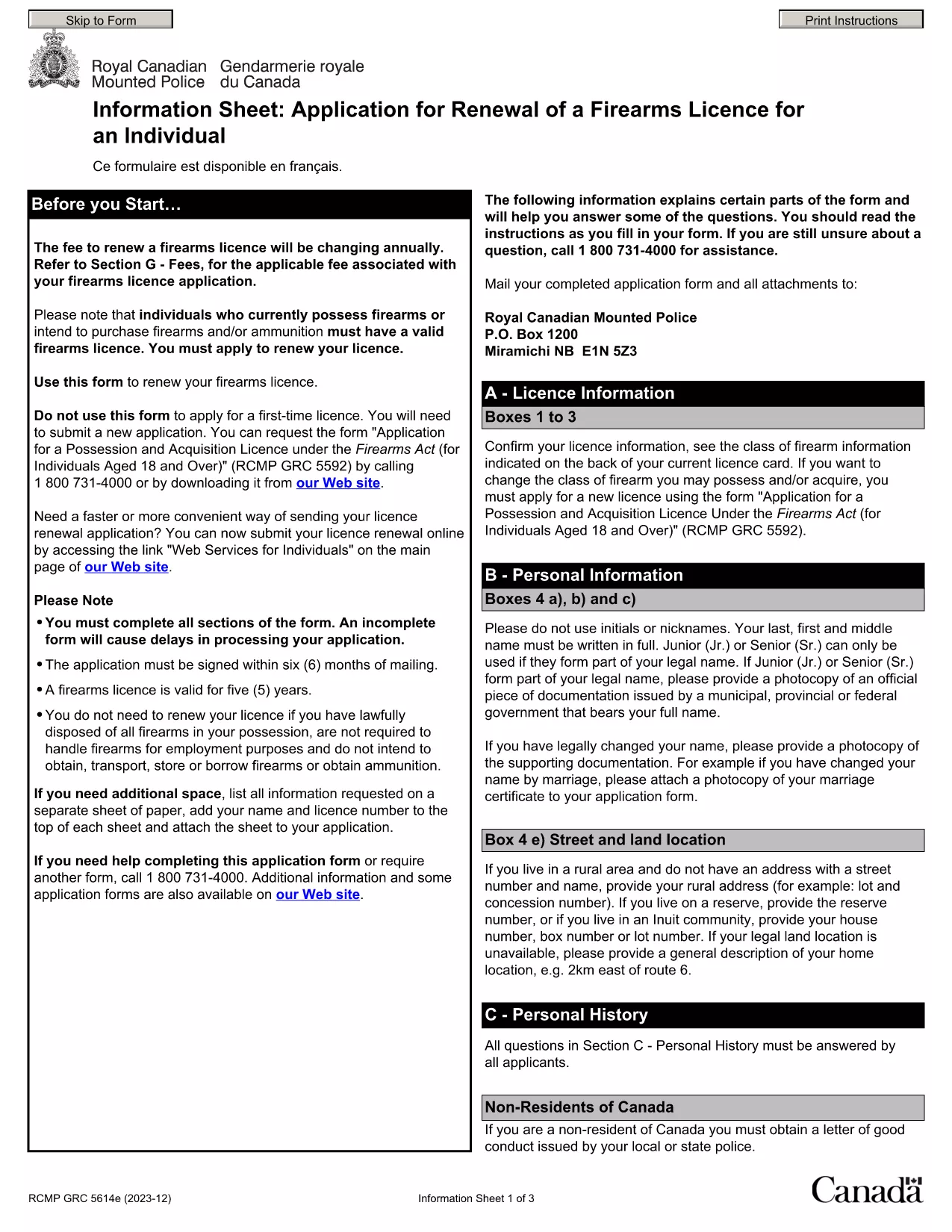
By using Formize’s PDF Filler, you avoid printing, scanning, and the risk of missing handwritten information. The form is powered by the same structure as the RCMP PAL Renewal Form, which meets international standards for firearm licensing documentation.

Why Use a Fillable PDF for Your Punjab Arms License Renewal

A fillable PDF ensures:

  • Accuracy – fields are validated in real time.
  • Speed – submit within minutes, not days.
  • Security – your data stays encrypted while you work.

Step‑by‑Step Guide to Completing the Form Online

Follow the simple steps below to finish your renewal without leaving the page.

Common Mistakes to Avoid When Renewing Your Arms License

Skipping a required field or uploading an unsupported file format can delay processing. Our guide highlights the most frequent errors and how to prevent them.

Where to Submit Your Completed Form

After you finish, download the completed PDF and submit it to the Punjab Police Arms Licensing Office either in person or via their official online portal.

Ready to start? Click the button below, let Formize load the PDF filler, and complete the form in a few easy steps.

FAQ
  • Is the Punjab arms license renewal form available for free?

    Yes. The fillable PDF is provided at no cost. You only need an internet connection to complete it online.

  • Can I edit the form after I download it?

    Once you download the completed PDF, you can open it in any standard PDF viewer, but the official submission should be the version you saved from Formize.

  • What documents do I need to attach with the renewal?

    Typically you must attach a recent passport‑size photograph, a copy of your current license, and any supporting certificates. Check the form’s attachment section for exact requirements.

  • How long does the renewal process take after submission?

    Processing times vary by district, but most renewals are completed within 7‑10 business days once the correct form and documents are received.

  • What if I make a mistake while filling the form?

    The fillable PDF highlights incomplete or incorrectly formatted fields. Correct the information before saving, or you can start over by clicking the reset button.

  • Do I need to print the form to submit it?

    No. The Punjab Police accepts a digitally signed PDF via their online portal or by email. Printing is optional.

  • Is my personal data safe while using Formize?

    Formize uses SSL encryption, and the PDF is processed locally in your browser, ensuring your data never leaves your computer unless you choose to upload it.

  • Can I use this form on a mobile device?

    Yes. The fillable PDF works on most modern smartphones and tablets with a compatible browser.

HVORDAN

Sådan udfylder du Punjab arms license renewal gratis online i 5 nemme trin:

  1. 1
    Click the Fill Out This Form button
    Press the highlighted button on the page to open the Formize PDF Filler app.
  2. 2
    Wait for the filler to load
    The fillable PDF loads automatically; this usually takes a few seconds.
  3. 3
    Enter your information
    Complete each field – the form validates entries in real time to prevent errors.
  4. 4
    Review and sign
    Double‑check all details, add your digital signature if required, and save the document.
  5. 5
    Download or submit
    Download the finished PDF for your records and submit it to the Punjab Police Arms Licensing Office.
Formize PDF Filler app
OM

Udenrigsministeriets ansøgningsskemaer

Punjab arms license renewal er en af ​​Udenrigsministeriets ansøgningsformularer. Det indiske udenrigsministerium tilbyder forskellige ansøgningsskemaer til forskellige tjenester relateret til eksterne anliggender og internationale relationer. Nogle almindelige ansøgningsskemaer omfatter:

Ansøgning om pas: Denne formular bruges til at ansøge om et indisk pas. Den indsamler personlige oplysninger såsom navn, adresse, fødselsdato og nationalitet.

Ansøgning om oversøisk statsborgerskab i Indien (OCI): Denne formular bruges til at ansøge om OCI-status, som giver personer af indisk oprindelse mulighed for at bo og arbejde i Indien på ubestemt tid. Den indsamler personlige oplysninger, herunder bevis for indisk oprindelse.

Visumansøgning: Denne formular bruges til at ansøge om visum til at rejse til et fremmed land. Den indsamler personlige oplysninger, rejseoplysninger og formålet med rejsen.

Ansøgning om emigrationsgodkendelse: Denne formular bruges af personer, der søger emigrationsgodkendelse til beskæftigelse i visse lande. Den indsamler personlige oplysninger og ansættelsesoplysninger.

Attestationsansøgning: Denne formular bruges til at ansøge om attestering af forskellige dokumenter, såsom uddannelsesattester, vielsesattester og kommercielle dokumenter. Den indsamler detaljer om det dokument, der skal attesteres, og formålet med attestation.

Ansøgning om konsulære tjenester: Denne formular bruges til forskellige konsulære tjenester, herunder udstedelse af nødcertifikater, assistance til indiske statsborgere i udlandet og registrering af indiske statsborgere. De specifikke detaljer, der kræves, afhænger af arten af ​​den ønskede tjeneste.

FUNKTIONER

PDF Filler

Den nemmeste måde at udfylde Punjab arms license renewal online

  • Udfyld hurtigt Punjab arms license renewal
    Leder du efter en måde, hvorpå du hurtigt kan fylde Punjab arms license renewal online? Med vores online gratis PDF-formularudfylder ved du, hvordan du redigerer og udfylder dette pdf-dokument på mindre end et minut.
  • Let at bruge online PDF-editor
    Træt af at udskrive PDF-filer, så du kan redigere dem, før du scanner igen og sender dem tilbage? Rediger PDF-dokumenter gratis online. Brug vores online pdf-editor for at spare tid og papir.
  • Fantastiske værktøjer, alle platforme
    Er du i tvivl om, hvordan du udfylder Punjab arms license renewal på en Mac, eller måske hvordan du bruger en PDF-filler gratis? Vores online PDF-værktøjer fungerer på alle platforme.
  • Sikker fillagring
    Fuldførte "Punjab arms license renewal"-filer gemmes i en sikret database, der administreres af Amazon Cloud-hosting. Du kan til enhver tid slette dine filer fra vores system. Under alle omstændigheder slettes disse filer automatisk efter 24 timer.
  • Chat med Punjab arms license renewal
    Chat med "Punjab arms license renewal" på Chatize, som er en gratis PDF-læserassistent. Stil spørgsmål og få svar fra "Punjab arms license renewal". Bare klik på knappen Chat med dokument ovenfor.

Slet udfyldningssession

Vil du slette den valgte påfyldningssession? I dette tilfælde vil dine fremskridt med at udfylde formularen gå tabt.

Slet redigeringssession

Vil du slette den valgte redigeringssession? I dette tilfælde vil dine fremskridt med at oprette og redigere formularen gå tabt.