Vælg sprog

Fillable Scholarship Application Form (PDF) – Download & Complete Online

  1. Land USA
  2. Sprog engelsk
  3. Afdeling Department of Education
  4. Aktivitet Scholarships
Fillable Scholarship Application Form (PDF) – Download & Complete Online

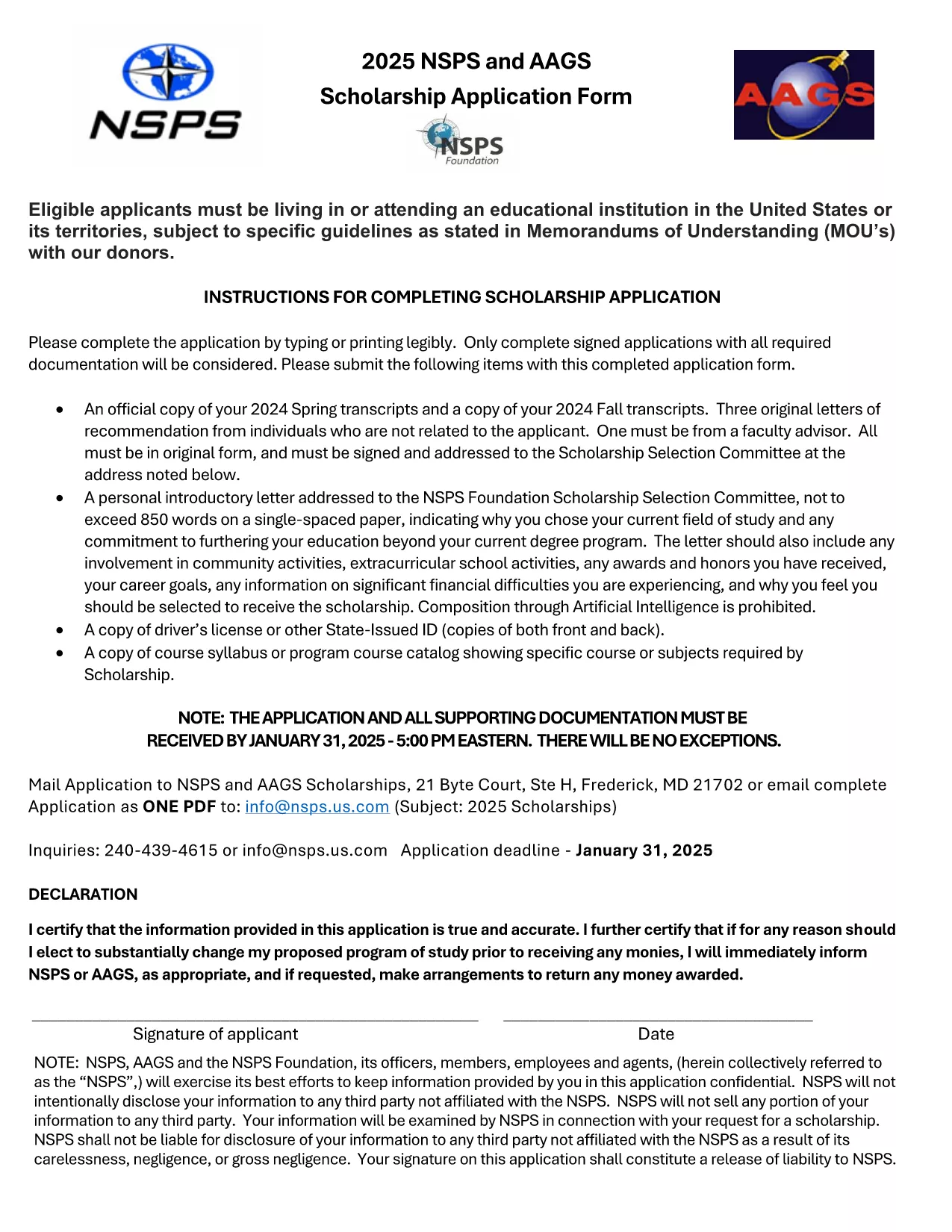
Looking for a hassle‑free way to apply for a scholarship? Our fillable scholarship application form lets you download a ready‑to‑use PDF, fill it out directly in your browser, and submit it with confidence. No printing, scanning, or re‑typing required.

Why Use a Fillable PDF for Scholarship Applications

Fillable PDFs preserve the exact layout of the original scholarship form while allowing you to type, select, and save your answers. This ensures:

  • Accurate data entry – no illegible handwriting.
  • Instant validation – required fields are highlighted.
  • Easy saving and sharing – keep a copy for your records.

How to Fill Out the Scholarship Application Online

Simply click the Fill out this form button on this page. The Formize PDF Filler app will load the document, and you can start entering your information right away.

Common Mistakes to Avoid When Completing Your Scholarship Form

Before you hit submit, double‑check these points:

  • All required fields are completed.
  • Numbers (GPA, test scores) are entered in the correct format.
  • Attachments such as transcripts or recommendation letters are attached as separate files if requested.
  • You have signed the form where required (digital signature works in the filler).

Where to Submit Your Completed Application

After saving the filled PDF, follow the scholarship’s submission guidelines—usually an email attachment or an upload portal on the sponsor’s website. Keep the saved copy for future reference.

Ready to start? Click the button below and let Formize do the heavy lifting.

FAQ
  • Do I need special software to fill out the PDF?

    No. The Formize PDF Filler works in any modern browser, so you can complete the form without installing anything.

  • Can I save my progress and finish later?

    Yes. Use the "Save" button in the filler to download a partially completed PDF and reload it when you’re ready.

  • Is my personal information secure?

    Formize uses SSL encryption, and the PDF is stored locally on your device unless you choose to upload it.

  • What if I make a mistake after saving?

    Open the saved PDF again in the Formize filler, correct the error, and re‑save the file.

  • Do I need to print and sign the form?

    A digital signature is accepted by most scholarship programs. Check the specific instructions of the scholarship you’re applying for.

  • Can I attach supporting documents through the filler?

    Yes. Use the attachment fields in the form to upload transcripts, essays, or letters of recommendation.

HVORDAN

Sådan udfylder du scholarship application form gratis online i 4 nemme trin:

  1. 1
    Click "Fill out this form"
    Press the button on this page to open the Formize PDF Filler. The fillable scholarship PDF loads instantly.
  2. 2
    Enter your information
    Type directly into each field, select options from drop‑down menus, and upload any required documents.
  3. 3
    Review and sign
    Check all entries for accuracy, add a digital signature if needed, and save the completed form.
  4. 4
    Download or submit
    Download the finished PDF for your records or follow the scholarship’s submission instructions to send it.
Formize PDF Filler app
OM

scholarship application form skabelon

Med det traditionelle sæt funktioner til at se og udfylde et PDF-dokument, kombineret med fordelene ved en webapplikation og responsivt layout, kan du fuldføre scholarship application form på få minutter.

FUNKTIONER

PDF Filler

Den nemmeste måde at udfylde scholarship application form online

  • Udfyld hurtigt scholarship application form
    Leder du efter en måde, hvorpå du hurtigt kan fylde scholarship application form online? Med vores online gratis PDF-formularudfylder ved du, hvordan du redigerer og udfylder dette pdf-dokument på mindre end et minut.
  • Let at bruge online PDF-editor
    Træt af at udskrive PDF-filer, så du kan redigere dem, før du scanner igen og sender dem tilbage? Rediger PDF-dokumenter gratis online. Brug vores online pdf-editor for at spare tid og papir.
  • Fantastiske værktøjer, alle platforme
    Er du i tvivl om, hvordan du udfylder scholarship application form på en Mac, eller måske hvordan du bruger en PDF-filler gratis? Vores online PDF-værktøjer fungerer på alle platforme.
  • Sikker fillagring
    Fuldførte "scholarship application form"-filer gemmes i en sikret database, der administreres af Amazon Cloud-hosting. Du kan til enhver tid slette dine filer fra vores system. Under alle omstændigheder slettes disse filer automatisk efter 24 timer.
  • Chat med scholarship application form
    Chat med "scholarship application form" på Chatize, som er en gratis PDF-læserassistent. Stil spørgsmål og få svar fra "scholarship application form". Bare klik på knappen Chat med dokument ovenfor.

Slet udfyldningssession

Vil du slette den valgte påfyldningssession? I dette tilfælde vil dine fremskridt med at udfylde formularen gå tabt.

Slet redigeringssession

Vil du slette den valgte redigeringssession? I dette tilfælde vil dine fremskridt med at oprette og redigere formularen gå tabt.