Vælg sprog

RUT-50 Private Party Vehicle Use Tax Form – Printable PDF

  1. Sprog engelsk
  2. Land USA
  3. Afdeling Illinois Department of Revenue
  4. Aktivitet Vehicle Use Tax
RUT-50 Private Party Vehicle Use Tax Form – Printable PDF

The Illinois RUT-50 is the Private Party Vehicle Use Tax Transaction form required when you purchase a vehicle from a private seller. This form calculates the tax due based on the purchase price or fair market value and must be filed within 30 days of acquiring the vehicle.

Instead of printing, printing, filling in ink, and scanning, you can complete the RUT-50 instantly online with Formize’s secure PDF filler. The fillable version is fully compatible with the official Illinois Department of Revenue requirements.

Below you’ll find everything you need to know – from eligibility and required documents to step‑by‑step instructions for completing the form without ever leaving your browser.

FAQ
  • Who must file Form RUT-50?

    Anyone who buys a motor vehicle from a private party and will use the vehicle in Illinois must file Form RUT-50 within 30 days of acquisition.

  • Can I file the RUT-50 electronically?

    Yes. You can file the form electronically through MyTax Illinois, but you still need a printable copy of the completed form for the Secretary of State’s title and registration process.

  • What if I don’t know the purchase price?

    When the purchase price isn’t stated (e.g., a gift), use the fair market value of the vehicle, which you can obtain from a licensed dealer.

  • Are trade‑in allowances allowed on the RUT-50?

    No. Trade‑in allowances are not permitted on Form RUT-50; the full purchase price or fair market value must be reported.

  • How do I correct a mistake after filing?

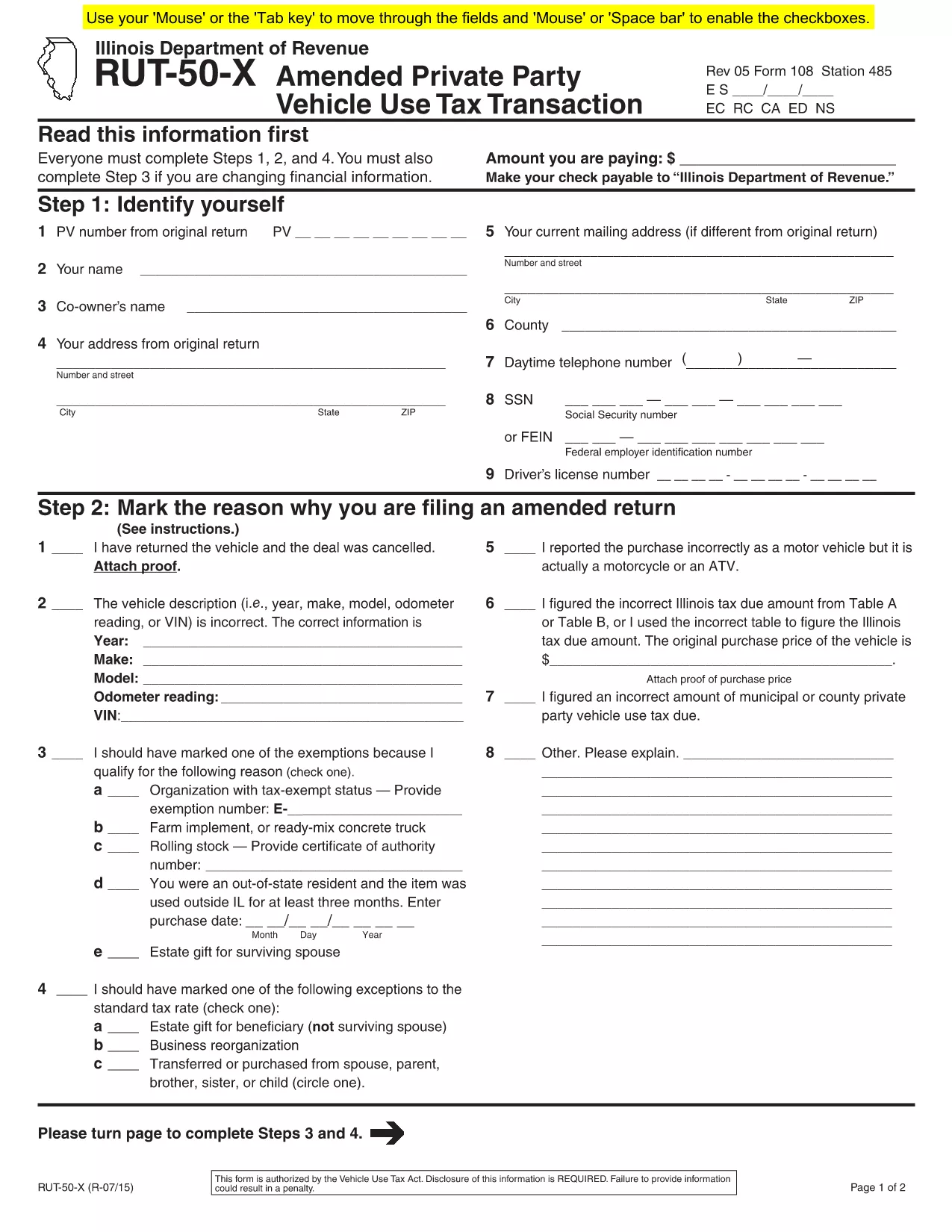
    If you need to amend the form, file Form RUT-50‑X (Amended Private Party Vehicle Use Tax Transaction) on paper; there is no electronic amendment process.

  • Do I need to attach a bill of sale?

    Attaching a copy of the bill of sale or proof of purchase is recommended to avoid future notices from the Department of Revenue.

  • Is there a fee to use Formize’s PDF filler?

    Formize offers a free fillable version for the RUT-50. No additional fees are charged for completing or downloading the PDF.

  • Where do I submit the completed RUT-50?

    Submit the printed copy to the Illinois Secretary of State when you apply for a title and license plates. Keep a copy for your records.

HVORDAN

Sådan udfylder du RUT-50 PDF gratis online i 7 nemme trin:

  1. 1
    Open the Fillable Form
    Click the “Fill out this form” button on this page. The Formize PDF Filler app will load in a new tab.
  2. 2
    Enter Purchaser Information
    Type the buyer’s name, address, driver’s license number, and SSN or FEIN into the highlighted fields.
  3. 3
    Enter Seller Information
    Provide the seller’s name, phone number, and address exactly as they appear on the bill of sale.
  4. 4
    Describe the Vehicle
    Fill in the VIN, year, make, model, odometer reading, and purchase price (or fair market value for gifts).
  5. 5
    Select Exemptions or Exceptions (if any)
    Check the appropriate box for exemptions or special situations and enter the required dollar amount.
  6. 6
    Review & Submit
    Double‑check all entries, then click the “Submit” button. The completed PDF will be generated automatically.
  7. 7
    Print or Save
    Download the finished PDF, print a hard copy for the Illinois Secretary of State, or save it for your records.
Formize PDF Filler app
OM

RUT-50 PDF skabelon

Med det traditionelle sæt funktioner til at se og udfylde et PDF-dokument, kombineret med fordelene ved en webapplikation og responsivt layout, kan du fuldføre RUT-50 PDF på få minutter.

FUNKTIONER

PDF Filler

Den nemmeste måde at udfylde RUT-50 PDF online

  • Udfyld hurtigt RUT-50 PDF
    Leder du efter en måde, hvorpå du hurtigt kan fylde RUT-50 PDF online? Med vores online gratis PDF-formularudfylder ved du, hvordan du redigerer og udfylder dette pdf-dokument på mindre end et minut.
  • Let at bruge online PDF-editor
    Træt af at udskrive PDF-filer, så du kan redigere dem, før du scanner igen og sender dem tilbage? Rediger PDF-dokumenter gratis online. Brug vores online pdf-editor for at spare tid og papir.
  • Fantastiske værktøjer, alle platforme
    Er du i tvivl om, hvordan du udfylder RUT-50 PDF på en Mac, eller måske hvordan du bruger en PDF-filler gratis? Vores online PDF-værktøjer fungerer på alle platforme.
  • Sikker fillagring
    Fuldførte "RUT-50 PDF"-filer gemmes i en sikret database, der administreres af Amazon Cloud-hosting. Du kan til enhver tid slette dine filer fra vores system. Under alle omstændigheder slettes disse filer automatisk efter 24 timer.
  • Chat med RUT-50 PDF
    Chat med "RUT-50 PDF" på Chatize, som er en gratis PDF-læserassistent. Stil spørgsmål og få svar fra "RUT-50 PDF". Bare klik på knappen Chat med dokument ovenfor.

Slet udfyldningssession

Vil du slette den valgte påfyldningssession? I dette tilfælde vil dine fremskridt med at udfylde formularen gå tabt.

Slet redigeringssession

Vil du slette den valgte redigeringssession? I dette tilfælde vil dine fremskridt med at oprette og redigere formularen gå tabt.