Vælg sprog

USPS Post Office Application Form (Fillable PDF)

  1. Sprog engelsk
  2. Land USA
  3. Aktivitet Employment
  4. Afdeling USPS
USPS Post Office Application Form (Fillable PDF)

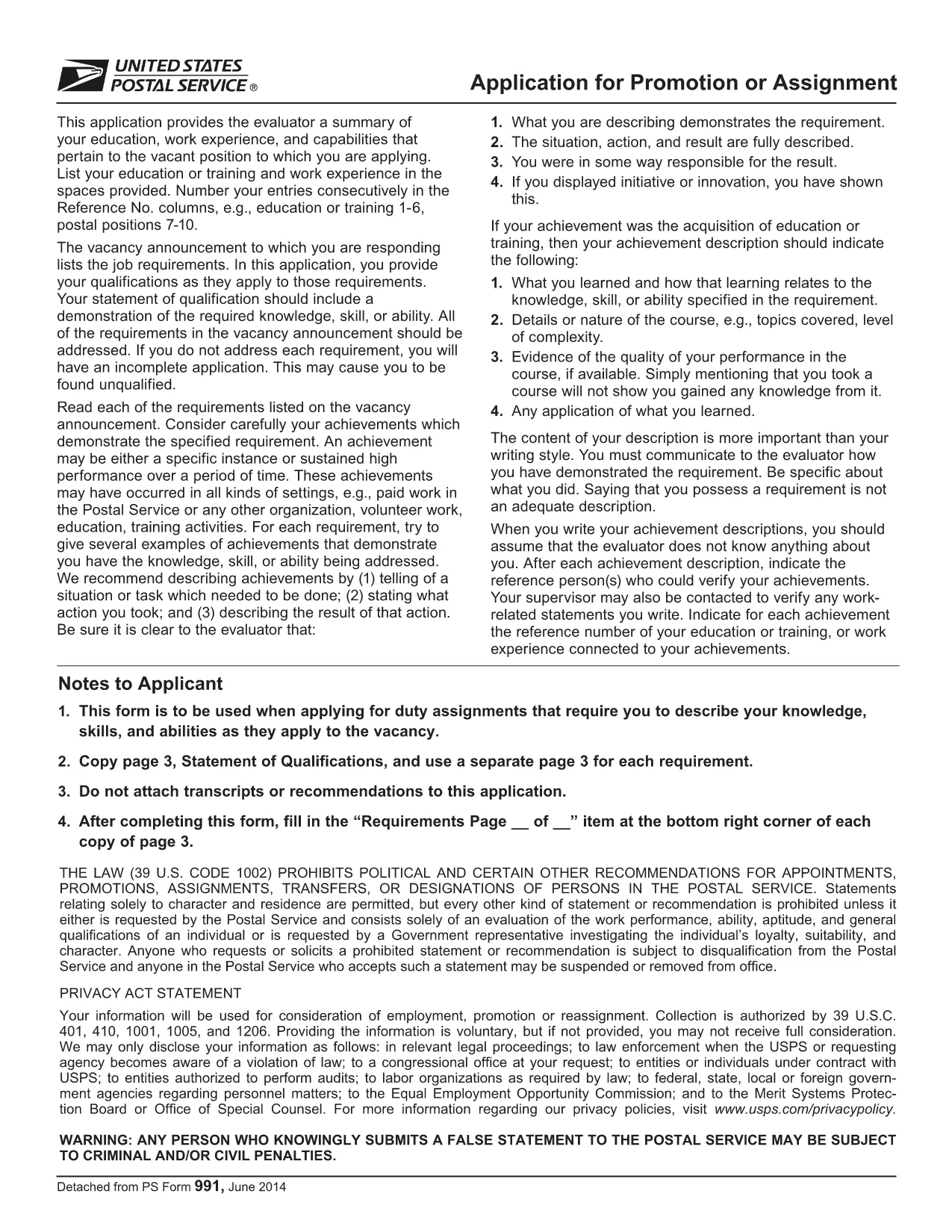
Applying for a position, promotion, or assignment with the United States Postal Service (USPS) starts with the official PS‑991 Application Form. Instead of printing, scanning, or hand‑writing, you can fill the form instantly online using Formize’s secure PDF filler.

Why Use the Fillable PDF Form?

  • Fast loading – the form opens in seconds.
  • Auto‑save feature prevents lost data.
  • Built‑in validation reduces errors.
  • Direct download of the official USPS PDF (PS‑991).

How to Complete the USPS Application Online

Follow the simple steps below to finish your application without leaving the page.

Common Mistakes to Avoid

  • Leaving required fields blank – the filler will highlight them.
  • Using an outdated version of the form – always use the latest PDF linked below.
  • Submitting without reviewing – use the “Preview” button to double‑check.

Download the Official PDF

The PDF you will fill out is the exact form provided by USPS. Click the button below to launch the Formize PDF Filler and start editing instantly.

FAQs About the USPS Application

Find quick answers to the most common questions below. If you need more help, refer to the official USPS instructions.

FAQ
  • Is the PS‑991 form only for current USPS employees?

    Yes, PS‑991 is intended for current USPS employees applying for promotions, reassignments, or special duties.

  • Can I edit the PDF on a mobile device?

    The Formize PDF Filler works on most smartphones and tablets. For the best experience, use a desktop browser.

  • Do I need Adobe Acrobat to fill the form?

    No. The fillable version runs entirely in your web browser via Formize’s secure PDF filler.

  • What if I make a mistake after saving?

    Open the saved PDF again with the Formize filler, edit the needed fields, and re‑save.

  • Is my personal data safe while using the filler?

    Yes. Formize uses SSL encryption, and the PDF never leaves your browser unless you choose to download or submit it.

  • Do I need to print the form before submitting?

    Most USPS hiring portals accept a PDF upload. Print only if the specific posting requires a hard copy.

  • How often is the PS‑991 form updated?

    USPS updates the form as needed. The link on this page always points to the latest version.

HVORDAN

Sådan udfylder du USPS application form gratis online i 5 nemme trin:

  1. 1
    Click “Fill out this form”
    Press the button on this page to open the Formize PDF Filler with the PS‑991 PDF loaded.
  2. 2
    Wait for the filler to load
    The app loads in a few seconds; you’ll see the form fields become editable.
  3. 3
    Enter your information
    Type directly into each field. Required fields are marked with an asterisk and validated in real time.
  4. 4
    Review and save
    Use the “Preview” button to check all entries, then click “Save” to download a completed copy.
  5. 5
    Submit to USPS
    Print the saved PDF or attach it to your online USPS job portal submission as instructed by the hiring manager.
Formize PDF Filler app
OM

USPS application form skabelon

Med det traditionelle sæt funktioner til at se og udfylde et PDF-dokument, kombineret med fordelene ved en webapplikation og responsivt layout, kan du fuldføre USPS application form på få minutter.

FUNKTIONER

PDF Filler

Den nemmeste måde at udfylde USPS application form online

  • Udfyld hurtigt USPS application form
    Leder du efter en måde, hvorpå du hurtigt kan fylde USPS application form online? Med vores online gratis PDF-formularudfylder ved du, hvordan du redigerer og udfylder dette pdf-dokument på mindre end et minut.
  • Let at bruge online PDF-editor
    Træt af at udskrive PDF-filer, så du kan redigere dem, før du scanner igen og sender dem tilbage? Rediger PDF-dokumenter gratis online. Brug vores online pdf-editor for at spare tid og papir.
  • Fantastiske værktøjer, alle platforme
    Er du i tvivl om, hvordan du udfylder USPS application form på en Mac, eller måske hvordan du bruger en PDF-filler gratis? Vores online PDF-værktøjer fungerer på alle platforme.
  • Sikker fillagring
    Fuldførte "USPS application form"-filer gemmes i en sikret database, der administreres af Amazon Cloud-hosting. Du kan til enhver tid slette dine filer fra vores system. Under alle omstændigheder slettes disse filer automatisk efter 24 timer.
  • Chat med USPS application form
    Chat med "USPS application form" på Chatize, som er en gratis PDF-læserassistent. Stil spørgsmål og få svar fra "USPS application form". Bare klik på knappen Chat med dokument ovenfor.

Slet udfyldningssession

Vil du slette den valgte påfyldningssession? I dette tilfælde vil dine fremskridt med at udfylde formularen gå tabt.

Slet redigeringssession

Vil du slette den valgte redigeringssession? I dette tilfælde vil dine fremskridt med at oprette og redigere formularen gå tabt.