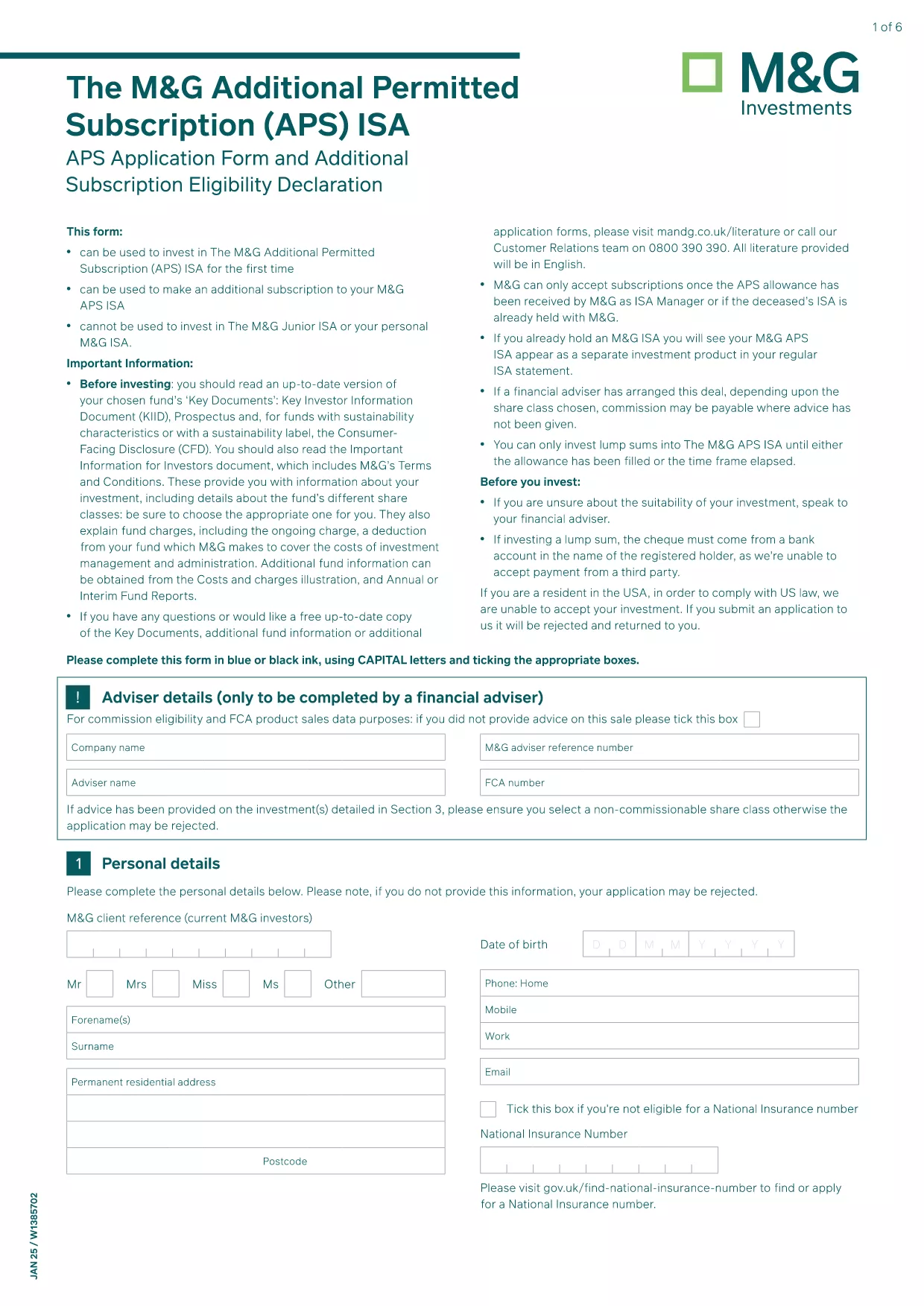
The APS ISA application form is the official document required to subscribe to an APS (Asset Protection Scheme) allowance through M&G Securities. Traditionally, applicants had to download a static PDF, print it, and hand‑sign. With Formize, you can complete the same form instantly, securely, and completely online.
Our fillable PDF version preserves the exact layout and wording of the original M&G document while adding interactive fields, auto‑validation, and e‑signature support. This means you can submit a fully compliant application without ever leaving your browser.
What Is the APS ISA Application Form?
The APS ISA (Individual Savings Account) allows investors to allocate funds into a specially managed allowance. The form collects personal details, investment preferences, and required signatures from the applicant (and, if applicable, a surviving spouse).
How to Complete the APS Form Online
Simply click the Fill out this form button on the page. The Formize PDF Filler app loads in seconds, presenting you with the exact fields from the official PDF. Fill each section, use the built‑in date picker, and attach your digital signature. When you’re done, download the completed PDF or submit it directly to M&G.
Common Mistakes to Avoid
- Leaving mandatory fields blank – the filler will highlight them in red.
- Using an outdated version of the form – our link always points to the current M&G PDF.
- Signing on a printed copy and then scanning – the online signature is legally accepted and eliminates errors.
Download vs. Fill Directly in the Browser
You can still download the original PDF for offline use, but the online filler provides real‑time validation, automatic calculations, and a smoother experience. Choose the method that best fits your workflow.