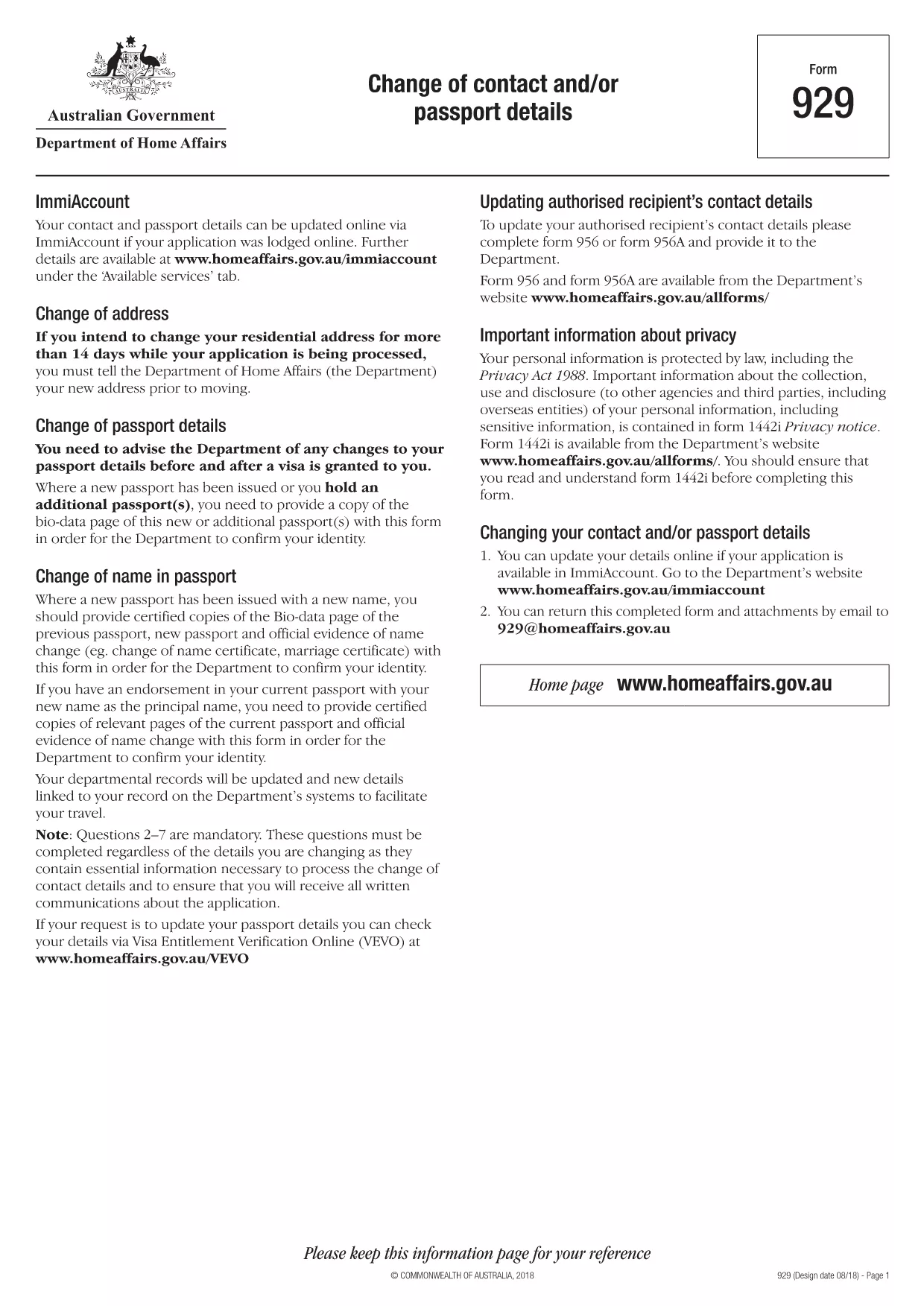
When you need to update your Australian passport – whether it’s a new name, a change of address, or a correction to personal details – you must use Form 929: Change of Contact and/or Passport Details. This official form from the Department of Home Affairs is now available as a fillable PDF, so you can complete it quickly from any device.
Why You Need Form 929
The Australian government requires a certified copy of the new passport bio‑data page together with Form 929 to verify any changes. Using the correct form helps avoid processing delays and ensures your passport reflects the most up‑to‑date information.
How to Complete the Form Online
Instead of downloading the PDF and opening a separate editor, simply click the "Fill out this form" button on this page. The Formize PDF Filler app will load directly in your browser, allowing you to type into each field, attach required documents, and save your progress.
Common Mistakes to Avoid
- Leaving any mandatory field blank – the filler will highlight missing information.
- Uploading unclear or un‑certified copies of your passport pages.
- Using the wrong form (Form 929 is only for changes, not a brand‑new passport application).
Where to Submit the Form
After completing the form, print the final PDF, sign where required, and attach certified copies of the new passport bio‑data page and any supporting evidence (e.g., marriage certificate). Mail the package to the address listed on the form or submit it in person at an Australian Passport Office.
Download the Fillable PDF
If you prefer to work offline, you can download the official fillable PDF directly from the Department of Home Affairs using the link below.