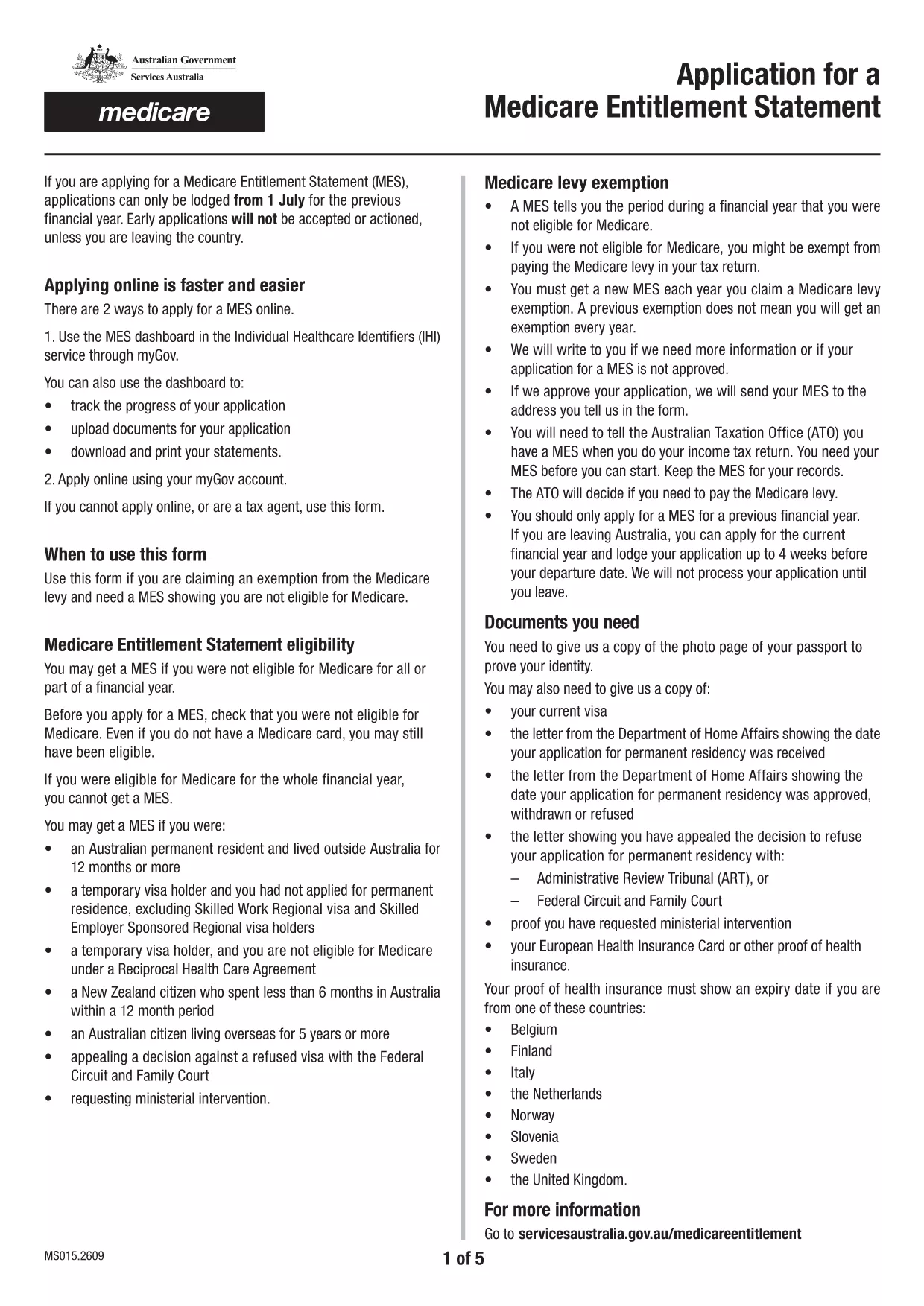
Looking for a quick, secure way to complete Application Form X? You’re in the right place. This page provides the official fillable PDF, step‑by‑step instructions, and tips to avoid common errors. All you need is an internet connection and the Formize PDF Filler – no extra software, no printing required.
What is Application Form X?
Application Form X is the standard form used by Services Australia to collect information for a Medicare Entitlement Statement. It is required when you need proof that you are not eligible for Medicare or when you are claiming an exemption from the Medicare levy.
How to Fill Application Form X Online
Instead of downloading the PDF and opening it in a desktop editor, simply click the "Fill out this form" button on this page. The Formize PDF Filler app will load in your browser, letting you type directly into each field, add dates, and select options. When you’re done, you can save the completed form to your device or email it straight to Services Australia.
Common Mistakes to Avoid
- Leaving required fields blank – the filler will highlight missing information.
- Uploading password‑protected documents – they cannot be read by the system.
- Using a mobile browser to edit the PDF – always open the filler on a desktop or laptop for best compatibility.
- Submitting files larger than 5 MB each or a total of 10 MB – compress images before attaching.
Supporting Documents Required
Prepare the following in PDF, JPG, PNG, GIF, or BMP format (no ZIP/RAR files):
- Proof of identity (e.g., passport, driver’s licence).
- Evidence of exemption from the Medicare levy.
- Any additional statements requested by Services Australia.
Where to Get Help
If you need assistance, Services Australia offers translation and accessibility services. Visit the Services Australia website for more details.
Ready to start? Click the button below, fill out the form, and submit it with confidence.