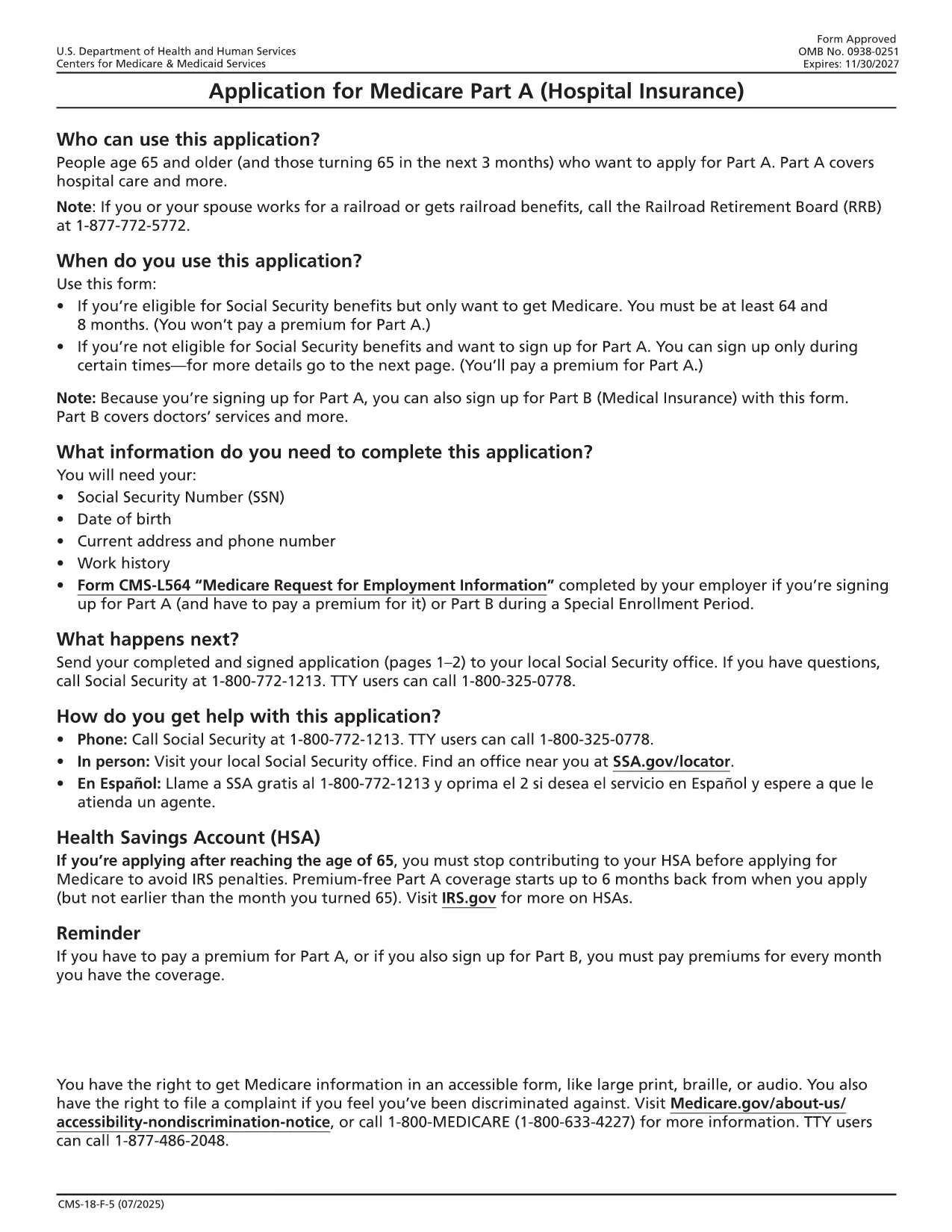
The CMS‑18F5 is the official application for Medicare Part A (Hospital Insurance). Whether you’re enrolling for the first time or updating your information, the fillable PDF on this page lets you complete the form quickly without printing or scanning.
Our integrated Fill out this form button launches the Formize PDF Filler app directly in your browser. All fields are interactive, and you can save your progress, add an electronic signature, and download the completed PDF in seconds.
What is the Medicare Part A Application?
Medicare Part A provides coverage for inpatient hospital stays, skilled nursing facility care, hospice, and some home health services. The CMS‑18F5 form collects personal details, citizenship status, employment history, and other information required by the Centers for Medicare & Medicaid Services (CMS) to determine eligibility.
How to Fill Out the CMS‑18F5 Form Online
- Step 1: Click the “Fill out this form” button on this page.
- Step 2: Wait for the Formize PDF Filler to load (usually a few seconds).
- Step 3: Complete each field. The filler includes tool‑tips and automatic date formatting.
- Step 4: Add your electronic signature in the designated box.
- Step 5: Review the form, then click “Download Completed PDF” or “Print & Mail” according to your preference.
Common Mistakes to Avoid
Even a small error can delay processing. Keep these tips in mind:
- Double‑check Social Security numbers and dates of birth.
- Provide a current mailing address; PO boxes are not accepted for eligibility verification.
- Ensure the signature matches the one on file with the Social Security Administration.
- Do not leave any required fields blank; the filler will highlight missing information.
Eligibility Requirements
Generally, you qualify for Part A if you:
- Are 65 years or older, or
- Receive Social Security Disability Insurance (SSDI) for 24 months, or
- Have End‑Stage Renal Disease (ESRD) or Amyotrophic Lateral Sclerosis (ALS).
Where to Submit Your Completed Form
After downloading the filled PDF, you can:
- Mail it to your local Social Security Administration office.
- Upload it securely through the SSA Medicare portal if you have an online account.
- Bring a printed copy to your nearest SSA office for in‑person assistance.
Using Formize’s fillable PDF saves you time, reduces errors, and keeps your personal data protected.