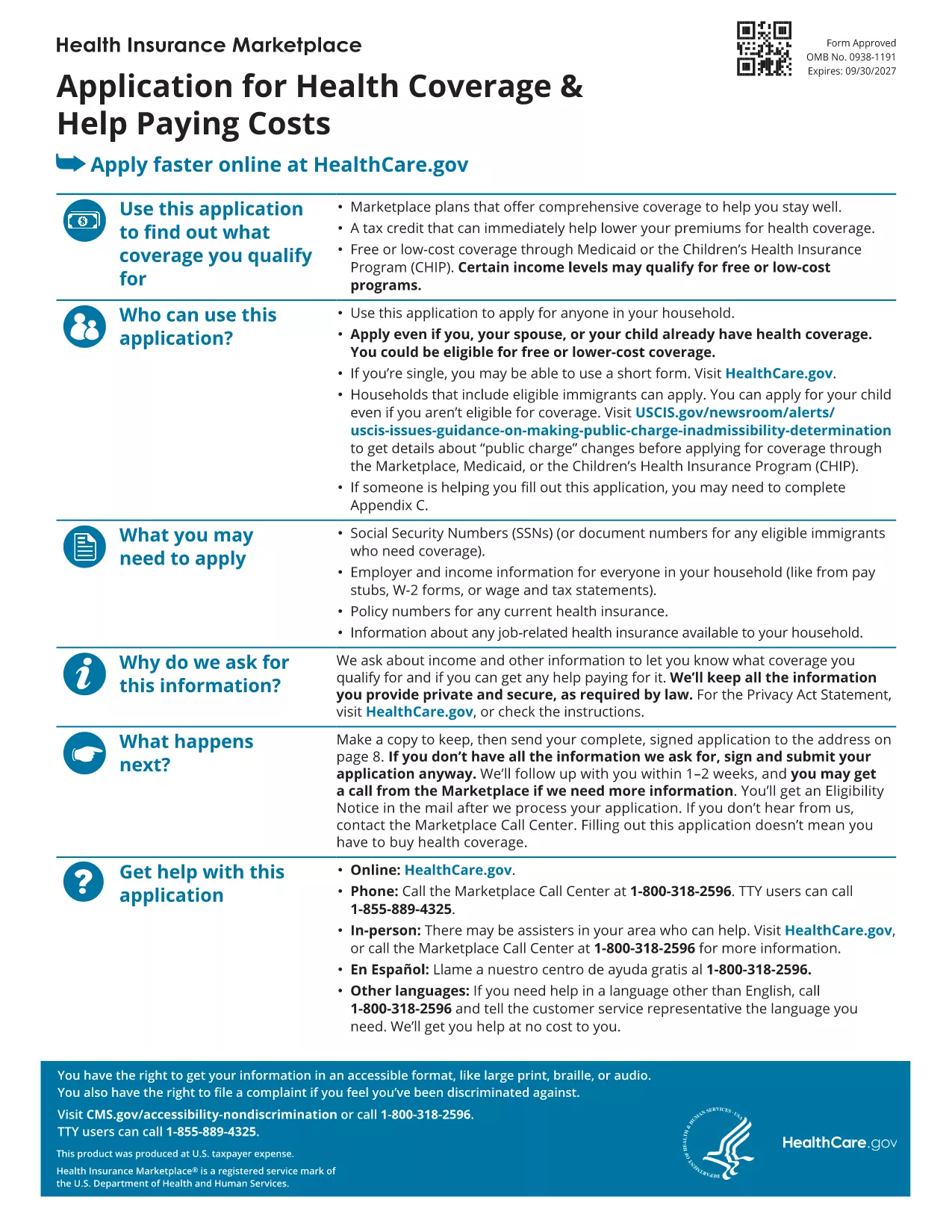
Looking for a reliable application form model that you can fill out directly in your browser? You’ve come to the right place. Our page offers a fillable PDF of the Marketplace Application for Family. This form is a perfect example of a generic application template that can be adapted for health‑coverage enrollment, scholarship requests, or any multi‑person application process.
What Is This Application Form Model?
The PDF provided by the Centers for Medicare & Medicaid Services (CMS) is a comprehensive application form model that captures household information, income details, and coverage preferences. Although it’s designed for health‑insurance enrollment, the structure—sections for personal data, dependents, and signatures—makes it an excellent reference for creating your own custom applications.
How to Fill Out the Form Online with Formize
Instead of downloading the file and opening a PDF editor, simply click the "Fill out this form" button on this page. The Formize PDF Filler app will load in seconds, letting you type, check boxes, and sign directly on the screen. All changes are saved automatically, and you can download the completed form at the end.
Common Mistakes to Avoid
- Leaving required fields blank – the filler will highlight missing information before you submit.
- Using the wrong date format – follow the MM/DD/YYYY pattern shown in the form.
- Forgetting to sign – the digital signature field must be completed; otherwise the PDF is considered incomplete.
Where to Find Help and Additional Resources
If you need guidance, the CMS website offers detailed instructions for each section of the application. You can also consult the CMS Marketplace Help Center for FAQs and video tutorials.
Ready to start? Click the button below and let Formize do the heavy lifting.