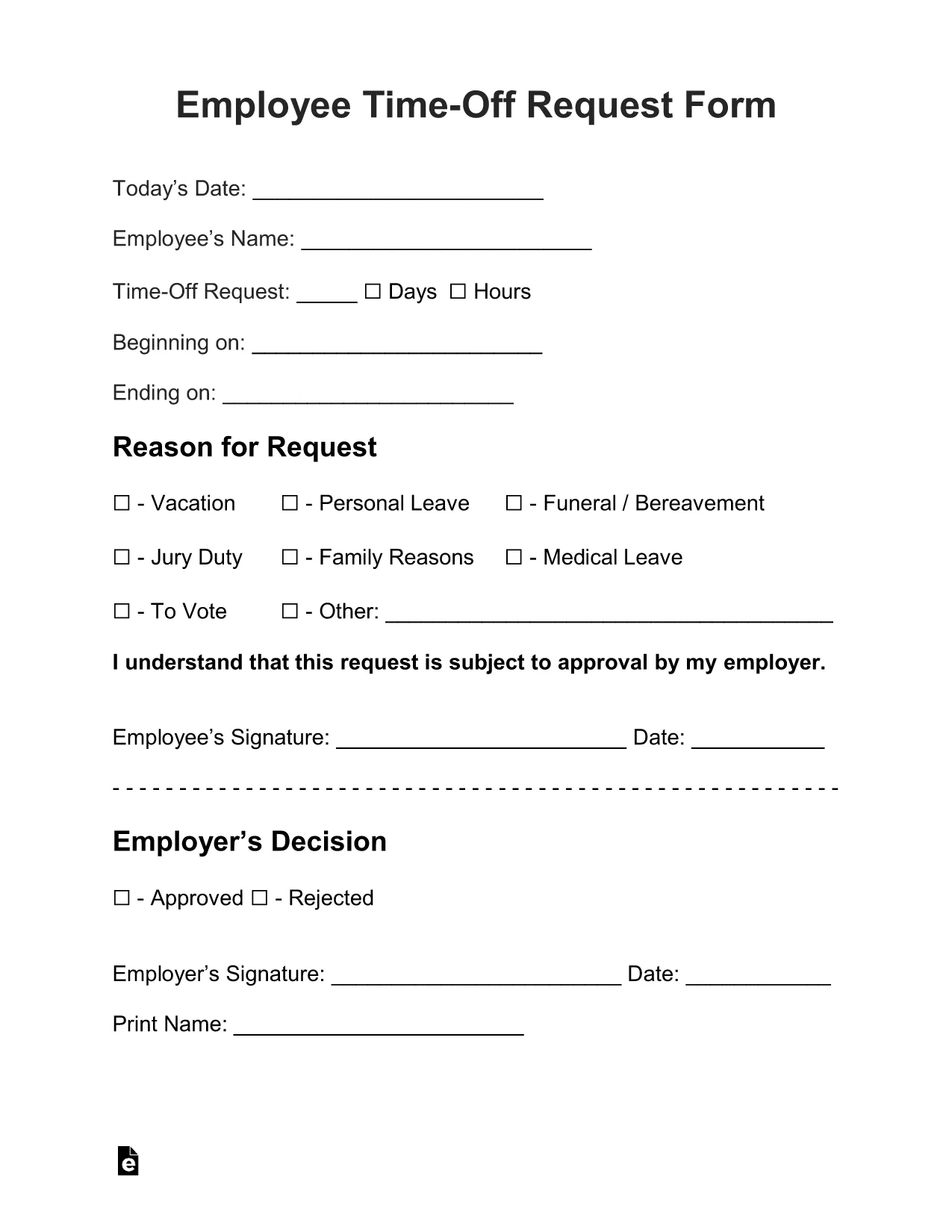
Need a quick, professional way to ask for vacation, sick leave, or personal time? The Employee Time‑Off Request Form is a standard, fillable PDF used by many U.S. employers. With Formize’s built‑in PDF Filler, you can complete the form directly in your browser—no extra software, no printing until you’re ready.
What Is the Employee Time‑Off Request Form?
This form captures essential details such as employee name, department, dates requested, type of leave, and manager approval. It is designed to be simple, compliant with HR policies, and easy to submit to your supervisor or HR department.
How to Fill Out the Form Online with Formize
Just click the "Fill out this form" button below. The Formize PDF Filler app loads instantly, letting you type, select dates, and add signatures. When you’re done, you can download the completed PDF, email it, or save it to the cloud.
Common Mistakes to Avoid
- Leaving required fields blank: The form highlights missing information in red.
- Incorrect dates: Double‑check start and end dates before submitting.
- Wrong leave type: Choose the appropriate category (vacation, sick, personal, etc.).
- Missing manager signature: Use the signature field provided; you can also upload a scanned signature.
Download, Save, and Print Your Completed Request
After filling the form, click Download PDF to store a copy on your device. You can also email the file directly from the Formize interface or print it for a hard‑copy signature if your company requires it.
Frequently Asked Questions
Below are the most common questions about using this fillable request form.