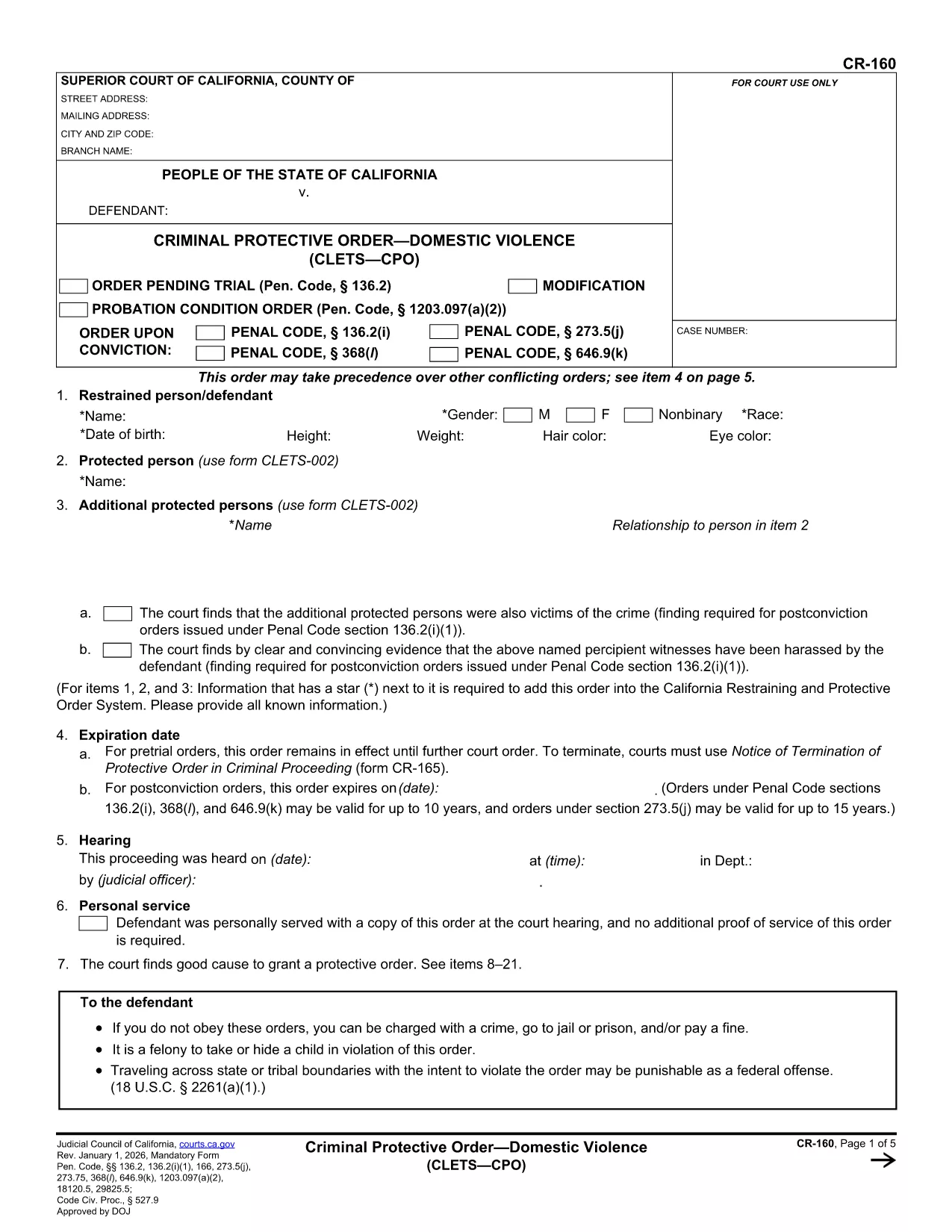
The CVO-160 is a standardized form used for legal and administrative requests in several U.S. jurisdictions. Whether you need it for a court filing, law‑enforcement request, or other official purpose, our fillable PDF version lets you complete the form quickly and accurately.
What Is Form CVO-160?
CVO-160 is a government‑issued document that captures essential details such as party information, case numbers, and specific instructions related to the request. It is commonly required by courts, law‑enforcement agencies, and administrative bodies.
How to Fill Out CVO-160 Online
Instead of downloading the PDF and editing it with a separate editor, simply click the "Fill out this form" button on this page. The Formize PDF Filler app will load directly in your browser, allowing you to:
- Enter information into each field with your keyboard or mouse.
- Save your progress at any time.
- Validate required fields before submitting.
- Download the completed, fully‑filled PDF or print it immediately.
Common Mistakes to Avoid
- Leaving required fields blank: The filler will highlight missing data before you can save.
- Using the wrong date format: Follow the MM/DD/YYYY format unless otherwise specified.
- Signing on a printed copy only: You can add a digital signature within the Formize app for most jurisdictions.
- Submitting an outdated version: Always use the latest PDF provided here.
Download the Printable PDF Version
If you prefer to work offline, you can download the original PDF file directly. This version is printable and compatible with any standard PDF reader.
Where to Submit the Completed CVO-160
After filling out and saving the form, follow the submission instructions provided by the requesting agency. Typically, you can:
- Upload the PDF through an online portal.
- Email it to the designated address.
- Deliver a printed copy in person.
Always verify the preferred method with the agency to ensure timely processing.