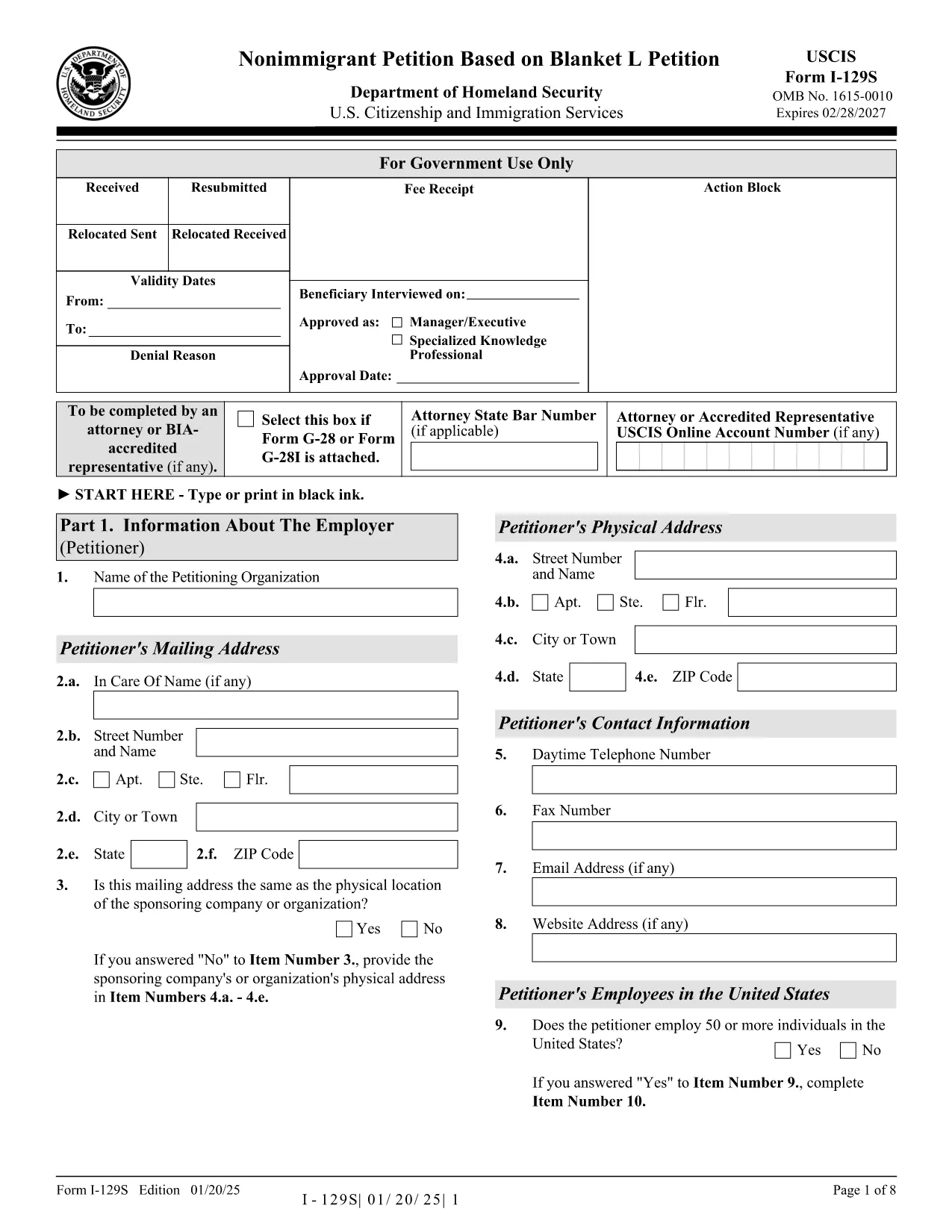
The Form I-129S is the USCIS‑approved petition used by employers to classify eligible alien employees as L‑1 intracompany transferees under a previously approved blanket L petition. This form is required for executives, managers, or professionals with specialized knowledge who have worked for the company abroad for at least one continuous year within the past three years.
On Formize.com you can access a fillable version of the official I‑129S PDF, complete it directly in your browser, and download a clean, printable copy ready for filing. No extra software or PDF editor is needed.
Why Use Form I-129S?
- Official USCIS format – matches the exact layout and page numbers required by the agency.
- Fillable fields speed up data entry and reduce errors.
- All changes are saved automatically while you work.
- Easy to print or export as a PDF for mailing or electronic submission.
How to Complete the Fillable PDF
Simply click the "Fill out this form" button on the page. The Formize PDF Filler app loads the I‑129S document, and you can start typing into each field. When you’re finished, save the file, download it, and attach it to your filing package.
Common Mistakes to Avoid
- Leaving the form unsigned – an unsigned I‑129S will be rejected.
- Using a different edition of the form – always use the latest version (01/20/25 edition).
- Omitting the required supporting letter that details the employee’s job duties, salary, and prior qualifying employment.
- Submitting original documents unless the instructions specifically request them.
Where to Submit Your Petition
If the beneficiary is outside the United States, present the completed I‑129S to a U.S. consular officer. Canadian citizens may file directly with U.S. Customs and Border Protection at designated ports of entry. If the employee is already in the U.S., file Form I‑129 together with the I‑129S at the appropriate USCIS lockbox.
Download the Official PDF
Click the button below to open the fillable version, or download the static PDF for offline use.