

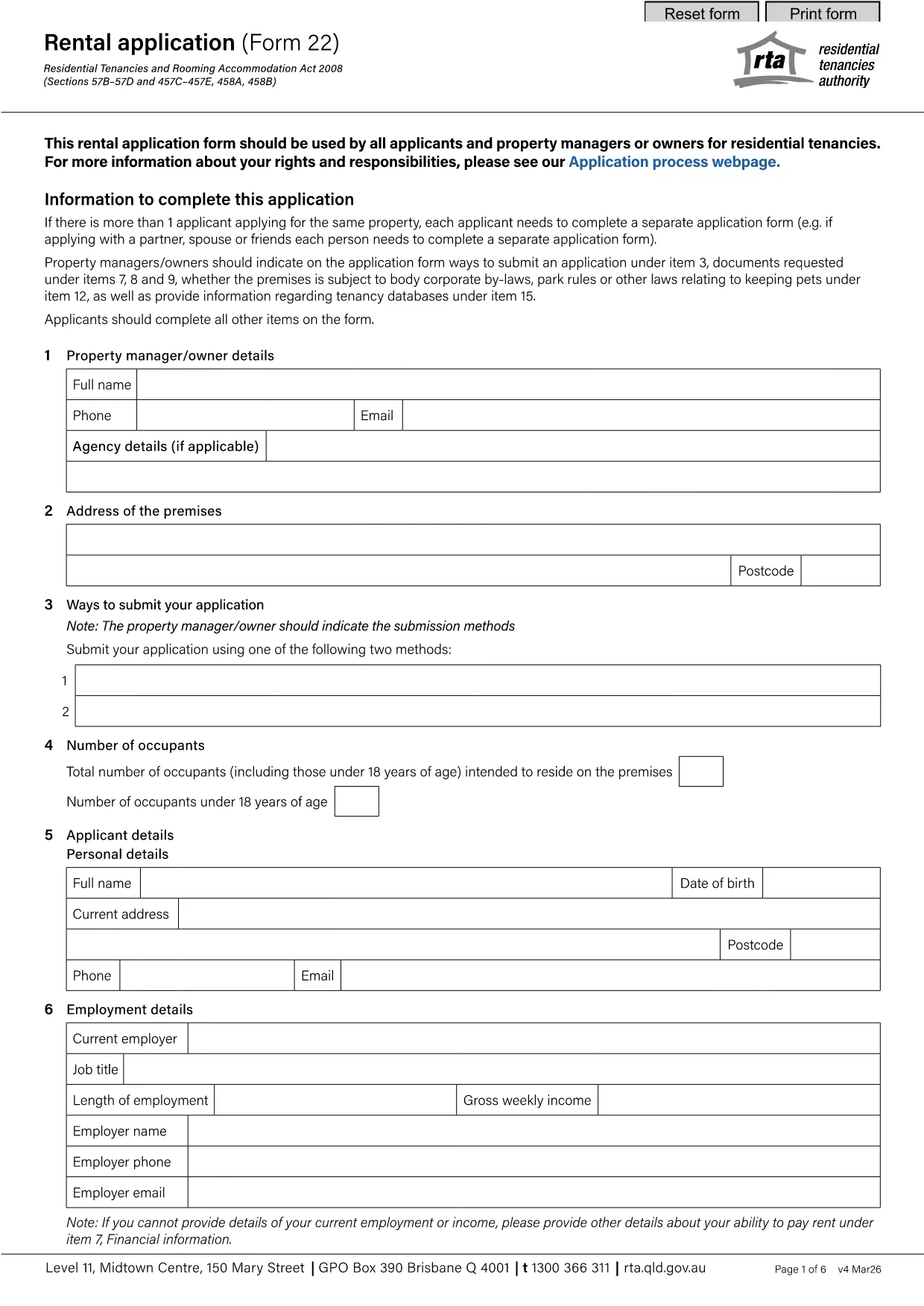

Formularios para que propietarios y/o inquilinos propongan actuaciones en relación con los contratos de arrendamiento.
rental application pdf es uno de los documentos que se utilizan en el proceso de alquiler o arrendamiento de una propiedad. Estos formularios establecen el acuerdo legal entre el propietario (propietario) y el inquilino, describiendo los términos y condiciones del acuerdo de alquiler. A continuación se muestran algunos formularios comunes de alquiler o arrendamiento:
Solicitud de alquiler: este formulario normalmente lo completan los posibles inquilinos que están interesados en alquilar una propiedad. Recopila información personal sobre el solicitante, como su nombre, información de contacto, detalles de empleo, historial de alquiler y referencias. La solicitud de alquiler ayuda a los propietarios a evaluar la idoneidad de los inquilinos y a tomar decisiones informadas.
Contrato de arrendamiento: El contrato de arrendamiento es un contrato legalmente vinculante que describe los derechos y responsabilidades tanto del propietario como del inquilino. Cubre detalles importantes como la duración del contrato de arrendamiento, el monto del alquiler, el depósito de seguridad, los cargos por pagos atrasados, la política de mascotas, las responsabilidades de mantenimiento y cualquier otro término específico de la propiedad en alquiler. Los contratos de arrendamiento pueden variar en duración y complejidad según el mercado de alquiler y las leyes locales.
Contrato de alquiler: similar a un contrato de arrendamiento, un contrato de alquiler es un contrato que rige el alquiler de una propiedad. Sin embargo, los contratos de alquiler se utilizan generalmente para alquileres a corto plazo, como acuerdos de mes a mes. Los contratos de alquiler suelen tener más flexibilidad y pueden rescindirse o modificarse con períodos de notificación más cortos en comparación con los arrendamientos a más largo plazo.
Formularios de inspección de entrada y salida: estos formularios se utilizan para documentar la condición de la propiedad de alquiler al principio y al final del arrendamiento. Detallan el estado de cada habitación y cualquier daño existente, asegurando que ambas partes tengan un registro del estado de la propiedad para resolver disputas relacionadas con depósitos de seguridad o reclamos por daños.
Aviso de desalojo: este formulario lo utiliza el propietario o el inquilino para notificar su intención de rescindir el arrendamiento. El período de notificación requerido puede variar según las leyes locales y los términos del contrato de arrendamiento o contrato de alquiler.
Es importante tener en cuenta que los formularios de alquiler o arrendamiento pueden variar según la jurisdicción y los requisitos específicos del propietario o de la empresa administradora de la propiedad. Se recomienda consultar las leyes locales y buscar asesoramiento profesional para garantizar el cumplimiento de las regulaciones aplicables y utilizar los formularios apropiados para la transacción específica de alquiler o arrendamiento.