

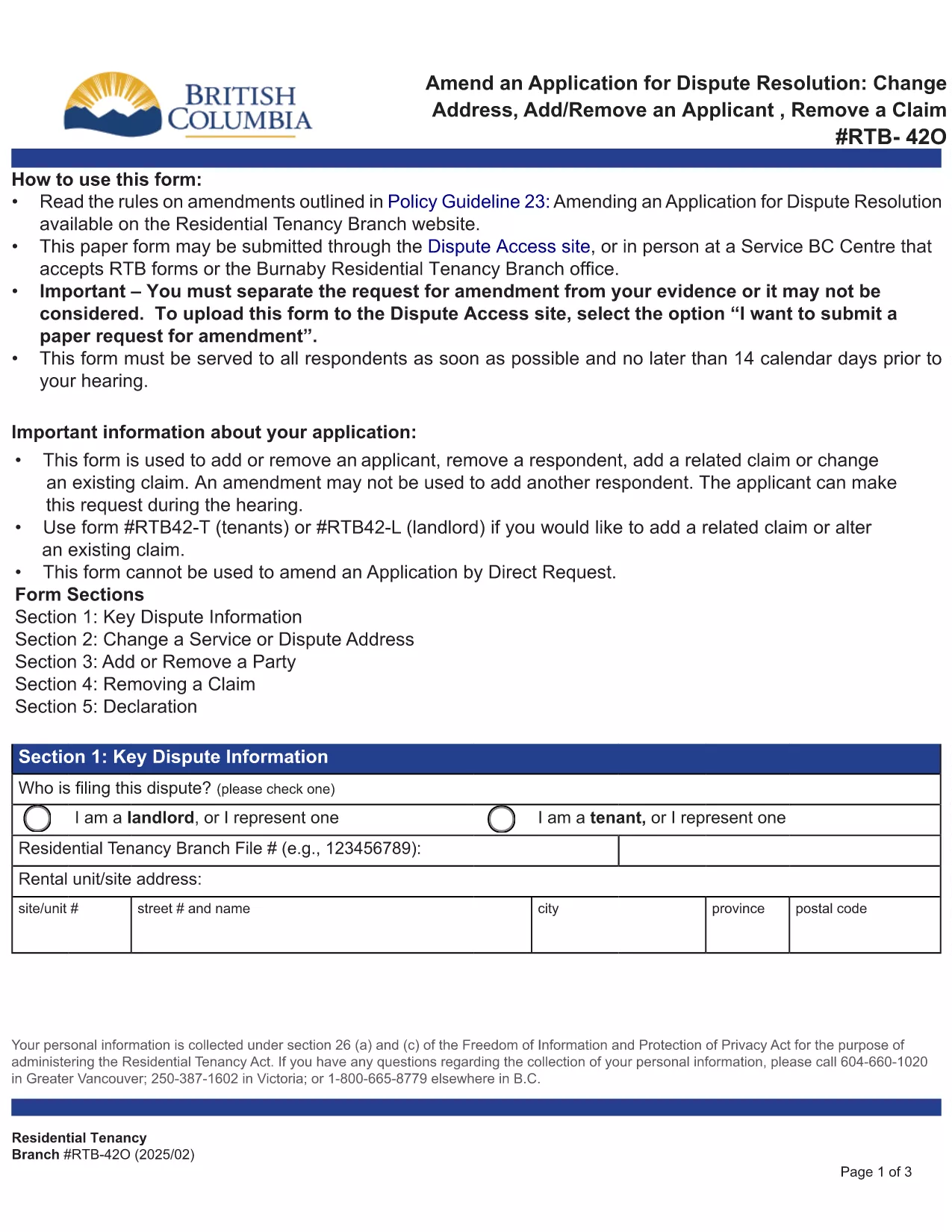

Formularios para que propietarios y/o inquilinos propongan actuaciones en relación con los contratos de arrendamiento.
RTB-42O es uno de los formularios de arrendamiento que se refiere a los documentos utilizados en el proceso de establecimiento y gestión de un contrato de arrendamiento. Estos formularios suelen ser utilizados por propietarios, administradores de propiedades o inquilinos para describir los términos y condiciones del arrendamiento. A continuación se muestran algunos formularios de arrendamiento comunes:
Contrato de arrendamiento: El contrato de arrendamiento, también conocido como contrato de arrendamiento o contrato de alquiler, es un contrato legalmente vinculante entre el propietario y el inquilino. Establece los derechos y responsabilidades de ambas partes, incluida la duración del arrendamiento, el monto del alquiler, las condiciones de pago, el depósito de seguridad, las responsabilidades de mantenimiento y cualquier otro término específico del arrendamiento.
Solicitud de alquiler: los posibles inquilinos suelen completar un formulario de solicitud de alquiler cuando solicitan una propiedad de alquiler. Este formulario recopila información personal sobre el solicitante, como su nombre, datos de contacto, historial de empleo, historial de alquiler y referencias. La solicitud de alquiler ayuda a los propietarios a evaluar la idoneidad de los inquilinos y a tomar decisiones informadas.
Aviso de desalojo: este formulario lo utiliza el propietario o el inquilino para notificar su intención de rescindir el arrendamiento. El período de notificación requerido puede variar según las leyes locales y los términos del contrato de arrendamiento.
Aviso de aumento de alquiler: si el propietario tiene la intención de aumentar el alquiler durante el arrendamiento, normalmente proporciona un aviso de aumento de alquiler al inquilino. Este aviso informa al inquilino del próximo ajuste de alquiler y cumple con los requisitos legales en materia de aumentos de alquiler.
Formularios de solicitud de mantenimiento y reparación: estos formularios permiten a los inquilinos informar problemas de mantenimiento o reparación al propietario o administrador de la propiedad. El formulario describe los detalles del problema, las reparaciones solicitadas y cualquier otra información relevante.
Consentimiento para verificación de antecedentes o verificación de crédito: los propietarios pueden exigir a los inquilinos que completen un formulario de consentimiento autorizando una verificación de antecedentes o verificación de crédito. Este formulario le permite al propietario verificar los antecedentes, la solvencia crediticia y el historial de alquiler del inquilino.
Informe de inventario y condición: este formulario se utiliza para documentar la condición de la propiedad de alquiler al principio y al final del arrendamiento. Detalla el estado de cada habitación y cualquier daño existente, asegurando que ambas partes tengan un registro del estado de la propiedad para resolver disputas relacionadas con depósitos de seguridad o reclamos por daños.
Estos son algunos ejemplos de formularios de arrendamiento que se utilizan comúnmente en el proceso de alquiler. Los formularios y requisitos específicos pueden variar según las leyes locales y las circunstancias específicas del arrendamiento. Es importante consultar las regulaciones locales y buscar asesoramiento profesional para garantizar el cumplimiento y utilizar los formularios adecuados para su contrato de arrendamiento específico.