Seleccione el idioma

JVVNL Application Form – Fillable PDF

  1. Idioma Inglés
  2. País India
  3. Departamento Energy
  4. Actividad Power Distribution
Complete éste formulario
JVVNL Application Form – Fillable PDF

Looking for the official JVVNL application form in a format that saves you time and effort? Formize offers a fully fillable PDF that you can complete directly in your browser—no printer, scanner, or PDF editor needed.

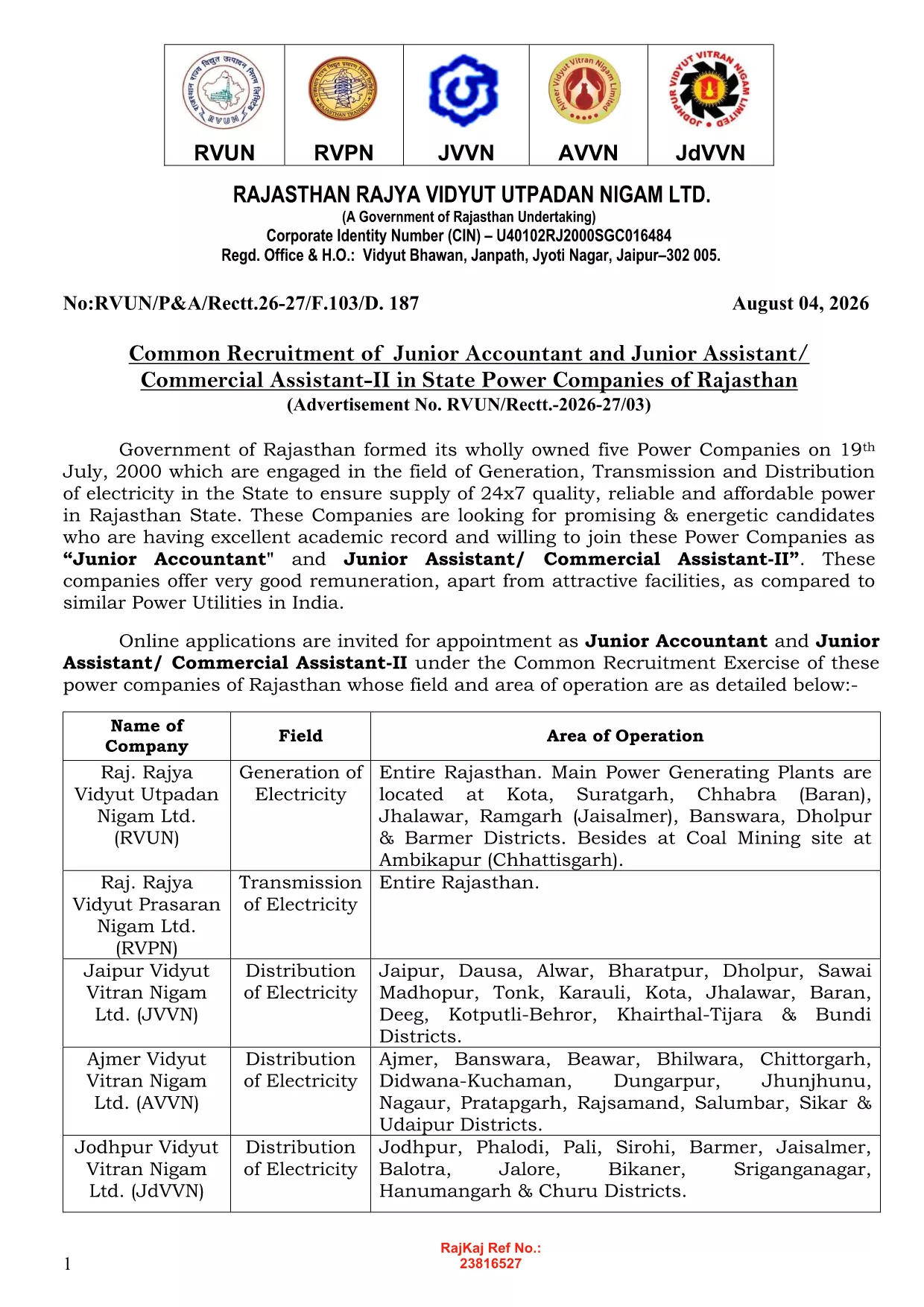
JVVNL (Jodhpur Vidyut Vitran Nigam Limited) is a key power distribution company in Rajasthan, India. Whether you are applying for a Junior Engineer, technician, or any other vacancy, the same online form applies. Our solution ensures the data you enter is captured accurately, reduces errors, and lets you submit the form with a single click.

Why Use a Fillable PDF?

  • Instant validation: Mandatory fields are highlighted, so you never miss a required entry.
  • Auto‑save: Your progress is saved automatically, letting you return later without losing information.
  • Secure submission: Data is encrypted during the fill process and can be exported as a PDF ready for upload.

How to Complete the JVVNL Form Online

Simply click the "Fill out this form" button on this page. The Formize PDF Filler app will load, and you can start typing, selecting dates, and uploading supporting documents right away.

Common Mistakes to Avoid

  • Leaving mandatory fields blank – the filler will block submission until they are completed.
  • Uploading files in the wrong format – use PDF, JPG, or PNG as required.
  • Submitting outdated certificates – ensure all documents are the latest versions.

Eligibility & Required Documents

Before you start, verify that you meet the basic eligibility criteria for the JVVNL vacancy you are interested in (educational qualification, age limit, and experience). Typical attachments include:

  • Scanned copy of your degree certificate.
  • Recent passport‑size photograph (PDF or JPG).
  • Proof of age (birth certificate or passport).

Download & Save Your Completed Form

After filling out the form, click "Download PDF" to save a copy for your records. You can then upload it through the official JVVNL recruitment portal or email it as instructed in the vacancy notice.

PREGUNTAS MÁS FRECUENTES
  • Is the JVVNL application form truly free to use?

    Yes. Formize provides the fillable PDF at no cost. You only need an internet connection and a modern browser.

  • Can I edit the form after I have downloaded it?

    Absolutely. The PDF remains fully editable with Formize’s online filler, so you can make changes anytime before the final submission deadline.

  • What file formats are accepted for supporting documents?

    PDF, JPG, and PNG are accepted. Each file must not exceed 2 MB to ensure smooth uploading.

  • Do I need to install any software to fill the form?

    No installation is required. The Formize PDF Filler runs completely in your browser.

  • Will my data be stored on Formize’s servers?

    Your data is processed only in your browser session and is not stored permanently on our servers.

  • What should I do if I encounter an error while filling the form?

    Refresh the page and reopen the filler. If the problem persists, try a different browser or clear your cache.

  • How can I verify that my application was submitted correctly?

    After downloading the completed PDF, you will receive a confirmation screen with a reference number. Keep this number for future reference.

CÓMO

Cómo completar JVVNL application form gratis, en línea en 4 sencillos pasos:

  1. 1
    Open the Fillable Form
    Click the "Fill out this form" button on the page. The Formize PDF Filler will open in a new window.
  2. 2
    Enter Your Details
    Type directly into each field, select dates from the calendar widget, and upload required documents where prompted.
  3. 3
    Validate the Information
    The filler highlights any missing or incorrectly formatted entries. Correct them before proceeding.
  4. 4
    Save or Export
    When all fields are complete, click "Download PDF" to save a copy, or use the "Submit" button to send it to the official JVVNL portal.
Aplicación Formize PDF Filler
SOBRE

JVVNL application form plantilla

Con el conjunto tradicional de funciones para ver y completar un documento PDF, combinado con los beneficios de una aplicación web y un diseño receptivo, puede completar JVVNL application form en minutos.

CARACTERÍSTICAS

Relleno de PDF

La forma más fácil de llenar formularios PDF en línea

  • Rellene rápidamente JVVNL application form
    ¿Está buscando una manera de llenar rápidamente JVVNL application form en línea? Con nuestro rellenador de formularios PDF gratuito en línea, sabrá cómo editar y rellenar este documento PDF en menos de un minuto.
  • Editor de PDF en línea fácil de usar
    ¿Cansado de imprimir archivos PDF para poder editarlos antes de volver a escanearlos y enviarlos de vuelta? Edite documentos PDF gratis en línea. Utilice nuestro editor de pdf en línea para ahorrar tiempo y papel.
  • Excelentes herramientas, todas las plataformas.
    ¿Se pregunta cómo completar JVVNL application form en una Mac, o tal vez cómo usar un relleno de PDF gratis? Nuestras herramientas de PDF en línea funcionan en todas las plataformas.
  • Almacenamiento seguro de archivos
    Los archivos "JVVNL application form" completados se almacenan en una base de datos segura administrada por Amazon Cloud hosting. Puede eliminar sus archivos de nuestro sistema en cualquier momento. En cualquier caso, estos archivos se eliminan automáticamente después de 24 horas.
  • Chatea con {palabra clave}
    Chatea con "JVVNL application form" en Chatize, que es un asistente de lectura de PDF gratuito. Haga preguntas y obtenga respuestas de "JVVNL application form". Simplemente haga clic en el botón Chatear con documento de arriba.

Eliminar sesión de llenado

¿Eliminar la sesión de llenado seleccionada? En este caso, se perderá su progreso al completar el formulario.

Eliminar sesión de edición

¿Eliminar la sesión de edición seleccionada? En este caso, se perderá su progreso en la creación y edición del formulario.