Seleccione el idioma

Tagalog Application Form – Fill Out Online with Formize

  1. Idioma tagalo
  2. País EE.UU
  3. Actividad Financial Assistance
  4. Departamento Health Services
Tagalog Application Form – Fill Out Online with Formize

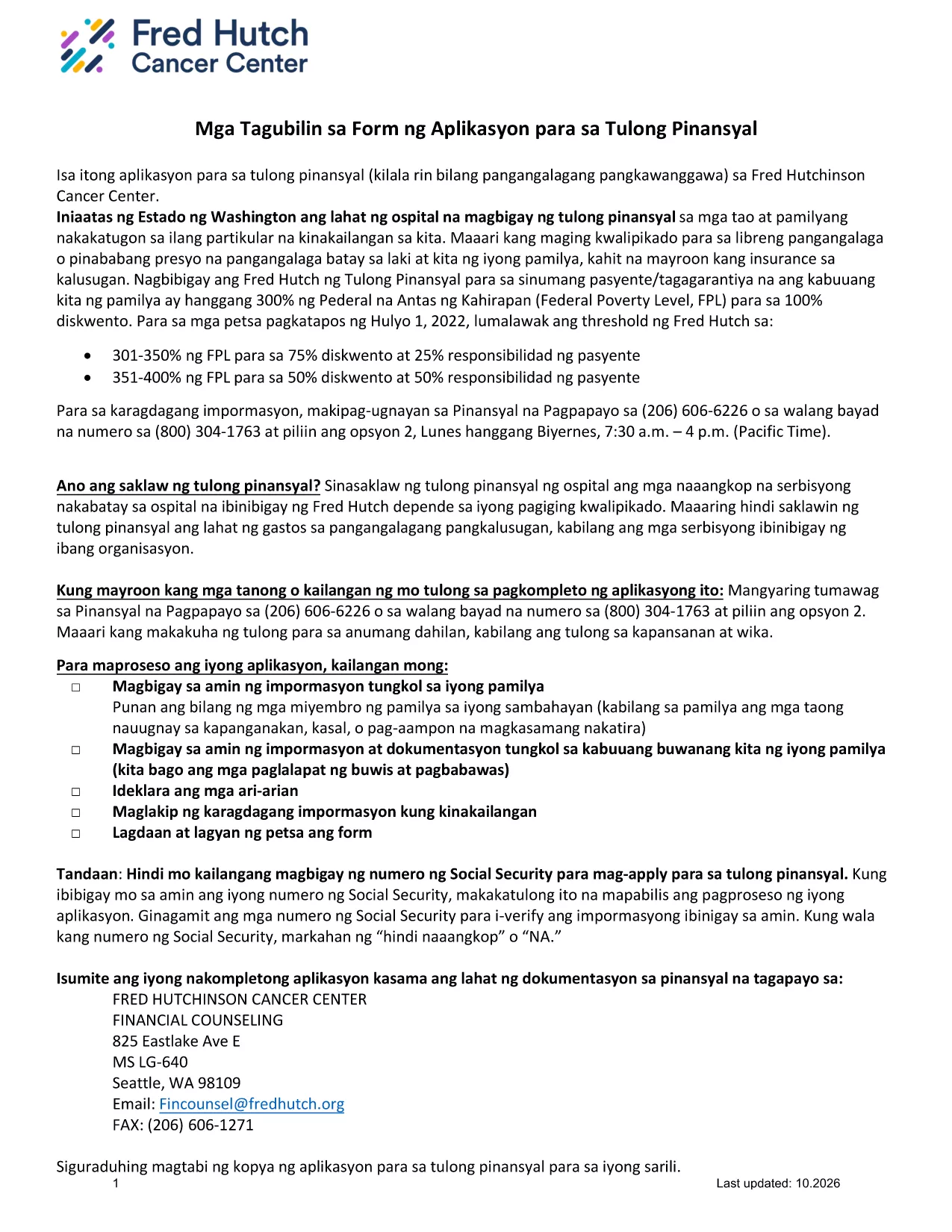
This page offers the official Tagalog application form for financial assistance. Instead of printing, scanning, or using a separate PDF editor, you can complete the form instantly in your browser with the Formize PDF Filler app.

What Is This Form For?

The form is a standard financial‑assistance application used by several health‑care providers in the United States. It is written entirely in Tagalog, making it ideal for applicants who prefer to submit their information in their native language.

How to Complete the Tagalog Application Form Online

Follow the simple steps below to fill out the form without leaving this page:

  1. Click the "Fill out this form" button below.
  2. Wait a few seconds while the Formize PDF Filler loads the fillable version of the document.
  3. Enter your information in each field. Required fields are marked with an asterisk (*).
  4. When you’re finished, click Save to download a completed PDF or Submit if your organization accepts direct uploads.

Common Mistakes to Avoid

  • Leaving required fields blank: The form will not save if mandatory fields are empty.
  • Entering "NA" incorrectly: Use exactly "NA" (capital letters) only when a question truly does not apply.
  • Using special characters: Stick to letters, numbers, and standard punctuation to prevent validation errors.

Download the Original PDF

If you need the original, non‑fillable PDF for reference or offline printing, you can download it directly from the link below.

Download Original Tagalog Application Form (PDF)

Need More Help?

Review the FAQ section for answers to the most common questions, or contact the organization that provided the form for additional assistance.

PREGUNTAS MÁS FRECUENTES
  • Do I need Adobe Reader to fill out this form?

    No. The Formize PDF Filler works directly in your browser, so no additional software is required.

  • Can I print the completed form?

    Yes. After saving the filled PDF, you can print it like any other document.

  • What does "NA" mean on the form?

    "NA" stands for Not Applicable. Use it only when a question truly does not apply to your situation.

  • Is my personal information safe?

    Formize uses secure HTTPS encryption, and the form is processed locally in your browser. Your data is not stored on our servers unless you choose to upload it.

  • Can I edit the form after I’ve saved it?

    Yes. Open the saved PDF again with Formize or any PDF editor that supports fillable fields to make changes.

  • What should I do if a field is missing or does not work?

    Refresh the page and reload the filler. If the problem persists, download the original PDF, fill it manually, and contact the organization that provided the form.

  • Is there a fee to use Formize?

    No. Filling out and downloading the form with Formize is completely free.

CÓMO

Cómo completar Tagalog application form gratis, en línea en 3 sencillos pasos:

  1. 1
    Click the Fill‑out Button
    Press the "Fill out this form" button on the page to launch the Formize PDF Filler.
  2. 2
    Wait for the Filler to Load
    A few seconds later the fillable version of the Tagalog application appears in your browser.
  3. 3
    Complete, Save, and Submit
    Enter all required information, then click Save to download the completed PDF or Submit if your organization accepts online submissions.
Aplicación Formize PDF Filler
SOBRE

Tagalog application form plantilla

Con el conjunto tradicional de funciones para ver y completar un documento PDF, combinado con los beneficios de una aplicación web y un diseño receptivo, puede completar Tagalog application form en minutos.

CARACTERÍSTICAS

Relleno de PDF

La forma más fácil de llenar formularios PDF en línea

  • Rellene rápidamente Tagalog application form
    ¿Está buscando una manera de llenar rápidamente Tagalog application form en línea? Con nuestro rellenador de formularios PDF gratuito en línea, sabrá cómo editar y rellenar este documento PDF en menos de un minuto.
  • Editor de PDF en línea fácil de usar
    ¿Cansado de imprimir archivos PDF para poder editarlos antes de volver a escanearlos y enviarlos de vuelta? Edite documentos PDF gratis en línea. Utilice nuestro editor de pdf en línea para ahorrar tiempo y papel.
  • Excelentes herramientas, todas las plataformas.
    ¿Se pregunta cómo completar Tagalog application form en una Mac, o tal vez cómo usar un relleno de PDF gratis? Nuestras herramientas de PDF en línea funcionan en todas las plataformas.
  • Almacenamiento seguro de archivos
    Los archivos "Tagalog application form" completados se almacenan en una base de datos segura administrada por Amazon Cloud hosting. Puede eliminar sus archivos de nuestro sistema en cualquier momento. En cualquier caso, estos archivos se eliminan automáticamente después de 24 horas.
  • Chatea con {palabra clave}
    Chatea con "Tagalog application form" en Chatize, que es un asistente de lectura de PDF gratuito. Haga preguntas y obtenga respuestas de "Tagalog application form". Simplemente haga clic en el botón Chatear con documento de arriba.

Eliminar sesión de llenado

¿Eliminar la sesión de llenado seleccionada? En este caso, se perderá su progreso al completar el formulario.

Eliminar sesión de edición

¿Eliminar la sesión de edición seleccionada? En este caso, se perderá su progreso en la creación y edición del formulario.