
Vali keel

College Application Worksheet – Fillable PDF Form

  1. Riik USA
  2. Keel Inglise
  3. Tegevus Maksud
  4. osakond IRS
Täitke see vorm
College Application Worksheet – Fillable PDF Form

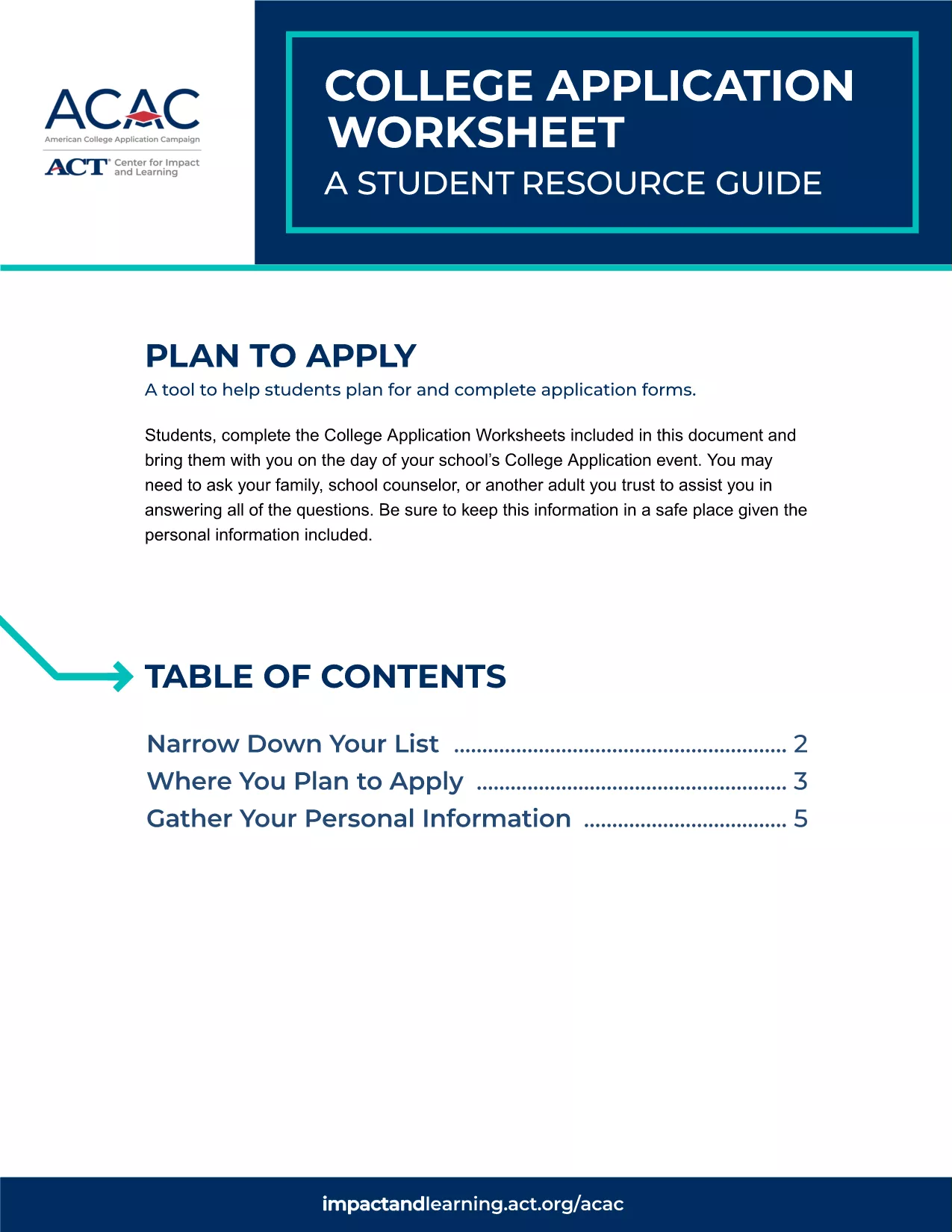
Planning for college can feel overwhelming. The College Application Worksheet simplifies the process by guiding students through every essential question, from personal information to academic goals. Our fillable PDF version lets you complete the worksheet directly in your browser—no extra software required.

Why Use a College Application Worksheet?

This worksheet helps you:

  • Organize personal and academic details in one place.
  • Identify strengths and areas for improvement before you start actual applications.
  • Communicate clearly with counselors, parents, and admission officers.

How to Fill Out the Worksheet Online

Follow these simple steps to complete the form using Formize's PDF Filler:

  1. Click the "Fill out this form" button on this page.
  2. Wait for the Formize PDF Filler app to load (just a few seconds).
  3. Enter your information in each fillable field. Navigation is easy with tab or mouse clicks.
  4. When finished, click Save to download a copy or Print for a hard‑copy record.

Common Mistakes & Tips for Success

Avoid these pitfalls to make the most of your worksheet:

  • Skipping sections: Every field is designed to help you think through the application process. Leave no blanks.
  • Using vague language: Be specific about grades, extracurriculars, and career goals.
  • Not saving progress: Use the "Save" button frequently, especially on slower connections.

Download, Save, and Print Your Completed Form

After you’ve filled out the worksheet, you can:

  • Download a PDF copy for personal records.
  • Print a clean version to bring to counseling sessions.
  • Share the file securely with parents or teachers.

Ready to get started? Click the button above and let Formize handle the rest!

KKK
  • Do I need Adobe Acrobat to use this worksheet?

    No. The Formize PDF Filler works directly in your web browser—no extra software is required.

  • Can I edit the worksheet after I’ve saved it?

    Yes. Open the saved PDF with Formize again, click “Fill out this form,” and continue editing.

  • Is my personal information safe?

    Formize uses secure HTTPS connections and does not store your data on our servers.

  • What if I make a mistake while filling it out?

    Simply use the backspace/delete key to correct any field, or clear the entire form with the “Reset” button.

  • Can I print a blank version for offline use?

    Yes. Click the “Print” button without filling out the fields to get a clean, printable copy.

  • Is this worksheet suitable for high school seniors only?

    While designed for college‑bound students, anyone planning post‑secondary education can benefit from it.

KUIDAS

4 lihtsa sammuga veebis tasuta college application worksheet täitmine:

  1. 1
    Click the Fill‑out Button
    Press the “Fill out this form” button on the page to launch Formize’s PDF Filler.
  2. 2
    Wait for the Filler to Load
    The app loads in a few seconds—no download or installation needed.
  3. 3
    Enter Your Information
    Complete each fillable field with accurate data. Use the Tab key or mouse to move between sections.
  4. 4
    Save or Print Your Worksheet
    When you’re done, click “Save” to download the PDF or “Print” for a hard copy.
PDF-täiterakenduse vormindamine
UMBES

Maksuvormid

college application worksheet on üks maksuvormidest, mida kasutatakse maksudega seotud teabe esitamiseks asjaomasele maksuhaldurile. Maksuvorme on erinevat tüüpi, sealhulgas föderaal-, osariigi ja kohalikud maksuvormid, mis võivad olenevalt maksumaksja olukorrast ja asukohast erineda.

FUNKTSIOONID

PDF täiteaine

Lihtsaim viis märksõna college application worksheet veebis täitmiseks

  • Täitke kiiresti college application worksheet
    Kas otsite viisi college application worksheet kiireks veebis täitmiseks? Meie veebipõhise tasuta PDF-vormi täitja abil saate teada, kuidas seda PDF-dokumenti vähem kui minutiga redigeerida ja täita.
  • Lihtne kasutada veebipõhist PDF-redaktorit
    Kas olete tüdinenud PDF-failide printimisest, et saaksite neid enne uuesti skannimist ja tagasisaatmist redigeerida? Redigeerige PDF-dokumente võrgus tasuta. Kasutage meie veebipõhist PDF-redaktorit, et säästa aega ja paberit.
  • Suurepärased tööriistad, kõik platvormid
    Kas soovite teada, kuidas Macis täita college application worksheet või kuidas kasutada tasuta PDF-täitjat? Meie veebipõhised PDF-tööriistad töötavad kõigil platvormidel.
  • Turvaline failide salvestusruum
    Lõpetatud failid „college application worksheet” salvestatakse turvatud andmebaasi, mida haldab Amazon Cloudi hostimine. Saate oma failid meie süsteemist igal ajal kustutada. Igal juhul kustutatakse need failid 24 tunni pärast automaatselt.
  • Vestelge kasutajaga college application worksheet
    Vestelge kasutajaga „college application worksheet” saidil Chatize, mis on tasuta PDF-i lugeja abiline. Esitage küsimusi ja saage vastused märksõnalt „college application worksheet”. Klõpsake ülaloleval nupul Vestle dokumendiga.

Kustuta täitmise seanss

Kas kustutada valitud täitmisseanss? Sellisel juhul läheb teie edu vormi täitmisel kaotsi.

Kustuta redigeerimisseanss

Kas kustutada valitud redigeerimisseanss? Sel juhul lähevad teie edu vormi loomisel ja redigeerimisel kaotsi.