زبان را انتخاب کنید

Fillable Form H119 (PB119) – Download and Complete Online

  1. کشور استرالیا
  2. زبان انگلیسی
  3. فعالیت Pharmaceutical Benefits Scheme
  4. بخش Health
این فرم را پر کنید
Fillable Form H119 (PB119) – Download and Complete Online

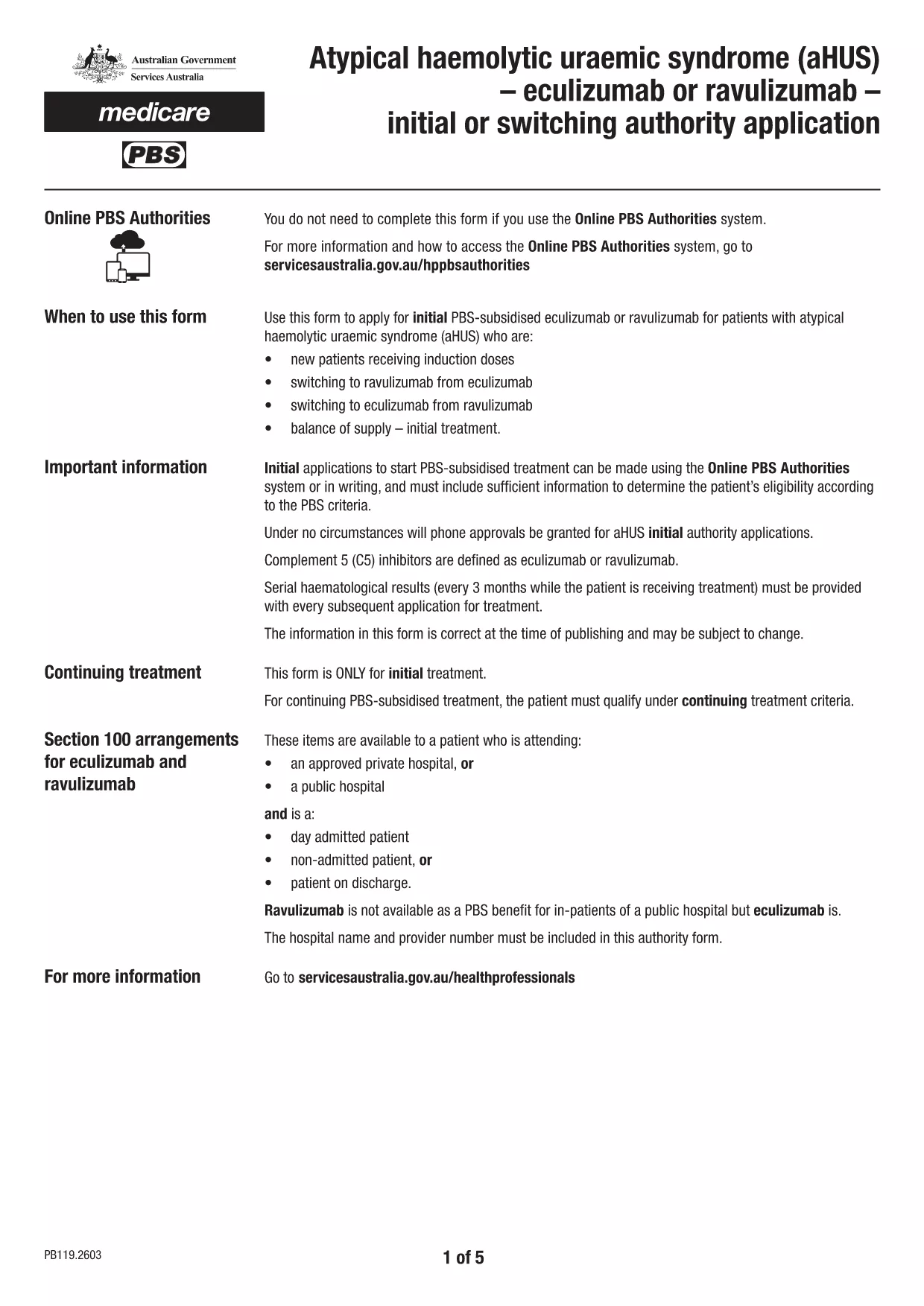
Form H119, also known as PB119, is the official application used by health professionals to request initial or switching PBS‑subsidised treatment with eculizumab or ravulizumab for patients with atypical haemolytic uraemic syndrome (aHUS). The form must be completed accurately before it can be uploaded to the Health Professionals Online Service (HPOS) or submitted through the online PBS Authorities system.

On this Formize landing page you can download the official fillable PDF, open it directly in our secure Formize PDF Filler app, and finish the whole process without installing any extra software. The filler works on any device – desktop, tablet or smartphone – and saves your entries automatically.

Below you will find everything you need to know about the form, step‑by‑step instructions for a smooth online experience, and answers to the most common questions.

سوالات متداول
  • Is Form H119 the same as PB119?

    Yes. The official name is PB119, but many users refer to it as Form H119. Both refer to the same PBS authority application for aHUS treatment.

  • Do I need to download the PDF before using Formize?

    No. Simply click the **Fill out this form** button and the fillable PDF loads directly in the Formize app. Downloading is optional for offline backup.

  • Can I edit the form after I’ve saved it?

    Absolutely. The Formize app stores a temporary copy in your browser. Open the saved file again in the app to make changes before final submission.

  • What browsers are supported?

    Formize works with the latest versions of Chrome, Edge, Firefox, and Safari. Mobile browsers on iOS and Android are also fully supported.

  • Is my data secure?

    Yes. All data entered in the Formize PDF Filler is processed locally in your browser and never stored on our servers unless you choose to download the file.

  • Do I still need to upload the form to HPOS after filling it online?

    Yes. The completed PDF must be uploaded to the Health Professionals Online Service (HPOS) or submitted via the online PBS Authorities system as required by Services Australia.

  • What if I make a mistake on the form?

    You can correct any error by reopening the saved PDF in the Formize app, editing the fields, and re‑saving before you upload it.

  • Is there a fee to use Formize’s PDF filler?

    No. Formize provides the PDF filler for free for all public government forms.

چگونه

نحوه پر کردن form h119 به صورت رایگان و آنلاین در 3 با مراحل آسان:

  1. 1
    Open the Fillable Form
    Click the **Fill out this form** button on this page. The Formize PDF Filler app will load instantly in your browser.
  2. 2
    Enter Your Information
    Complete each field – patient details, prescriber information, and treatment justification – using your keyboard or touch screen. All required fields are highlighted.
  3. 3
    Save and Submit
    When you’re done, click **Save & Download** to get a copy for your records, then use the HPOS portal to upload the completed PDF.
برنامه PDF Filler را فرم‌بندی کنید
در باره

قالب form h119

با مجموعه‌ای از ویژگی‌های سنتی برای مشاهده و پر کردن یک سند PDF، همراه با مزایای یک برنامه وب و طرح‌بندی واکنش‌گرا، می‌توانید form h119 را در چند دقیقه تکمیل کنید.

امکانات

پرکننده PDF

ساده ترین راه برای پر کردن فرم های PDF به صورت آنلاین

  • به سرعت form h119 را پر کنید
    به دنبال راهی برای پر کردن سریع form h119 آنلاین هستید؟ با پرکننده فرم PDF رایگان آنلاین ما، می‌دانید چگونه این سند pdf را در کمتر از یک دقیقه ویرایش و پر کنید.
  • آسان برای استفاده از ویرایشگر PDF آنلاین
    آیا از چاپ فایل‌های پی‌دی‌اف خسته شده‌اید تا بتوانید آن‌ها را قبل از اسکن مجدد و ارسال مجدد، ویرایش کنید؟ اسناد PDF را به صورت آنلاین به صورت رایگان ویرایش کنید. از ویرایشگر pdf آنلاین ما برای صرفه جویی در زمان و کاغذ استفاده کنید.
  • ابزارهای عالی، همه پلتفرم ها
    آیا نمی دانید که چگونه form h119 را در مک پر کنید، یا شاید چگونه از پرکننده PDF به صورت رایگان استفاده کنید؟ ابزارهای PDF آنلاین ما روی همه پلتفرم ها کار می کنند.
  • ذخیره سازی امن فایل
    فایل‌های تکمیل‌شده «form h119» در یک پایگاه داده ایمن که توسط میزبانی ابری آمازون مدیریت می‌شود، ذخیره می‌شوند. شما می توانید فایل های خود را در هر زمان از سیستم ما حذف کنید. در هر صورت این فایل ها پس از 24 ساعت به صورت خودکار پاک می شوند.
  • چت با form h119
    با «form h119» در Chatize که یک دستیار PDF خوان رایگان است، گپ بزنید. سوال بپرسید و از "form h119" پاسخ بگیرید. فقط روی دکمه Chat With Document در بالا کلیک کنید.

حذف جلسه پر کردن

جلسه پر کردن انتخاب شده را حذف کنید؟ در این صورت پیشرفت شما در تکمیل فرم از بین خواهد رفت.

حذف جلسه ویرایش

جلسه ویرایش انتخابی حذف شود؟ در این صورت پیشرفت شما در ایجاد و ویرایش فرم از بین خواهد رفت.