زبان را انتخاب کنید

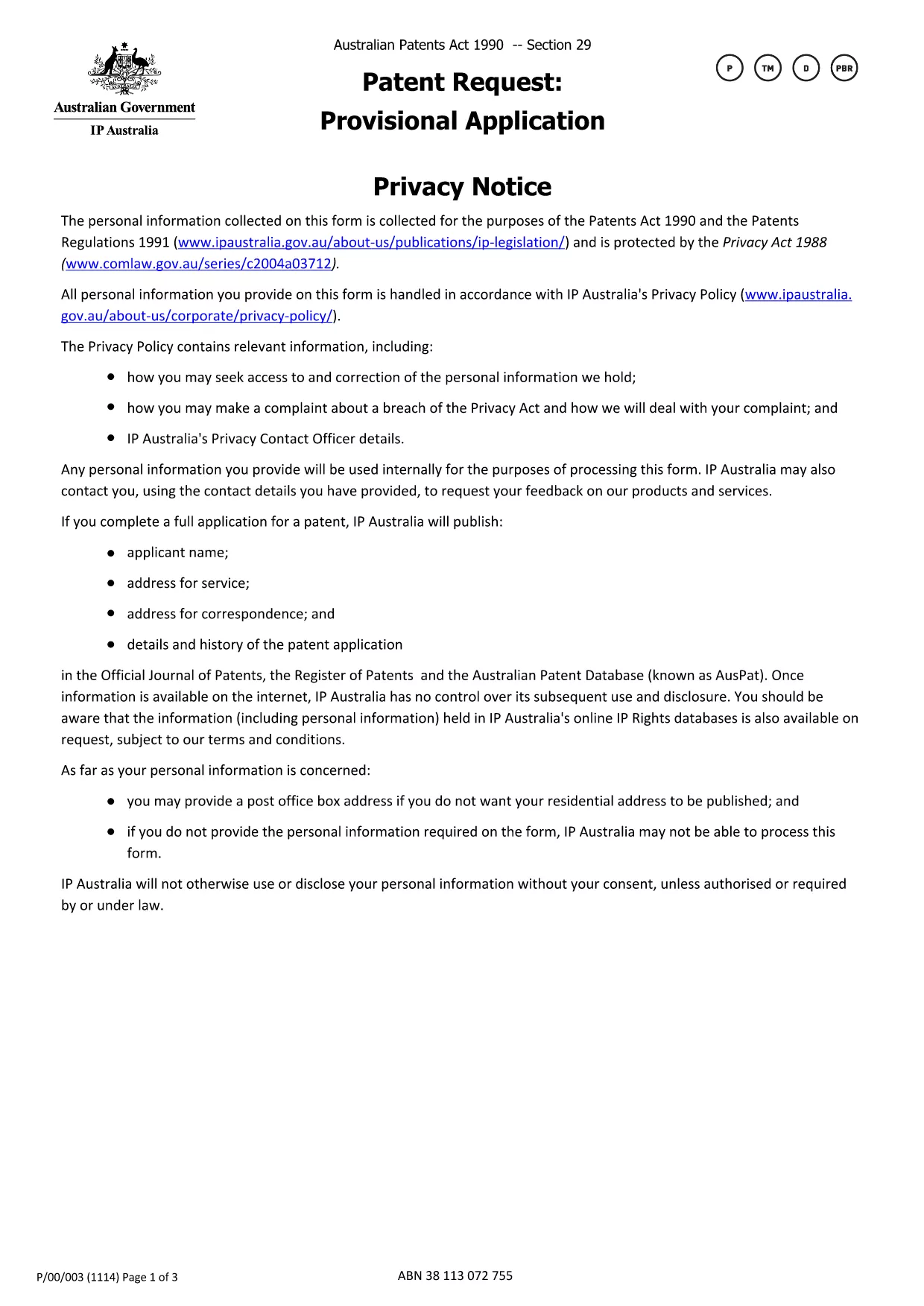
Provisional Patent Application Form (Fillable PDF)

  1. کشور استرالیا
  2. زبان انگلیسی
  3. فعالیت Patents
  4. بخش IP Australia
این فرم را پر کنید
Provisional Patent Application Form (Fillable PDF)

If you are ready to protect your invention in Australia, the first step is to submit a provisional patent application. The official form is available as a downloadable PDF, and with Formize you can complete it entirely online—no extra software required.

This page walks you through every part of the provisional patent application form, highlights common pitfalls, and shows how the Formize PDF Filler makes the process fast and secure.

How to Fill the Provisional Patent Application Online

Simply click the "Fill out this form" button below. The Formize PDF Filler loads the official IP Australia document, and you can start typing directly into each field.

Key Sections of the Form Explained

  • Applicant Details – Name, address, and contact information. Use a business address if you want to keep your home address private.
  • Invention Title – A concise title that captures the essence of the invention.
  • Brief Description – Summarize the invention in 150 words or less.
  • Inventor(s) Information – Full names and citizenship details.
  • Declaration – Signature section confirming the truthfulness of the filing.

Common Mistakes & Tips for Successful Submission

Avoid these frequent errors:

  • Leaving mandatory fields blank (they are highlighted in red by Formize).
  • Using non‑Australian addresses for the service address unless you have a local PO Box.
  • Submitting a document that exceeds the 655 KB file size limit—Formize automatically compresses the PDF.
  • Misspelling inventor names; they must match the details on the supporting specification.

Why Use Formize’s Fillable PDF Filler

Formize turns a static PDF into an interactive form that saves your progress, validates entries in real time, and lets you download a completed PDF ready for submission to IP Australia. No printing, scanning, or third‑party editors needed.

سوالات متداول
  • Do I need to print the provisional patent form after filling it online?

    No. The Formize PDF Filler lets you download a fully completed PDF that can be submitted electronically or printed if you prefer postal filing.

  • Is the fillable PDF version the official document accepted by IP Australia?

    Yes. The online version uses the exact PDF published by IP Australia, so the content and layout meet the office’s requirements.

  • Can I save my progress and return later?

    Absolutely. Formize stores your entries locally in the browser, allowing you to pause and resume without losing any data.

  • What if I make a mistake after I’ve downloaded the PDF?

    You can reopen the same PDF in Formize, correct the fields, and download a new version. The original file remains unchanged.

  • Is there a fee to use Formize’s PDF filler?

    Formize offers a free basic version that includes all features needed to complete and download the provisional patent application.

  • Do I need a separate PDF editor like Adobe Acrobat?

    No. Formize provides all the editing tools you need directly in the browser—no extra software required.

  • How do I keep my personal address private?

    Enter a PO Box or a business address in the “Address for service” field. IP Australia allows non‑residential addresses for privacy.

  • What size is the PDF file after I fill it out?

    The completed form stays under 655 KB, the same size as the original, ensuring quick upload and easy email attachment.

چگونه

نحوه پر کردن provisional patent application به صورت رایگان و آنلاین در 5 با مراحل آسان:

  1. 1
    Click the Fill‑out Button
    Press the "Fill out this form" button on the page to launch the Formize PDF Filler.
  2. 2
    Wait for the Filler to Load
    The fillable version of the official IP Australia provisional patent form loads in seconds.
  3. 3
    Complete Each Section
    Enter your details, invention title, description, and inventor information directly into the PDF fields.
  4. 4
    Validate and Review
    Formize checks mandatory fields and highlights any errors before you finish.
  5. 5
    Download or Submit
    When satisfied, download the completed PDF or print it for postal submission to IP Australia.
برنامه PDF Filler را فرم‌بندی کنید
در باره

قالب provisional patent application

با مجموعه‌ای از ویژگی‌های سنتی برای مشاهده و پر کردن یک سند PDF، همراه با مزایای یک برنامه وب و طرح‌بندی واکنش‌گرا، می‌توانید provisional patent application را در چند دقیقه تکمیل کنید.

امکانات

پرکننده PDF

ساده ترین راه برای پر کردن فرم های PDF به صورت آنلاین

  • به سرعت provisional patent application را پر کنید
    به دنبال راهی برای پر کردن سریع provisional patent application آنلاین هستید؟ با پرکننده فرم PDF رایگان آنلاین ما، می‌دانید چگونه این سند pdf را در کمتر از یک دقیقه ویرایش و پر کنید.
  • آسان برای استفاده از ویرایشگر PDF آنلاین
    آیا از چاپ فایل‌های پی‌دی‌اف خسته شده‌اید تا بتوانید آن‌ها را قبل از اسکن مجدد و ارسال مجدد، ویرایش کنید؟ اسناد PDF را به صورت آنلاین به صورت رایگان ویرایش کنید. از ویرایشگر pdf آنلاین ما برای صرفه جویی در زمان و کاغذ استفاده کنید.
  • ابزارهای عالی، همه پلتفرم ها
    آیا نمی دانید که چگونه provisional patent application را در مک پر کنید، یا شاید چگونه از پرکننده PDF به صورت رایگان استفاده کنید؟ ابزارهای PDF آنلاین ما روی همه پلتفرم ها کار می کنند.
  • ذخیره سازی امن فایل
    فایل‌های تکمیل‌شده «provisional patent application» در یک پایگاه داده ایمن که توسط میزبانی ابری آمازون مدیریت می‌شود، ذخیره می‌شوند. شما می توانید فایل های خود را در هر زمان از سیستم ما حذف کنید. در هر صورت این فایل ها پس از 24 ساعت به صورت خودکار پاک می شوند.
  • چت با provisional patent application
    با «provisional patent application» در Chatize که یک دستیار PDF خوان رایگان است، گپ بزنید. سوال بپرسید و از "provisional patent application" پاسخ بگیرید. فقط روی دکمه Chat With Document در بالا کلیک کنید.

حذف جلسه پر کردن

جلسه پر کردن انتخاب شده را حذف کنید؟ در این صورت پیشرفت شما در تکمیل فرم از بین خواهد رفت.

حذف جلسه ویرایش

جلسه ویرایش انتخابی حذف شود؟ در این صورت پیشرفت شما در ایجاد و ویرایش فرم از بین خواهد رفت.