
قالب CMS Part A application
با مجموعهای از ویژگیهای سنتی برای مشاهده و پر کردن یک سند PDF، همراه با مزایای یک برنامه وب و طرحبندی واکنشگرا، میتوانید CMS Part A application را در چند دقیقه تکمیل کنید.


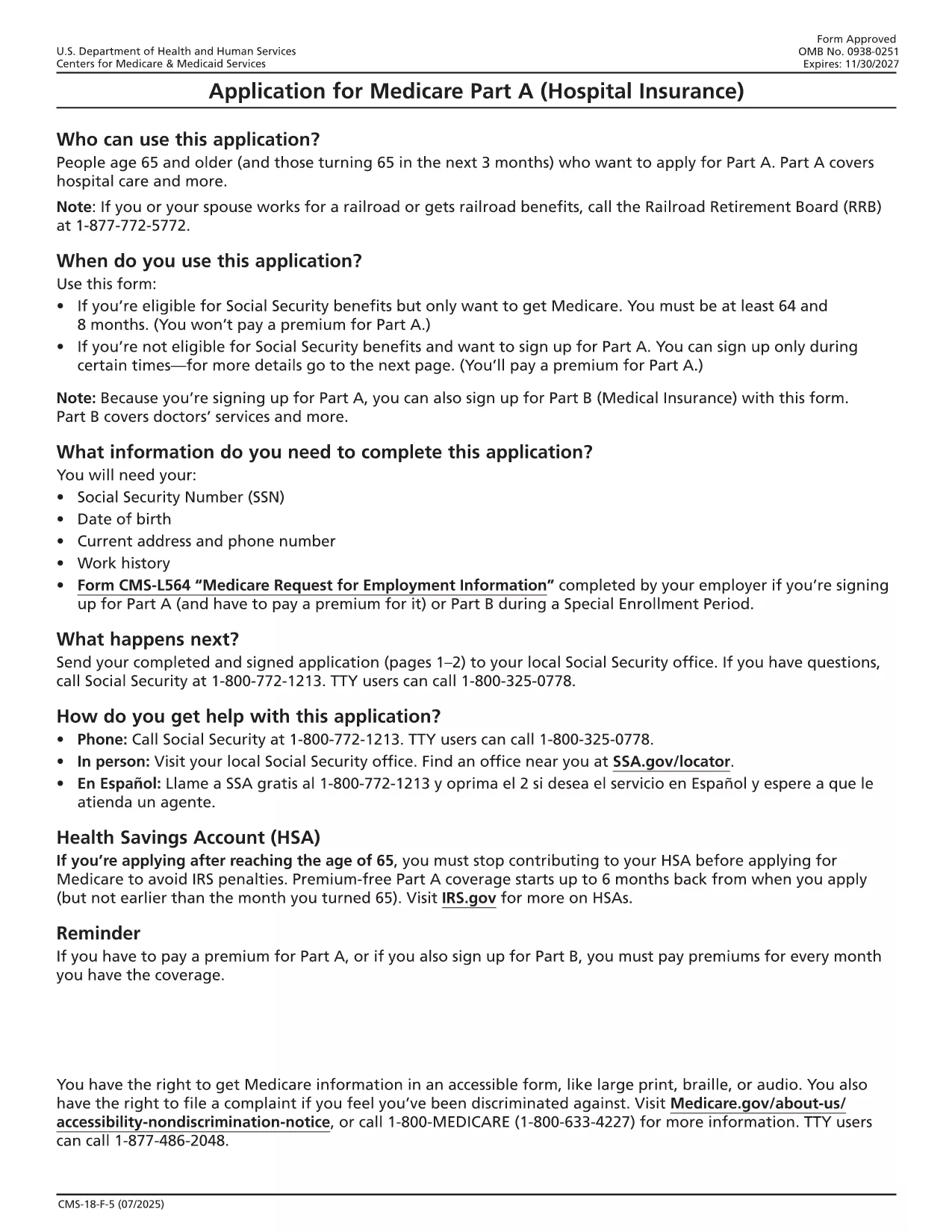
The CMS Part A Application Form (CMS‑18F5) is the official document used to enroll in Medicare Hospital Insurance. Whether you’re applying for the first time or updating your information, a fillable PDF makes the process fast, accurate, and paper‑free.
This form collects personal, citizenship, and employment data required by the Centers for Medicare & Medicaid Services (CMS) to determine eligibility for Part A benefits. It is a federal form, and the information you provide is protected under U.S. law.
Follow the simple steps below to fill out the CMS Part A application directly in your browser.
After saving the completed PDF, you can mail it to your local Social Security office or upload it through the CMS portal. Keep a copy for your records.
No. Formize’s online PDF Filler works in any modern browser, and you don’t need to install Acrobat or any other software.
Yes. The fillable PDF allows you to save your progress locally and reopen it later to continue editing.
Absolutely. Formize uses HTTPS encryption, and the data never leaves your computer unless you choose to upload or email it.
Open the saved PDF again with Formize, edit the incorrect fields, and re‑save the document before submitting.
You can mail the printed form to your local Social Security office or upload the electronic PDF through the CMS portal for faster processing.
Yes. The download link points directly to the CMS‑issued CMS‑18F5 PDF, ensuring you are using the correct and most up‑to‑date version.
با مجموعهای از ویژگیهای سنتی برای مشاهده و پر کردن یک سند PDF، همراه با مزایای یک برنامه وب و طرحبندی واکنشگرا، میتوانید CMS Part A application را در چند دقیقه تکمیل کنید.
ساده ترین راه برای پر کردن فرم های PDF به صورت آنلاین
حذف جلسه پر کردن
حذف جلسه ویرایش