

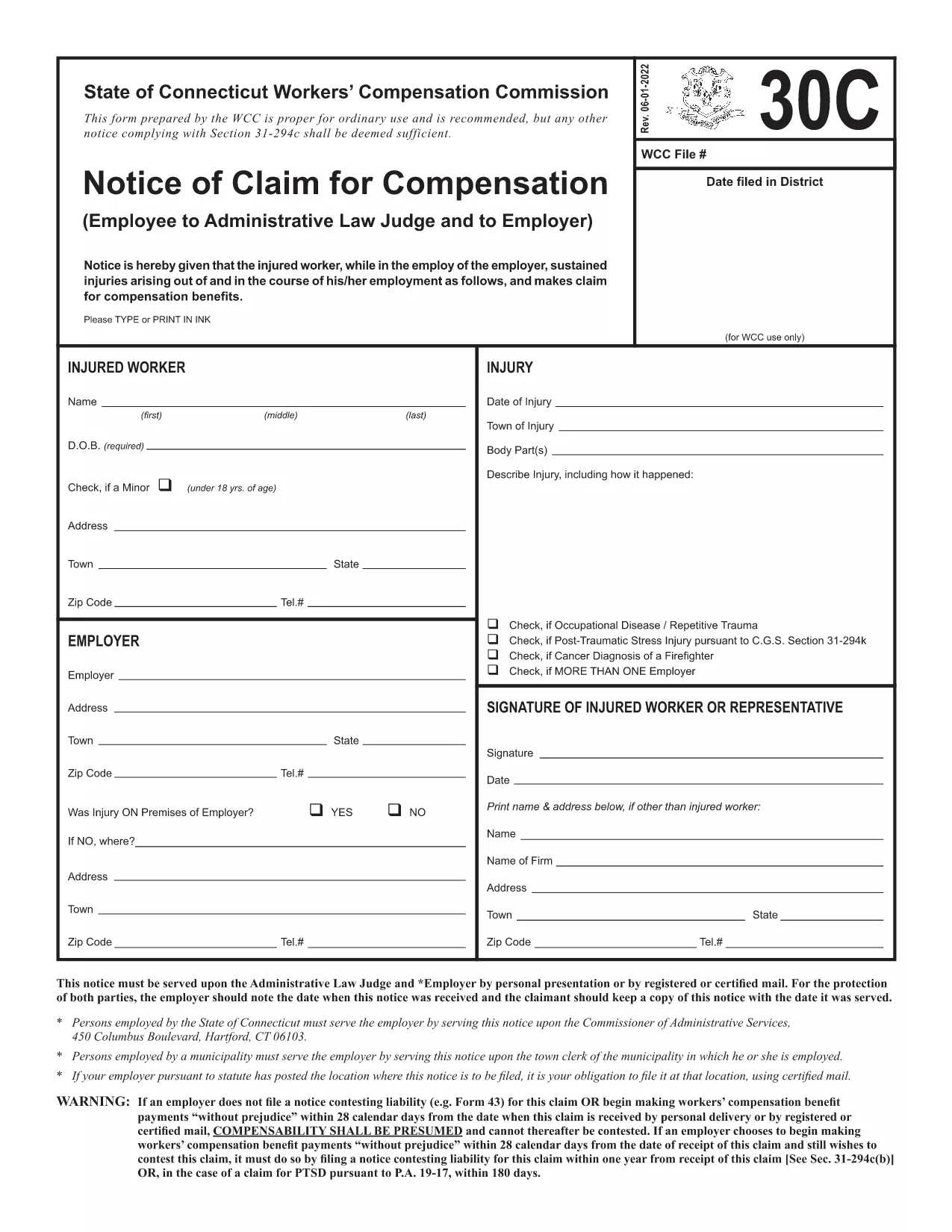

فرم های مالیاتی
Form 30c یکی از فرمهای مالیاتی است که برای گزارش درآمد، کسورات و بدهی مالیاتی به سازمان مالیاتی مربوطه استفاده میشود. این فرم ها بخش مهمی از فرآیند تشکیل پرونده مالیاتی هستند و برای اطمینان از رعایت قوانین مالیاتی افراد و مشاغل و محاسبه دقیق تعهدات مالیاتی خود استفاده می شوند.
فرم های مالیاتی خاص مورد نیاز می تواند بسته به عواملی مانند وضعیت پرونده افراد، منابع درآمد و قوانین مالیاتی کشور متفاوت باشد. با این حال، در اینجا برخی از انواع رایج فرم های مالیاتی وجود دارد:
فرمهای مالیات بر درآمد فردی: این فرمها، مانند سری 1040 در ایالات متحده استفاده میشوند. توسط افراد برای گزارش درآمد خود، مطالبه کسورات و اعتبارات و محاسبه بدهی مالیاتی خود.
فرمهای مالیات کسب و کار: کسبوکارها، از جمله شرکتهای انحصاری، مشارکت، شرکتهای بزرگ و افراد خوداشتغال، ممکن است مجبور باشند فرمهای مختلفی را برای گزارش درآمد، هزینهها و مالیاتهای بدهی خود ارسال کنند. به عنوان مثال میتوان به جدول C (سود یا زیان کسبوکار) و فرم 1120 (بایگانی مالیات بر درآمد شرکت ایالات متحده) اشاره کرد.
فرمهای مالیات بر استخدام: کارفرمایان موظفند دستمزد کارمندان را گزارش کنند و مالیات حقوق و دستمزد را کسر و پرداخت کنند. برای این منظور از فرم هایی مانند W-2 (بیانیه دستمزد و مالیات) و 941 ( اظهارنامه مالیاتی فصلی فدرال کارفرما) استفاده می شود.
فرمهای سرمایهگذاری و حساب بازنشستگی: این فرمها برای گزارش درآمد سرمایهگذاری، سود سرمایه و زیان، و همچنین مشارکتها و توزیعهای حسابهای بازنشستگی استفاده میشوند. نمونهها عبارتند از فرم 1099-DIV (سود سهام و توزیعها) و فرم 5498 (اطلاعات مشارکت IRA).
فرمهای مالیات بر دارایی و هدیه: وقتی شخصی فوت میکند یا هدایای مهمی میدهد، فرمهای خاصی مانند فرم 706 a> ( اظهارنامه مالیاتی املاک ایالات متحده (و انتقال نسلی) و فرم 709 (هدیه ایالات متحده (و نسل- رد شدن از انتقال) اظهارنامه مالیاتی) برای گزارش و محاسبه هر گونه مالیات بر دارایی یا هدیه قابل اعمال استفاده می شود.
توجه به این نکته مهم است که قوانین و فرمهای مالیاتی میتوانند در طول زمان تغییر کنند، بنابراین افراد و مشاغل باید با سازمان مالیاتی مربوطه مشورت کنند یا از مشاوره مالیاتی حرفهای برای اطمینان از انطباق با الزامات فعلی استفاده کنند.