
قالب UGIFT 2026 application
با مجموعهای از ویژگیهای سنتی برای مشاهده و پر کردن یک سند PDF، همراه با مزایای یک برنامه وب و طرحبندی واکنشگرا، میتوانید UGIFT 2026 application را در چند دقیقه تکمیل کنید.


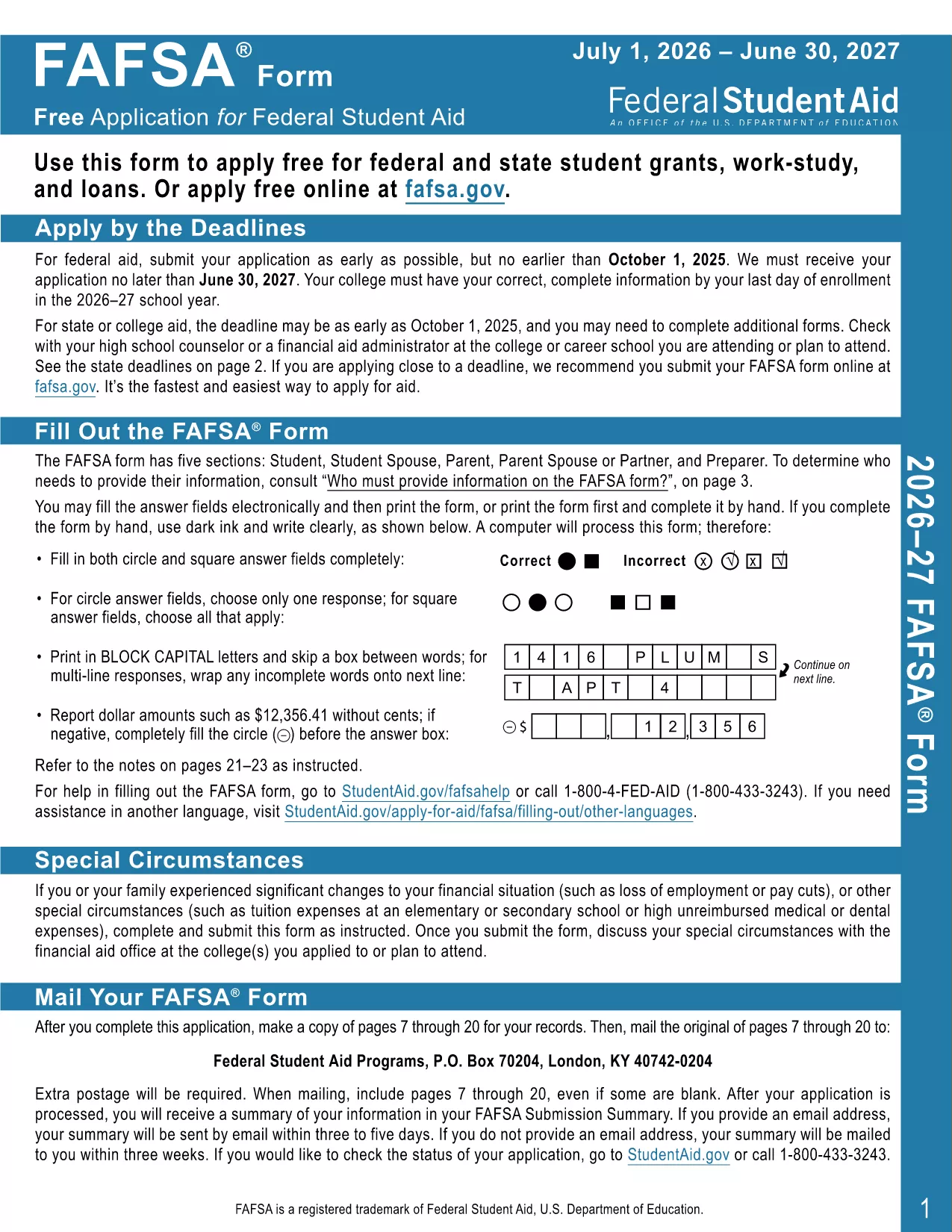
The UGIFT 2026 application form is the official, fillable PDF you need to apply for the 2026 Universal Gift Initiative. With Formize’s integrated PDF Filler, you can complete the form directly in your browser—no extra software required.
This form is designed by the Department of Education to streamline the gift‑application process. It includes auto‑calculations, validation checks, and a clean, accessible layout that meets the 2026 compliance standards.
Follow the simple steps below to fill out the form in minutes:
If you prefer to work offline, click the download button below to get the official UGIFT 2026 fillable PDF. The file works with any free Adobe Acrobat Reader version.
Need help? Review our FAQ section or revisit the step‑by‑step guide above.
No. Formize’s PDF Filler works in any modern browser. Adobe Reader is only needed if you download the PDF for offline use.
Yes. Open the saved PDF with Formize’s filler again, make changes, and re‑save.
The filler will highlight the error and prevent you from saving until the field is corrected.
Absolutely. The PDF is provided at no cost and can be used multiple times.
Follow the submission instructions on the last page of the PDF—usually mailing to the address listed or uploading via the program’s portal.
Yes. The Formize filler is responsive and works on smartphones and tablets.
Chrome, Firefox, Edge, and Safari (latest versions) are fully supported.
با مجموعهای از ویژگیهای سنتی برای مشاهده و پر کردن یک سند PDF، همراه با مزایای یک برنامه وب و طرحبندی واکنشگرا، میتوانید UGIFT 2026 application را در چند دقیقه تکمیل کنید.
ساده ترین راه برای پر کردن فرم های PDF به صورت آنلاین
حذف جلسه پر کردن
حذف جلسه ویرایش