زبان را انتخاب کنید

Fillable Application Form HTML Code & Live PDF Preview

  1. زبان انگلیسی
  2. کشور ایالات متحده آمریکا
  3. بخش Technology
  4. فعالیت Web Development
این فرم را پر کنید
Fillable Application Form HTML Code & Live PDF Preview

Looking for a quick way to add an application form to your website? Our free fillable HTML code gives you a fully functional form that automatically converts to a PDF you can view, fill, and submit directly in the browser.

Why Use a Fillable HTML Application Form?

Using HTML for your form means you get instant validation, responsive design, and seamless integration with JavaScript or server‑side processing. When the user clicks Fill out this form, the Formize PDF Filler loads the PDF version (based on the demo file below) so the data can be captured in a standard, printable format.

How to Embed the HTML Code in Your Site

Copy the code snippet below and paste it into any page of your website. The form works with all modern browsers and requires no additional libraries.

<form action="/submit" method="post">
  <label for="name">Full Name:</label>
  <input type="text" id="name" name="name" required><br>

  <label for="email">Email Address:</label>
  <input type="email" id="email" name="email" required><br>

  <label for="position">Position Applied For:</label>
  <select id="position" name="position">
    <option value="developer">Developer</option>
    <option value="designer">Designer</option>
    <option value="manager">Project Manager</option>
  </select><br>

  <label for="resume">Resume (PDF):</label>
  <input type="file" id="resume" name="resume" accept="application/pdf"><br>

  <button type="submit">Submit Application</button>
</form>

Instant PDF Preview with Formize PDF Filler

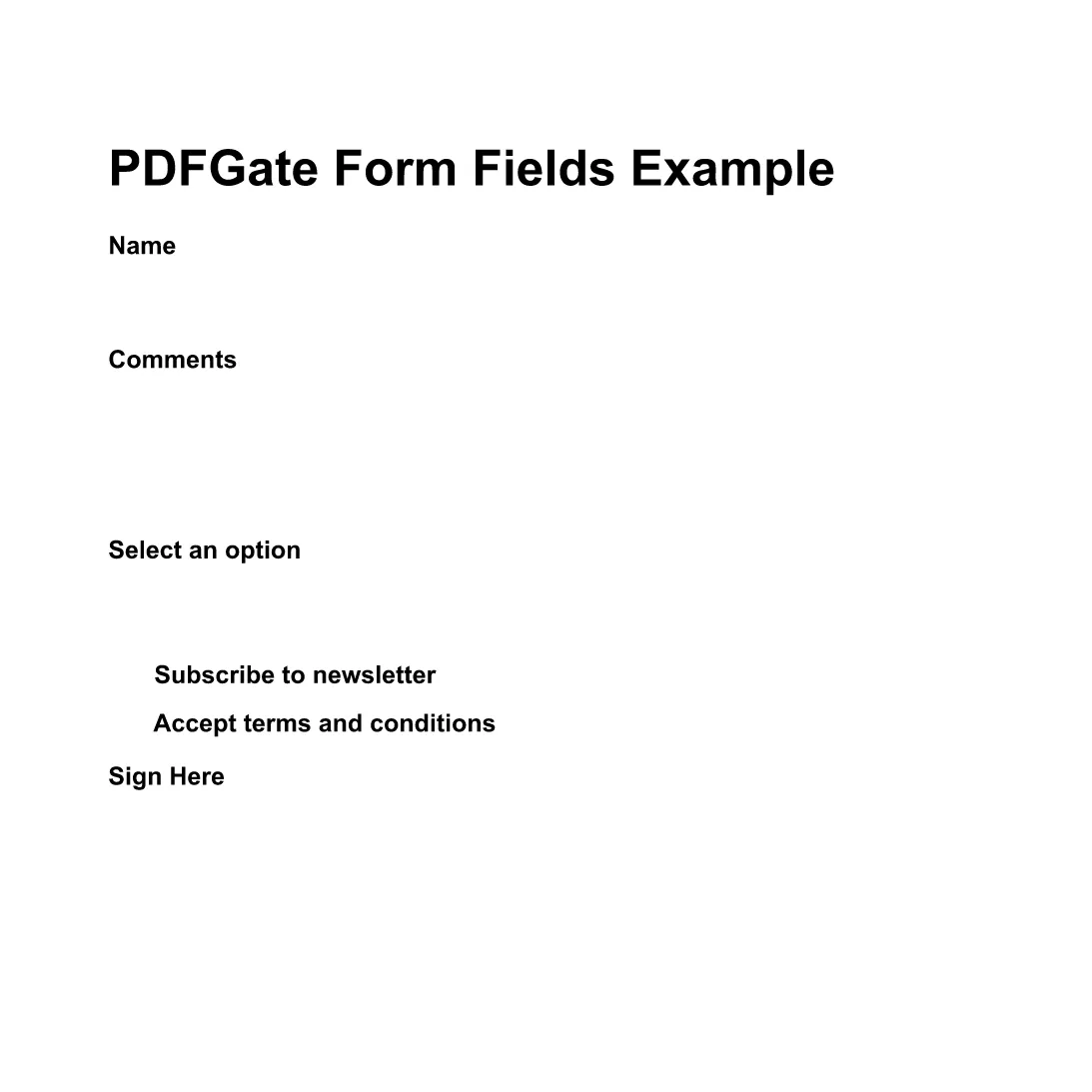
Instead of downloading the PDF, simply click the Fill out this form button below. The Formize PDF Filler app will load the demo PDF (preview PDF) and let you complete the fields online. All data is saved automatically, ready for you to download or email.

Fill out this form

Common Mistakes & Tips for a Perfect Submission

  • Missing required fields: HTML required attribute prevents empty submissions.
  • Incorrect file type: Accept only PDFs for resume uploads to keep the final document consistent.
  • Responsive layout: Use CSS media queries so the form looks great on mobile devices.
  • Server‑side validation: Always double‑check data on the back end even if the front end validates.

With these tips, your application form will be both user‑friendly and ready for PDF generation.

سوالات متداول
  • Do I need to download any software to fill the form?

    No. The Formize PDF Filler runs completely in the browser, so you can fill the form online without installing anything.

  • Can I edit the HTML code after embedding it?

    Yes. The HTML snippet is fully editable. Just update the markup on your site and the changes will appear instantly.

  • Is the PDF version automatically updated when I change the HTML?

    The Formize PDF Filler maps standard HTML input types to PDF fields each time the form loads, so any HTML changes are reflected in the PDF preview.

  • What file types can I upload with this form?

    The example accepts PDF files for the resume field. You can adjust the accept attribute to allow other types if needed.

  • Is my data secure when I fill out the PDF online?

    Formize uses HTTPS encryption for all communications, and the PDF is processed locally in your browser, keeping your data private.

  • Can I embed this form on a WordPress site?

    Absolutely. Paste the HTML snippet into a Custom HTML block or use a shortcode plugin to render the form.

چگونه

نحوه پر کردن application form html code به صورت رایگان و آنلاین در 4 با مراحل آسان:

  1. 1
    Open the Formize PDF Filler
    Click the **Fill out this form** button on the page. A new window loads the Formize PDF Filler app.
  2. 2
    Wait for the PDF to Load
    The demo PDF (application form) loads automatically. All HTML fields are mapped to fillable PDF fields.
  3. 3
    Complete the Form
    Enter your information, upload your resume, and use the drop‑down to select the position. The PDF updates in real time.
  4. 4
    Save or Submit
    When finished, click **Save PDF** to download a copy or **Send via Email** to forward the completed application.
برنامه PDF Filler را فرم‌بندی کنید
در باره

قالب application form html code

با مجموعه‌ای از ویژگی‌های سنتی برای مشاهده و پر کردن یک سند PDF، همراه با مزایای یک برنامه وب و طرح‌بندی واکنش‌گرا، می‌توانید application form html code را در چند دقیقه تکمیل کنید.

امکانات

پرکننده PDF

ساده ترین راه برای پر کردن فرم های PDF به صورت آنلاین

  • به سرعت application form html code را پر کنید
    به دنبال راهی برای پر کردن سریع application form html code آنلاین هستید؟ با پرکننده فرم PDF رایگان آنلاین ما، می‌دانید چگونه این سند pdf را در کمتر از یک دقیقه ویرایش و پر کنید.
  • آسان برای استفاده از ویرایشگر PDF آنلاین
    آیا از چاپ فایل‌های پی‌دی‌اف خسته شده‌اید تا بتوانید آن‌ها را قبل از اسکن مجدد و ارسال مجدد، ویرایش کنید؟ اسناد PDF را به صورت آنلاین به صورت رایگان ویرایش کنید. از ویرایشگر pdf آنلاین ما برای صرفه جویی در زمان و کاغذ استفاده کنید.
  • ابزارهای عالی، همه پلتفرم ها
    آیا نمی دانید که چگونه application form html code را در مک پر کنید، یا شاید چگونه از پرکننده PDF به صورت رایگان استفاده کنید؟ ابزارهای PDF آنلاین ما روی همه پلتفرم ها کار می کنند.
  • ذخیره سازی امن فایل
    فایل‌های تکمیل‌شده «application form html code» در یک پایگاه داده ایمن که توسط میزبانی ابری آمازون مدیریت می‌شود، ذخیره می‌شوند. شما می توانید فایل های خود را در هر زمان از سیستم ما حذف کنید. در هر صورت این فایل ها پس از 24 ساعت به صورت خودکار پاک می شوند.
  • چت با application form html code
    با «application form html code» در Chatize که یک دستیار PDF خوان رایگان است، گپ بزنید. سوال بپرسید و از "application form html code" پاسخ بگیرید. فقط روی دکمه Chat With Document در بالا کلیک کنید.

حذف جلسه پر کردن

جلسه پر کردن انتخاب شده را حذف کنید؟ در این صورت پیشرفت شما در تکمیل فرم از بین خواهد رفت.

حذف جلسه ویرایش

جلسه ویرایش انتخابی حذف شود؟ در این صورت پیشرفت شما در ایجاد و ویرایش فرم از بین خواهد رفت.