Valitse kieli

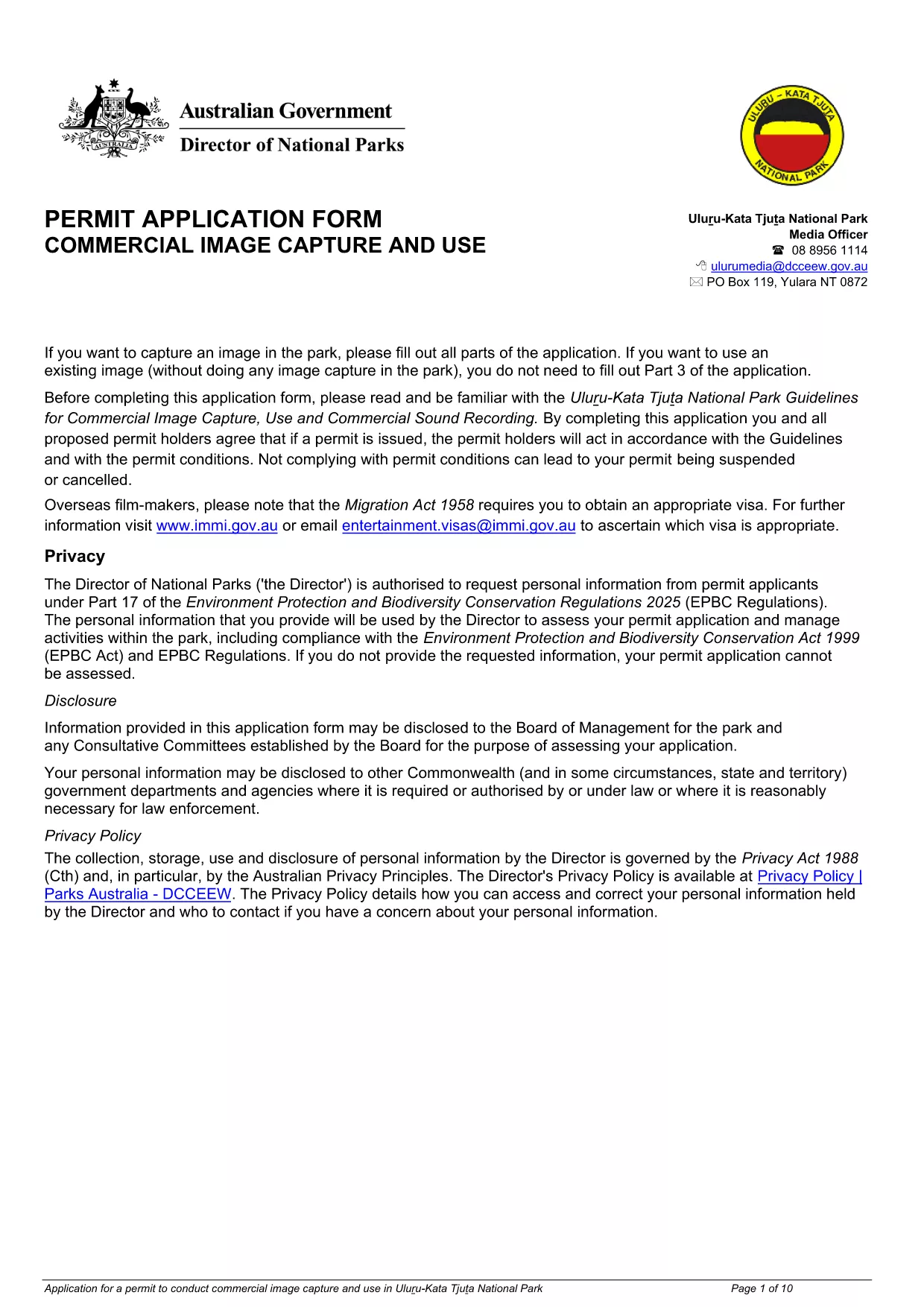
Uluru Image Capture & Use Permit Application (Fillable PDF)

  1. Kieli Englanti
  2. Maa Australia
  3. Toiminta Permits
  4. osasto Department of Climate Change, Energy, the Environment and Water
Uluru Image Capture & Use Permit Application (Fillable PDF)

Planning to photograph or record footage in the iconic Uluru‑Kata Tjuta National Park? You need an Image Capture and Use Permit approved by the Department of Climate Change, Energy, the Environment and Water. Our fillable PDF makes the application quick, paper‑free, and ready for instant online submission.

The permit ensures that commercial image‑capture activities respect cultural heritage, environmental guidelines, and park safety rules. With the downloadable fillable PDF, you can enter all required details, attach supporting documents, and submit the form directly through Formize’s secure PDF Filler.

Below you’ll find everything you need to know – from the purpose of the permit to step‑by‑step instructions, common pitfalls, and answers to the most frequently asked questions.

FAQ
  • Do I need a permit for personal (non‑commercial) photography?

    Personal, non‑commercial photography for private use does not require this permit, but any commercial or promotional use must be authorized through this application.

  • What is the processing time for the permit?

    Typical processing takes 10‑15 business days after submission, provided all required information and attachments are complete.

  • Can I edit the form after I have submitted it?

    Once submitted, the form cannot be edited. If you need to make changes, contact the Department to withdraw the application and resubmit a new one.

  • Is there a fee for the Image Capture Permit?

    Yes, a standard processing fee applies. The exact amount is listed on the last page of the form and must be paid via the Department’s online portal.

  • What types of equipment need to be listed?

    All camera gear, drones, lighting rigs, and any recording equipment used for the project must be detailed in the equipment section.

  • Do I need to provide a cultural heritage impact statement?

    If your project involves areas of cultural significance, a brief impact statement and consultation evidence must be attached.

  • Can I submit the form on a mobile device?

    Yes. The Formize PDF Filler works on smartphones and tablets, allowing you to complete the application anywhere with an internet connection.

MITEN

Kuinka täyttää Uluru image capture permit ilmaiseksi verkossa 5 helpon vaiheen avulla:

  1. 1
    Open the Fillable Form
    Click the **Fill out this form** button on this page. The Formize PDF Filler app will load instantly in your browser.
  2. 2
    Enter Your Details
    Complete each field – applicant information, project description, dates, equipment list, and any required supporting images.
  3. 3
    Attach Supporting Documents
    Use the attachment icons to upload your project plan, insurance certificates, and any cultural heritage assessments.
  4. 4
    Review and Sign
    Double‑check every entry, then add your electronic signature in the designated field.
  5. 5
    Submit the Application
    Press **Submit**. The filled PDF is securely sent to the Department’s review team, and you receive a confirmation email with a copy of your submission.
Muotoile PDF Filler -sovellus
NOIN

Uluru image capture permit malli

Perinteisten PDF-dokumenttien katseluun ja täyttämiseen tarkoitettujen ominaisuuksien sekä verkkosovelluksen ja responsiivisen asettelun etujen avulla voit suorittaa Uluru image capture permit muutamassa minuutissa.

OMINAISUUDET

PDF-täyttö

Helpoin tapa täyttää Uluru image capture permit verkossa

  • Täytä nopeasti Uluru image capture permit
    Etsitkö tapaa täyttää Uluru image capture permit nopeasti verkossa? Online-maksuttoman PDF-lomakkeen täyttösovelluksemme avulla tiedät kuinka muokata ja täyttää tämä pdf-dokumentti alle minuutissa.
  • Helppokäyttöinen PDF-editori verkossa
    Oletko kyllästynyt tulostamaan PDF-tiedostoja, jotta voit muokata niitä, ennen kuin skannaat uudelleen ja lähetät ne takaisin? Muokkaa PDF-dokumentteja ilmaiseksi verkossa. Käytä online-pdf-editoriamme säästääksesi aikaa ja paperia.
  • Upeita työkaluja, kaikki alustat
    Mietitkö, kuinka Uluru image capture permit täytetään Macilla tai kuinka käyttää PDF-täyttöä ilmaiseksi? Online PDF-työkalumme toimivat kaikilla alustoilla.
  • Suojattu tiedostojen tallennus
    Valmiit "Uluru image capture permit"-tiedostot tallennetaan suojattuun tietokantaan, jota hallinnoi Amazon Cloud hosting. Voit poistaa tiedostosi järjestelmästämme milloin tahansa. Joka tapauksessa nämä tiedostot poistetaan automaattisesti 24 tunnin kuluttua.
  • Keskustele käyttäjän Uluru image capture permit kanssa
    Keskustele käyttäjän "Uluru image capture permit" kanssa Chatizessa, joka on ilmainen PDF-lukija-apuohjelma. Esitä kysymyksiä ja hanki vastauksia käyttäjältä "Uluru image capture permit". Napsauta yllä olevaa Chat With Document -painiketta.

Poista täyttöistunto

Poistetaanko valittu täyttöistunto? Tässä tapauksessa edistymisesi lomakkeen täyttämisessä menetetään.

Poista muokkausistunto

Poistetaanko valittu muokkausistunto? Tässä tapauksessa etenemisesi lomakkeen luomisessa ja muokkaamisessa menetetään.