Valitse kieli

OCSEAS Application Form – Fill Out Online

  1. Maa Australia
  2. Kieli Englanti
  3. Toiminta Academic Programs
  4. osasto Department of Education
OCSEAS Application Form – Fill Out Online

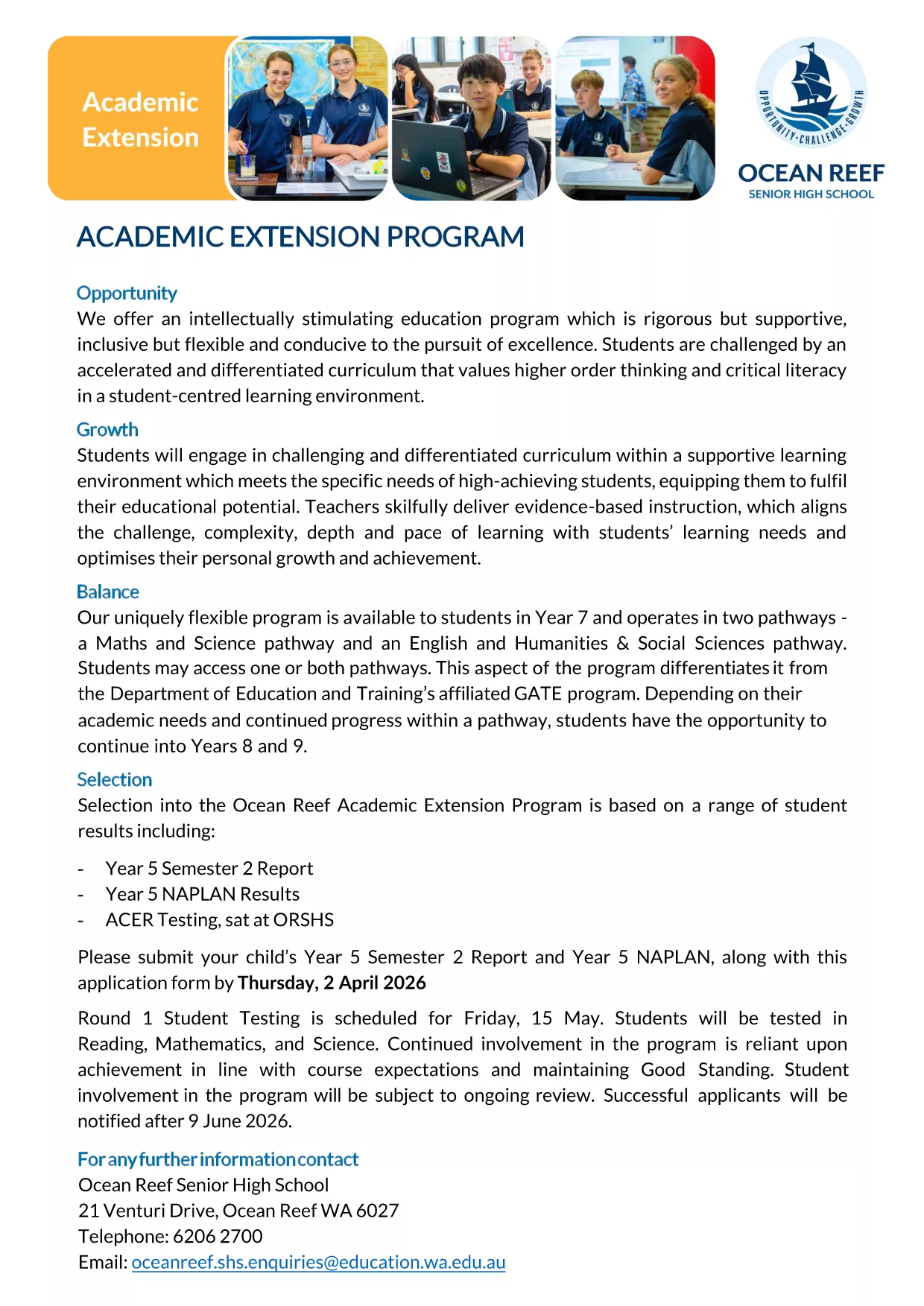
The OCSEAS application form is now available as a fully fillable PDF that you can complete instantly in your browser. No extra software is required – simply click the "Fill out this form" button and let the Formize PDF Filler load the document for you.

Whether you are applying for the Academic Extension Program or submitting a related request, this page gives you everything you need: a direct download link, step‑by‑step guidance, and answers to the most common questions.

  • Secure, online completion – your data stays private.
  • Automatic field validation to reduce errors.
  • Save a copy for your records with just one click.

Ready to get started? Follow the simple instructions below, avoid typical pitfalls, and submit a flawless application.

FAQ
  • Do I need Adobe Acrobat to fill the OCSEAS form?

    No. The Formize PDF Filler works in any modern browser, so you can complete the form without installing additional software.

  • Can I save my progress and return later?

    Yes. Use the "Save" button in the Formize app to download a partially completed PDF, then re‑upload it later to continue.

  • Is the form secure?

    All data entered in the Formize app is encrypted in transit. The form never leaves your browser unless you choose to submit or download it.

  • What file format will I receive after submission?

    You will receive a completed, searchable PDF that includes all your entered data and signatures.

  • What if I make a mistake after submitting?

    Contact the OCSEAS office immediately. They can provide a corrected form or allow you to upload a revised PDF.

  • Are there any size limits for attachments?

    Attachments must be under 5 MB each. If you have larger files, compress them before uploading.

  • Do I need to print the form after completing it online?

    Printing is optional. The electronic PDF is accepted by the OCSEAS office, but you may print a copy for your records if desired.

MITEN

Kuinka täyttää OCSEAS application form ilmaiseksi verkossa 5 helpon vaiheen avulla:

  1. 1
    Click the Fill‑out Button
    Press the "Fill out this form" button on this page. The Formize PDF Filler app will open in a new tab and load the OCSEAS application automatically.
  2. 2
    Wait for the Form to Load
    Give the app a few seconds to render the fillable fields. You’ll see a clean, interactive version of the PDF ready for input.
  3. 3
    Enter Your Information
    Type directly into each field, select dates from the calendar widget, and upload any required supporting documents.
  4. 4
    Add Your Signature
    Use the built‑in signature tool to draw or type your signature. The form validates the signature placement automatically.
  5. 5
    Submit or Save
    When you’re finished, click "Submit" to send the completed form to the designated email address, or click "Download" to save a copy on your device.
Muotoile PDF Filler -sovellus
NOIN

OCSEAS application form malli

Perinteisten PDF-dokumenttien katseluun ja täyttämiseen tarkoitettujen ominaisuuksien sekä verkkosovelluksen ja responsiivisen asettelun etujen avulla voit suorittaa OCSEAS application form muutamassa minuutissa.

OMINAISUUDET

PDF-täyttö

Helpoin tapa täyttää OCSEAS application form verkossa

  • Täytä nopeasti OCSEAS application form
    Etsitkö tapaa täyttää OCSEAS application form nopeasti verkossa? Online-maksuttoman PDF-lomakkeen täyttösovelluksemme avulla tiedät kuinka muokata ja täyttää tämä pdf-dokumentti alle minuutissa.
  • Helppokäyttöinen PDF-editori verkossa
    Oletko kyllästynyt tulostamaan PDF-tiedostoja, jotta voit muokata niitä, ennen kuin skannaat uudelleen ja lähetät ne takaisin? Muokkaa PDF-dokumentteja ilmaiseksi verkossa. Käytä online-pdf-editoriamme säästääksesi aikaa ja paperia.
  • Upeita työkaluja, kaikki alustat
    Mietitkö, kuinka OCSEAS application form täytetään Macilla tai kuinka käyttää PDF-täyttöä ilmaiseksi? Online PDF-työkalumme toimivat kaikilla alustoilla.
  • Suojattu tiedostojen tallennus
    Valmiit "OCSEAS application form"-tiedostot tallennetaan suojattuun tietokantaan, jota hallinnoi Amazon Cloud hosting. Voit poistaa tiedostosi järjestelmästämme milloin tahansa. Joka tapauksessa nämä tiedostot poistetaan automaattisesti 24 tunnin kuluttua.
  • Keskustele käyttäjän OCSEAS application form kanssa
    Keskustele käyttäjän "OCSEAS application form" kanssa Chatizessa, joka on ilmainen PDF-lukija-apuohjelma. Esitä kysymyksiä ja hanki vastauksia käyttäjältä "OCSEAS application form". Napsauta yllä olevaa Chat With Document -painiketta.

Poista täyttöistunto

Poistetaanko valittu täyttöistunto? Tässä tapauksessa edistymisesi lomakkeen täyttämisessä menetetään.

Poista muokkausistunto

Poistetaanko valittu muokkausistunto? Tässä tapauksessa etenemisesi lomakkeen luomisessa ja muokkaamisessa menetetään.