
Valitse kieli

Application Form Z – Fillable PDF

  1. Kieli Englanti
  2. Maa Australia
  3. osasto Sisä- ja oikeusministeriö
  4. Toiminta Viisumit
Application Form Z – Fillable PDF

Looking for a quick, secure way to complete Application Form Z? You’ve come to the right place. Our fillable PDF version lets you enter data directly in your browser, sign electronically, and submit without ever printing a single page.

Formize hosts the official PDF from the Department of Home Affairs, so you can be confident you’re using the correct, up‑to‑date version. Below you’ll find everything you need to know – from a brief overview of the form’s purpose to detailed, step‑by‑step instructions on how to fill it out online.

What is Application Form Z?

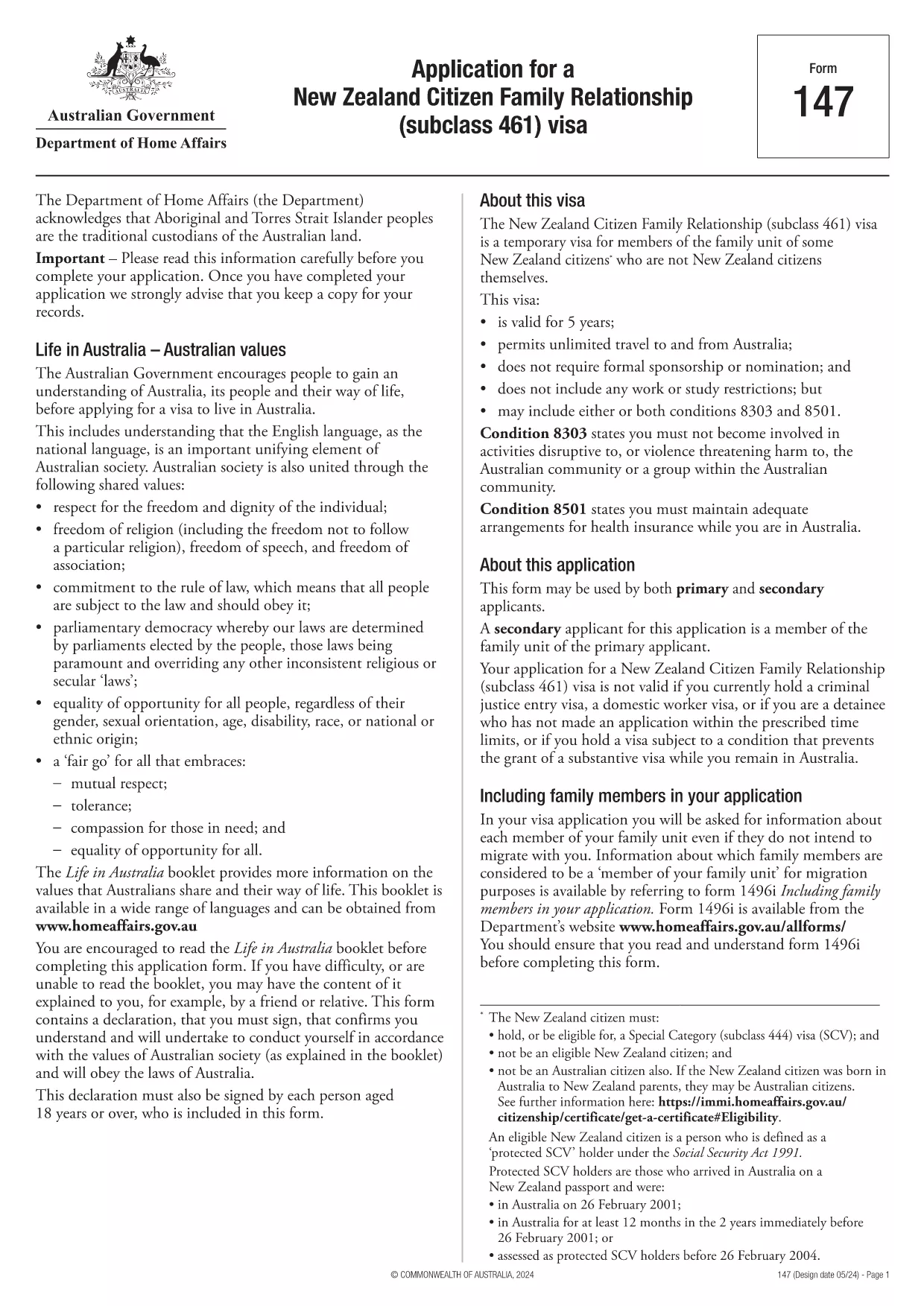
Application Form Z is the official document used for certain visa and family‑relationship requests in Australia. It captures personal details, relationship information, and supporting evidence required by the Department of Home Affairs.

How to Fill the Form Online with Formize

Instead of downloading the PDF and opening it in a desktop editor, simply click the "Fill out this form" button on this page. The Formize PDF Filler app will load in seconds, presenting you with an intuitive, web‑based interface.

Common Mistakes to Avoid

  • Leaving required fields blank – the filler will highlight missing information before you can submit.
  • Using the wrong date format – the form expects DD/MM/YYYY.
  • Uploading unsupported file types for attachments – stick to PDF, JPG, or PNG.
  • Forgetting to add your electronic signature – the signature field is mandatory.

Download the Fillable PDF

If you prefer to keep a local copy, you can download the official PDF directly from the Department of Home Affairs:

Download Application Form Z (PDF)

After downloading, you can still use Formize’s online filler by uploading the file, but the one‑click option above is the fastest route.

Frequently Asked Questions

Below are the most common questions users have about Application Form Z and how to complete it using Formize.

FAQ
  • Do I need Adobe Acrobat to fill Application Form Z?

    No. Formize’s online filler works in any modern browser, so you don’t need Acrobat or any additional software.

  • Can I save my progress and finish later?

    Yes. The filler lets you save a draft to your device or to your Formize account, then resume whenever you’re ready.

  • Is the electronic signature accepted by the Department of Home Affairs?

    Absolutely. The Department recognises electronic signatures on fillable PDFs submitted through approved platforms like Formize.

  • What file formats are allowed for supporting documents?

    PDF, JPG, and PNG are accepted. Each file must be under 10 MB.

  • How long does it take for the Department to process the form?

    Processing times vary by visa category. Check the latest estimates on the Department of Home Affairs website after you submit.

  • What if I make a mistake after submitting?

    Contact the Department’s case office as soon as possible. You may be asked to submit a corrected form or an amendment letter.

MITEN

Kuinka täyttää application form z ilmaiseksi verkossa 5 helpon vaiheen avulla:

  1. 1
    Open the Formizer Filler
    Click the bright "Fill out this form" button on this page. The Formize PDF Filler app will launch in a new window.
  2. 2
    Enter Your Information
    Type directly into each fillable field. Use the Tab key to move quickly between sections.
  3. 3
    Add Attachments
    Upload required supporting documents (PDF, JPG, PNG) using the attachment icons next to each field.
  4. 4
    Sign Electronically
    Click the signature field, draw or type your name, and confirm. The signature is legally binding.
  5. 5
    Review & Submit
    Use the built‑in validator to check for missing fields, then click "Submit". You’ll receive a confirmation email with a copy of your completed form.
Muotoile PDF Filler -sovellus
NOIN

Viisumilomakkeet

application form z on yksi viisumilomakkeista, jotka ovat asiakirjoja, joita käytetään viisumin hakemiseen vieraaseen maahan. Viisumi on asiakirja, jonka avulla ulkomaalainen voi tulla vieraaseen maahan, oleskella ja joskus työskennellä siellä tietyn ajan. Tarkat viisumin lomakkeet ja vaatimukset vaihtelevat maittain ja viisumityypeittäin.

Viisumilomakkeilla vaaditaan yleensä henkilökohtaisia ​​tietoja, kuten nimi, syntymäaika ja passitiedot sekä tiedot matkan tarkoituksesta ja pituudesta, aiotusta määränpäästä ja siitä, onko hakijalta aiemmin evätty viisumi tai onko hakija karkotettu maasta. Lomakkeissa voidaan vaatia myös tositteita, kuten passia, valokuvia ja todisteita taloudellisesta tuesta.

Yhdysvalloissa yleisimmät viisumilomakkeet ovat DS-160 ja DS-260. Lomakkeella DS-160 haetaan ei-maahanmuuttajaviisumia ja DS-260-lomakkeella maahanmuuttajaviisumia. Nämä lomakkeet edellyttävät yksityiskohtaisia ​​tietoja hakijan henkilö- ja matkahistoriasta sekä tositteita, kuten passi, matkasuunnitelma ja taloustiedot.

Muissa maissa voi olla erilaisia ​​viisumilomakkeita ja -vaatimuksia, mutta perusprosessiin kuuluu tyypillisesti viisumihakemuksen täyttäminen, tositteiden toimittaminen ja osallistuminen konsulivirkailijan haastatteluun Yhdysvaltain suurlähetystössä tai konsulaatissa. On tärkeää huomata, että viisumin hakuprosessi voi olla monimutkainen ja aikaa vievä, ja viisumia hakevien on suositeltavaa kuulla maahanmuuttoasianajajaa tai muuta pätevää ammattilaista varmistaakseen, että kaikki tarvittavat lomakkeet ja vaatimukset täyttyvät.

OMINAISUUDET

PDF-täyttö

Helpoin tapa täyttää application form z verkossa

  • Täytä nopeasti application form z
    Etsitkö tapaa täyttää application form z nopeasti verkossa? Online-maksuttoman PDF-lomakkeen täyttösovelluksemme avulla tiedät kuinka muokata ja täyttää tämä pdf-dokumentti alle minuutissa.
  • Helppokäyttöinen PDF-editori verkossa
    Oletko kyllästynyt tulostamaan PDF-tiedostoja, jotta voit muokata niitä, ennen kuin skannaat uudelleen ja lähetät ne takaisin? Muokkaa PDF-dokumentteja ilmaiseksi verkossa. Käytä online-pdf-editoriamme säästääksesi aikaa ja paperia.
  • Upeita työkaluja, kaikki alustat
    Mietitkö, kuinka application form z täytetään Macilla tai kuinka käyttää PDF-täyttöä ilmaiseksi? Online PDF-työkalumme toimivat kaikilla alustoilla.
  • Suojattu tiedostojen tallennus
    Valmiit "application form z"-tiedostot tallennetaan suojattuun tietokantaan, jota hallinnoi Amazon Cloud hosting. Voit poistaa tiedostosi järjestelmästämme milloin tahansa. Joka tapauksessa nämä tiedostot poistetaan automaattisesti 24 tunnin kuluttua.
  • Keskustele käyttäjän application form z kanssa
    Keskustele käyttäjän "application form z" kanssa Chatizessa, joka on ilmainen PDF-lukija-apuohjelma. Esitä kysymyksiä ja hanki vastauksia käyttäjältä "application form z". Napsauta yllä olevaa Chat With Document -painiketta.

Poista täyttöistunto

Poistetaanko valittu täyttöistunto? Tässä tapauksessa edistymisesi lomakkeen täyttämisessä menetetään.

Poista muokkausistunto

Poistetaanko valittu muokkausistunto? Tässä tapauksessa etenemisesi lomakkeen luomisessa ja muokkaamisessa menetetään.