
Valitse kieli

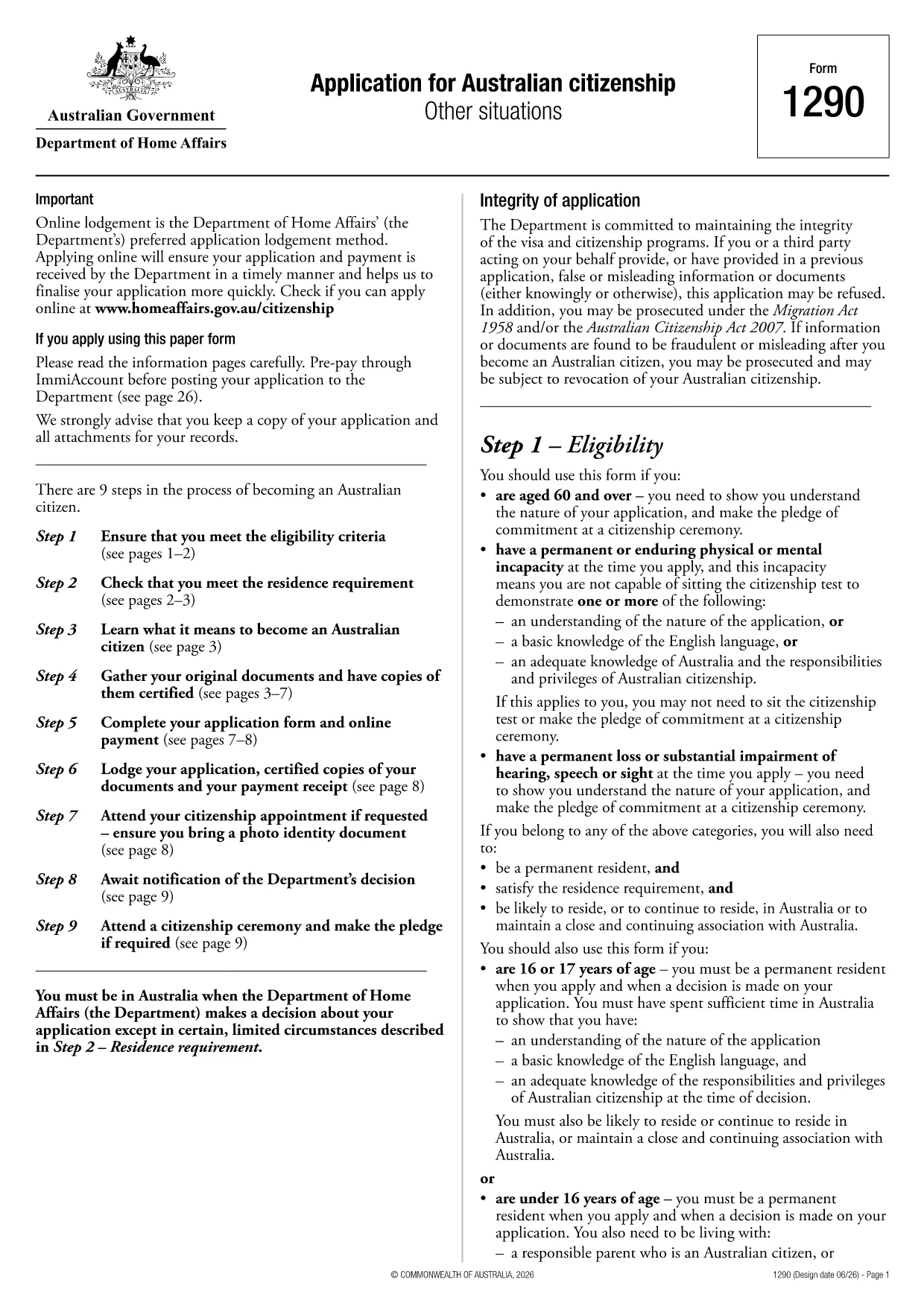
Australian Citizenship Application Form (PDF) – Fill Online

  1. Kieli Englanti
  2. Maa Australia
  3. osasto Sisä- ja oikeusministeriö
  4. Toiminta Kansalaisuus
Australian Citizenship Application Form (PDF) – Fill Online

Looking for a quick, paper‑free way to apply for Australian citizenship? You’ve come to the right place. The official Australian Citizenship Application Form (PDF) is now available as a fully fillable document through Formize’s online PDF filler.

What is the Australian Citizenship Application?

This form, provided by the Department of Home Affairs, is the primary document you need to complete if you want to become an Australian citizen. It collects personal details, residency history, character information, and your consent for background checks.

How to Complete the Form Online with Formize

Instead of printing, scanning, or using a separate PDF editor, simply click the "Fill out this form" button on this page. The Formize PDF Filler app will load in your browser, allowing you to:

  • Enter data directly into each field
  • Save progress and return later
  • Validate required fields in real time
  • Download a completed, signed PDF ready for submission

Common Mistakes to Avoid

  • Leaving mandatory fields blank: The filler highlights missing information before you can download.
  • Using an outdated version: This page always links to the latest form (PDF ID 1300t).
  • Incorrect date formats: Use DD/MM/YYYY as shown in the form instructions.
  • Forgetting to sign: Add your electronic signature in the designated field before saving.

Eligibility Requirements

Before you start, make sure you meet the basic criteria:

  • At least 4 years of lawful residence in Australia
  • Passed the citizenship test (or exempt)
  • Good character status
  • Intention to reside in Australia

Where to Submit Your Application

After completing the form, download the finished PDF and submit it through your ImmiAccount or mail it to the address listed in the instructions. Keep a copy for your records.

Need help? Review the Department of Home Affairs eligibility guide for detailed information.

FAQ
  • Is this the latest Australian citizenship application form?

    Yes. The link points to PDF ID 1300t, which is the current version published by the Department of Home Affairs.

  • Can I save my progress and finish later?

    Absolutely. The Formize filler lets you save a draft locally and reload it at any time before downloading the final PDF.

  • Do I need to print the form to sign it?

    No. The online filler includes an electronic signature field that complies with Department guidelines.

  • What if I make a mistake after downloading?

    You can reopen the saved draft in Formize, correct the error, and download a new PDF. Keep only the final version for submission.

  • Are there any fees to use Formize?

    Formize’s basic PDF filler is free for public government forms like this citizenship application.

  • How long does it take for the Department to process my application?

    Processing times vary; typically 4–6 months after you submit a complete and correct application.

  • Can I apply for citizenship online instead of using the PDF?

    Yes, you may apply via ImmiAccount. Some applicants prefer the PDF for offline completion or record‑keeping.

  • What documents must I attach to the completed form?

    You’ll need proof of identity, residency, character documents, and any supporting evidence listed in the form’s instruction guide.

MITEN

Kuinka täyttää Australian citizenship application ilmaiseksi verkossa 5 helpon vaiheen avulla:

  1. 1
    Click the Fill Button
    Press the "Fill out this form" button on the page. The Formize PDF Filler will open in a new browser tab.
  2. 2
    Enter Your Information
    Complete each field using your keyboard. Required fields are marked with an asterisk and will be validated in real time.
  3. 3
    Review and Sign
    Check all entered data for accuracy, add your electronic signature in the signature field, and confirm the declaration.
  4. 4
    Download the Completed PDF
    Click "Download" to save the filled‑out form to your device. The file is ready for upload to ImmiAccount or mailing.
  5. 5
    Submit Your Application
    Upload the PDF through your ImmiAccount or send it by post to the address provided in the form instructions.
Muotoile PDF Filler -sovellus
NOIN

Kansalaisuuslomakkeet

Australian citizenship application on yksi kansalaisuuslomakkeista, jotka ovat asiakirjoja, joita käytetään jonkin maan kansalaisuuden hakemiseen. Kansalaisuuden tarkat muodot ja vaatimukset vaihtelevat maittain, mutta yleensä prosessiin kuuluu henkilötietojen ja kansalaisuuden kelpoisuustodistusten toimittaminen.

Yhdysvalloissa yleisin kansalaisuuslomake on N-400 Naturalization -hakemus. Lailliset pysyvät asukkaat (vihreän kortin haltijat) käyttävät tätä lomaketta hakeessaan Yhdysvaltain kansalaisuutta. Lomakkeella pyydetään henkilötietoja, kuten nimi, syntymäaika ja yhteystiedot, sekä tietoja hakijan maahanmuuttajastatuksesta, rikoshistoriasta ja muista kelpoisuusvaatimuksista.

Muissa maissa voi olla erilaisia ​​kansalaisuuden muotoja ja vaatimuksia, mutta perusprosessiin kuuluu tyypillisesti tiedot hakijan taustasta ja tiettyjen kelpoisuusehtojen täyttämisestä. Tähän voi sisältyä kansalaisuuskokeen läpäiseminen, maan historian ja hallinnon tuntemuksen osoittaminen sekä maan kielen taidon osoittaminen.

On tärkeää huomata, että kansalaisuuden saaminen voi olla monimutkaista ja aikaa vievää. On suositeltavaa, että kansalaisuutta hakevat henkilöt neuvottelevat maahanmuuttoasianajajan tai muun pätevän ammattilaisen kanssa prosessin ohjaamiseksi ja varmistamaan, että kaikki tarvittavat lomakkeet ja vaatimukset täyttyvät.

OMINAISUUDET

PDF-täyttö

Helpoin tapa täyttää Australian citizenship application verkossa

  • Täytä nopeasti Australian citizenship application
    Etsitkö tapaa täyttää Australian citizenship application nopeasti verkossa? Online-maksuttoman PDF-lomakkeen täyttösovelluksemme avulla tiedät kuinka muokata ja täyttää tämä pdf-dokumentti alle minuutissa.
  • Helppokäyttöinen PDF-editori verkossa
    Oletko kyllästynyt tulostamaan PDF-tiedostoja, jotta voit muokata niitä, ennen kuin skannaat uudelleen ja lähetät ne takaisin? Muokkaa PDF-dokumentteja ilmaiseksi verkossa. Käytä online-pdf-editoriamme säästääksesi aikaa ja paperia.
  • Upeita työkaluja, kaikki alustat
    Mietitkö, kuinka Australian citizenship application täytetään Macilla tai kuinka käyttää PDF-täyttöä ilmaiseksi? Online PDF-työkalumme toimivat kaikilla alustoilla.
  • Suojattu tiedostojen tallennus
    Valmiit "Australian citizenship application"-tiedostot tallennetaan suojattuun tietokantaan, jota hallinnoi Amazon Cloud hosting. Voit poistaa tiedostosi järjestelmästämme milloin tahansa. Joka tapauksessa nämä tiedostot poistetaan automaattisesti 24 tunnin kuluttua.
  • Keskustele käyttäjän Australian citizenship application kanssa
    Keskustele käyttäjän "Australian citizenship application" kanssa Chatizessa, joka on ilmainen PDF-lukija-apuohjelma. Esitä kysymyksiä ja hanki vastauksia käyttäjältä "Australian citizenship application". Napsauta yllä olevaa Chat With Document -painiketta.

Poista täyttöistunto

Poistetaanko valittu täyttöistunto? Tässä tapauksessa edistymisesi lomakkeen täyttämisessä menetetään.

Poista muokkausistunto

Poistetaanko valittu muokkausistunto? Tässä tapauksessa etenemisesi lomakkeen luomisessa ja muokkaamisessa menetetään.