Valitse kieli

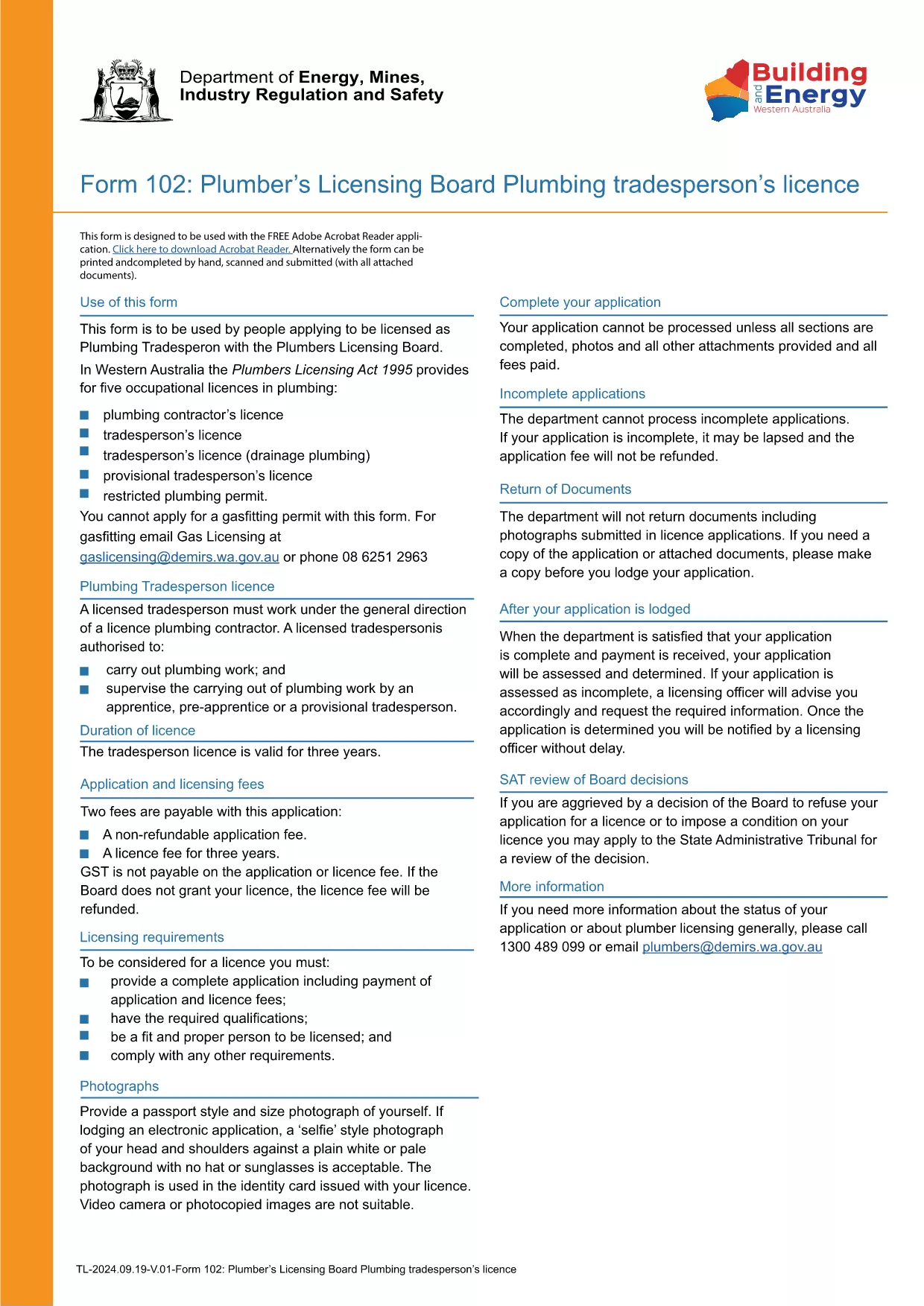
Form TR-102 – Plumbing Tradesperson Licence (Western Australia)

  1. Maa Australia
  2. Kieli Englanti
  3. Toiminta Licensing
  4. osasto Plumbers Licensing Board
Form TR-102 – Plumbing Tradesperson Licence (Western Australia)

Form TR-102 is the official application used by individuals in Western Australia who want to obtain a new Plumbing Tradesperson Licence. The form is available as a fillable PDF, making it easy to complete on any device.

What is Form TR-102?

This form is issued by the Plumbers Licensing Board under the Plumbers Licensing Act 1995. It captures personal details, qualifications, work experience, and authorisations needed for a licence to practice plumbing trades in WA.

How to Fill Form TR-102 Online

Instead of downloading the PDF and editing it with a separate editor, simply click the "Fill out this form" button on this page. The Formize PDF Filler app will load the document directly in your browser, allowing you to:

  • Enter data into each field with keyboard or touch input.
  • Save progress and return later.
  • Validate entries in real‑time (e.g., date formats, numeric limits).
  • Download the completed, signed PDF for submission.

Common Mistakes to Avoid

  • Leaving required fields blank – the filler will highlight missing information before you can save.
  • Using the wrong licence class – ensure you select the correct trade (e.g., drainage, gas).
  • Incorrect dates or licence numbers – double‑check all numbers against your certificates.
  • Submitting an unsigned PDF – sign electronically in the Formize app or print and sign before sending.

Where to Submit Your Application

After completing the form, you can either:

Processing times vary, but most applications are reviewed within 10‑15 business days.

FAQ
  • What does the "TR-102" code mean?

    "TR-102" is the reference number for the Plumbing Tradesperson Licence application used by the Western Australian Plumbers Licensing Board.

  • Can I edit the PDF on a mobile device?

    Yes. The Formize PDF Filler works on smartphones and tablets, allowing you to fill the form on any device.

  • Do I need to pay a fee when I submit Form TR-102?

    A licence application fee is required. The exact amount is listed on the Plumbers Licensing Board website and must be paid when you submit the form.

  • How long does it take to get the licence after submission?

    Processing typically takes 10‑15 business days, provided all required information and supporting documents are included.

  • What if I make a mistake after I’ve submitted the form?

    Contact the Plumbers Licensing Board immediately. You may need to submit a corrected form or provide additional documentation.

  • Is an electronic signature accepted?

    Yes. The Formize PDF Filler allows you to add a legally accepted electronic signature, which the Board accepts for most applications.

MITEN

Kuinka täyttää Form TR-102 ilmaiseksi verkossa 5 helpon vaiheen avulla:

  1. 1
    Click the Fill Out Button
    Press the "Fill out this form" button on this page to launch the Formize PDF Filler.
  2. 2
    Wait for the Filler to Load
    The app loads the fillable PDF in your browser; this usually takes a few seconds.
  3. 3
    Complete Each Section
    Enter your personal details, qualifications, and licence preferences in the highlighted fields.
  4. 4
    Review and Sign
    Use the built‑in validation to check for errors, then add an electronic signature or print to sign.
  5. 5
    Download or Submit
    Save the completed PDF to your device or submit it directly through the Plumbers Licensing Board portal.
Muotoile PDF Filler -sovellus
NOIN

Form TR-102 malli

Perinteisten PDF-dokumenttien katseluun ja täyttämiseen tarkoitettujen ominaisuuksien sekä verkkosovelluksen ja responsiivisen asettelun etujen avulla voit suorittaa Form TR-102 muutamassa minuutissa.

OMINAISUUDET

PDF-täyttö

Helpoin tapa täyttää Form TR-102 verkossa

  • Täytä nopeasti Form TR-102
    Etsitkö tapaa täyttää Form TR-102 nopeasti verkossa? Online-maksuttoman PDF-lomakkeen täyttösovelluksemme avulla tiedät kuinka muokata ja täyttää tämä pdf-dokumentti alle minuutissa.
  • Helppokäyttöinen PDF-editori verkossa
    Oletko kyllästynyt tulostamaan PDF-tiedostoja, jotta voit muokata niitä, ennen kuin skannaat uudelleen ja lähetät ne takaisin? Muokkaa PDF-dokumentteja ilmaiseksi verkossa. Käytä online-pdf-editoriamme säästääksesi aikaa ja paperia.
  • Upeita työkaluja, kaikki alustat
    Mietitkö, kuinka Form TR-102 täytetään Macilla tai kuinka käyttää PDF-täyttöä ilmaiseksi? Online PDF-työkalumme toimivat kaikilla alustoilla.
  • Suojattu tiedostojen tallennus
    Valmiit "Form TR-102"-tiedostot tallennetaan suojattuun tietokantaan, jota hallinnoi Amazon Cloud hosting. Voit poistaa tiedostosi järjestelmästämme milloin tahansa. Joka tapauksessa nämä tiedostot poistetaan automaattisesti 24 tunnin kuluttua.
  • Keskustele käyttäjän Form TR-102 kanssa
    Keskustele käyttäjän "Form TR-102" kanssa Chatizessa, joka on ilmainen PDF-lukija-apuohjelma. Esitä kysymyksiä ja hanki vastauksia käyttäjältä "Form TR-102". Napsauta yllä olevaa Chat With Document -painiketta.

Poista täyttöistunto

Poistetaanko valittu täyttöistunto? Tässä tapauksessa edistymisesi lomakkeen täyttämisessä menetetään.

Poista muokkausistunto

Poistetaanko valittu muokkausistunto? Tässä tapauksessa etenemisesi lomakkeen luomisessa ja muokkaamisessa menetetään.