
Valitse kieli

RTB‑12L‑PT – Landlord’s Application for Dispute Resolution (Past Tenancy)

  1. Kieli Englanti
  2. Maa Kanada
  3. Toiminta Vuokrasopimus
  4. Osavaltio Brittiläinen Kolumbia
RTB‑12L‑PT – Landlord’s Application for Dispute Resolution (Past Tenancy)

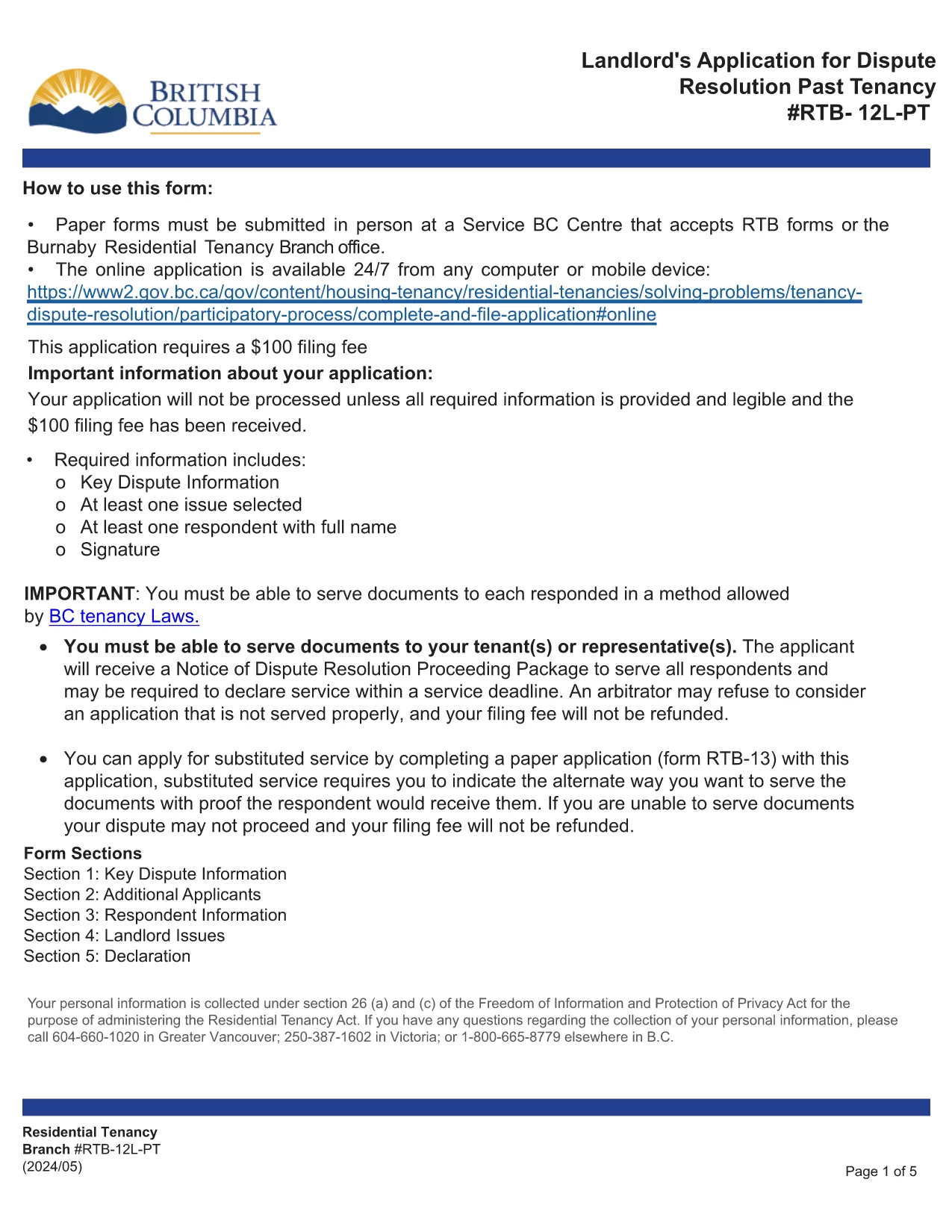
The RTB‑12L‑PT is the official “Landlord’s Application for Dispute Resolution (Past Tenancy)” used by the British Columbia Residential Tenancy Branch. It allows landlords to request a formal hearing for disputes that arose after a tenancy has ended.

What Is the RTB‑12L‑PT Form?

This fillable PDF captures landlord and tenant information, details of the tenancy, the nature of the dispute, and any supporting evidence. It is required for all past‑tenancy dispute applications.

How to Fill Out the RTB‑12L‑PT Online

Instead of printing and scanning, you can complete the form directly in your browser using Formize’s PDF Filler. Click the “Fill out this form” button below, enter the requested data, and the system will save a completed PDF ready for submission.

Common Mistakes to Avoid

  • Leaving required fields blank – the filler highlights missing information.
  • Providing inaccurate dates – double‑check lease start and end dates.
  • Omitting supporting documents – attach lease copies, notices, and payment records.
  • Submitting the form to the wrong address – it must be delivered to a Service BC centre or the RTB office.

Where to Submit Your Application

After completing the PDF, bring the saved file to any Service BC centre that accepts RTB forms, or visit the Burnaby Residential Tenancy Branch office. Some locations also accept electronic submissions.

Download the Official Fillable PDF

The original, government‑approved PDF is available for download below. Using Formize ensures the form stays fillable and compliant.

FAQ
  • Who can use the RTB‑12L‑PT form?

    Any landlord in British Columbia who needs to resolve a dispute that arose after a tenancy has ended.

  • Do I need a lawyer to fill out the form?

    No, the form is designed for self‑service, but you may consult a legal professional for complex cases.

  • Can I submit the form online?

    The form itself must be submitted in person at a Service BC centre or the Residential Tenancy Branch, but you can complete it online with Formize.

  • What supporting documents are required?

    Attach a copy of the original lease, any written notices, payment records, and evidence related to the dispute.

  • How long does the dispute resolution process take?

    After submission, the RTB typically schedules a hearing within 30‑45 days, depending on workload.

  • What if I make a mistake on the form?

    You can edit the fillable PDF before saving. If you have already submitted, you may need to file a new application or request an amendment.

MITEN

Kuinka täyttää RTB-12L-PT ilmaiseksi verkossa 5 helpon vaiheen avulla:

  1. 1
    Open the Form
    Click the “Fill out this form” button on this page. The Formize PDF Filler will launch in a new tab.
  2. 2
    Complete the Fields
    Enter all required information such as landlord and tenant details, dates, and dispute description. The fillable PDF guides you field‑by‑field.
  3. 3
    Validate and Sign
    Use the built‑in validation to check for missing data, then add your electronic signature if required.
  4. 4
    Save or Print
    When finished, save the completed PDF to your device or print it for submission.
  5. 5
    Submit the Application
    Take the saved PDF to a Service BC centre or the Residential Tenancy Branch office, or submit it electronically if your office accepts digital copies.
Muotoile PDF Filler -sovellus
NOIN

Lomakkeet vuokranantajille ja/tai vuokralaisille vuokrasopimuksiin liittyvien toimenpiteiden ehdottamiseksi.

RTB-12L-PT on asunnon vuokrasopimustyyppi, jota useimmat yksityiset vuokranantajat ja asuntoyhdistykset käyttävät.

On monia asioita, joissa vuokranantajan tai vuokralaisen on noudatettava tiettyjä säännöissä säädettyjä sääntöjä. Joissakin tapauksissa heidän voi olla tarpeen täyttää lomake, jota kutsutaan "määrätyksi lomakkeeksi", jossa ehdotetaan toimenpidettä, joka voi vaikuttaa vuokrasopimuksen toiseen osapuoleen.

Lomakkeita kutsutaan määrätyiksi lomakkeiksi, koska niiden sanamuoto on laadittu huolellisesti siten, että lomakkeen täyttäjä ja henkilö, jolle se annetaan tiedoksi, ymmärtävät, mitä ehdotetaan ja mitä he voivat tehdä vastauksena. Oikean lomakkeen toimittamatta jättäminen voi mitätöidä ehdotetun toimenpiteen.

Et saa muuttaa näiden lomakkeiden sanamuotoa, ellei lomakkeessa sanota, että voit tehdä niin. Jos muutat sanamuotoa, lomake voidaan mitätöidä. Sinun on myös noudatettava lomakkeessa ilmoitettuja irtisanomisaikoja.

OMINAISUUDET

PDF-täyttö

Helpoin tapa täyttää RTB-12L-PT verkossa

  • Täytä nopeasti RTB-12L-PT
    Etsitkö tapaa täyttää RTB-12L-PT nopeasti verkossa? Online-maksuttoman PDF-lomakkeen täyttösovelluksemme avulla tiedät kuinka muokata ja täyttää tämä pdf-dokumentti alle minuutissa.
  • Helppokäyttöinen PDF-editori verkossa
    Oletko kyllästynyt tulostamaan PDF-tiedostoja, jotta voit muokata niitä, ennen kuin skannaat uudelleen ja lähetät ne takaisin? Muokkaa PDF-dokumentteja ilmaiseksi verkossa. Käytä online-pdf-editoriamme säästääksesi aikaa ja paperia.
  • Upeita työkaluja, kaikki alustat
    Mietitkö, kuinka RTB-12L-PT täytetään Macilla tai kuinka käyttää PDF-täyttöä ilmaiseksi? Online PDF-työkalumme toimivat kaikilla alustoilla.
  • Suojattu tiedostojen tallennus
    Valmiit "RTB-12L-PT"-tiedostot tallennetaan suojattuun tietokantaan, jota hallinnoi Amazon Cloud hosting. Voit poistaa tiedostosi järjestelmästämme milloin tahansa. Joka tapauksessa nämä tiedostot poistetaan automaattisesti 24 tunnin kuluttua.
  • Keskustele käyttäjän RTB-12L-PT kanssa
    Keskustele käyttäjän "RTB-12L-PT" kanssa Chatizessa, joka on ilmainen PDF-lukija-apuohjelma. Esitä kysymyksiä ja hanki vastauksia käyttäjältä "RTB-12L-PT". Napsauta yllä olevaa Chat With Document -painiketta.

Poista täyttöistunto

Poistetaanko valittu täyttöistunto? Tässä tapauksessa edistymisesi lomakkeen täyttämisessä menetetään.

Poista muokkausistunto

Poistetaanko valittu muokkausistunto? Tässä tapauksessa etenemisesi lomakkeen luomisessa ja muokkaamisessa menetetään.