
Valitse kieli

Punjab Renewal of Arms License Form for Individuals (Fillable PDF)

  1. Kieli Englanti hindi
  2. Maa Intia
  3. Osavaltio Punjab
  4. osasto Sisä- ja oikeusministeriö
Punjab Renewal of Arms License Form for Individuals (Fillable PDF)

Renewing your personal arms license in Punjab has never been easier. Our dedicated page provides the official Punjab renewal of arms license form for individuals as a fully fillable PDF that you can complete directly in your browser.

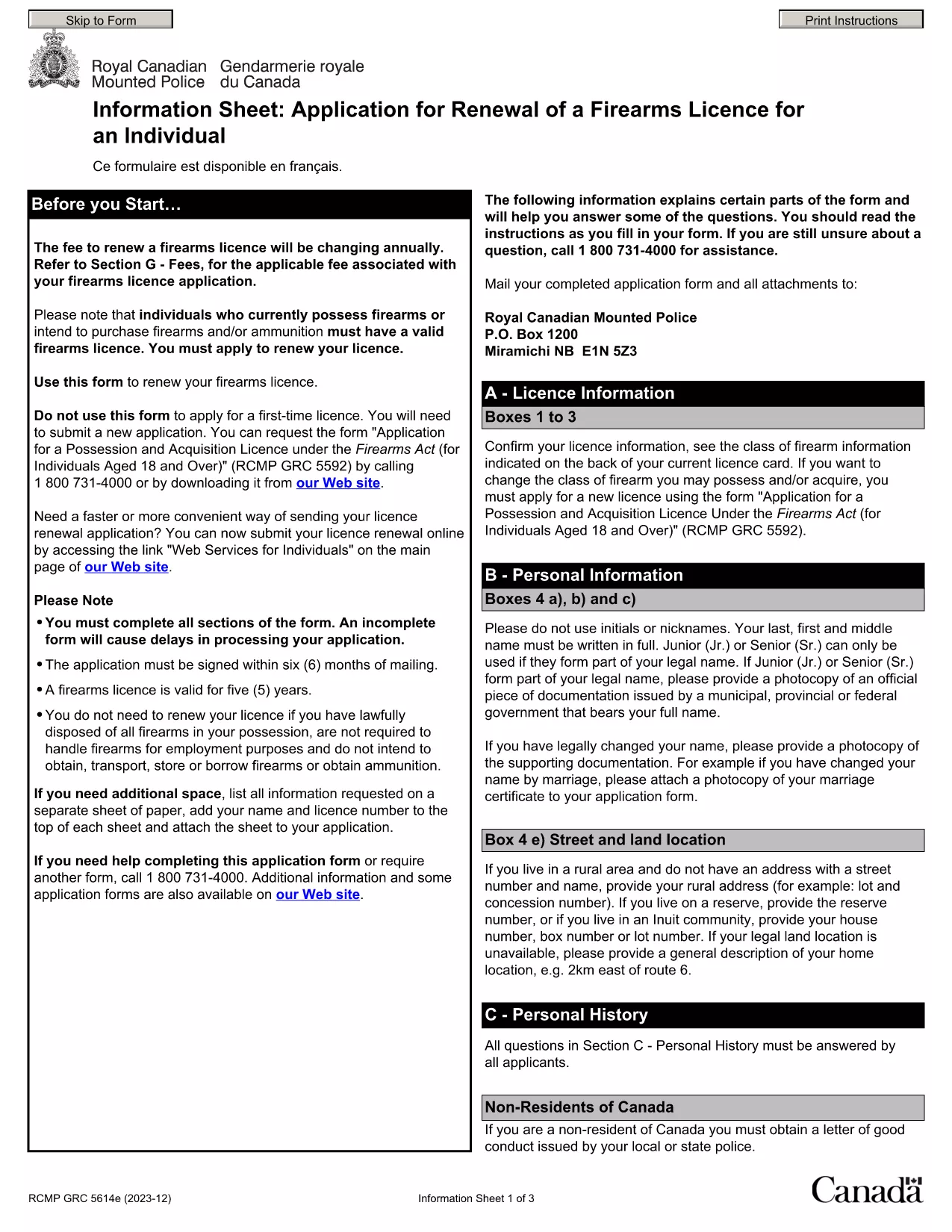
By using Formize’s PDF Filler, you avoid printing, scanning, and the risk of missing handwritten information. The form is powered by the same structure as the RCMP PAL Renewal Form, which meets international standards for firearm licensing documentation.

Why Use a Fillable PDF for Your Punjab Arms License Renewal

A fillable PDF ensures:

  • Accuracy – fields are validated in real time.
  • Speed – submit within minutes, not days.
  • Security – your data stays encrypted while you work.

Step‑by‑Step Guide to Completing the Form Online

Follow the simple steps below to finish your renewal without leaving the page.

Common Mistakes to Avoid When Renewing Your Arms License

Skipping a required field or uploading an unsupported file format can delay processing. Our guide highlights the most frequent errors and how to prevent them.

Where to Submit Your Completed Form

After you finish, download the completed PDF and submit it to the Punjab Police Arms Licensing Office either in person or via their official online portal.

Ready to start? Click the button below, let Formize load the PDF filler, and complete the form in a few easy steps.

FAQ
  • Is the Punjab arms license renewal form available for free?

    Yes. The fillable PDF is provided at no cost. You only need an internet connection to complete it online.

  • Can I edit the form after I download it?

    Once you download the completed PDF, you can open it in any standard PDF viewer, but the official submission should be the version you saved from Formize.

  • What documents do I need to attach with the renewal?

    Typically you must attach a recent passport‑size photograph, a copy of your current license, and any supporting certificates. Check the form’s attachment section for exact requirements.

  • How long does the renewal process take after submission?

    Processing times vary by district, but most renewals are completed within 7‑10 business days once the correct form and documents are received.

  • What if I make a mistake while filling the form?

    The fillable PDF highlights incomplete or incorrectly formatted fields. Correct the information before saving, or you can start over by clicking the reset button.

  • Do I need to print the form to submit it?

    No. The Punjab Police accepts a digitally signed PDF via their online portal or by email. Printing is optional.

  • Is my personal data safe while using Formize?

    Formize uses SSL encryption, and the PDF is processed locally in your browser, ensuring your data never leaves your computer unless you choose to upload it.

  • Can I use this form on a mobile device?

    Yes. The fillable PDF works on most modern smartphones and tablets with a compatible browser.

MITEN

Kuinka täyttää Punjab arms license renewal ilmaiseksi verkossa 5 helpon vaiheen avulla:

  1. 1
    Click the Fill Out This Form button
    Press the highlighted button on the page to open the Formize PDF Filler app.
  2. 2
    Wait for the filler to load
    The fillable PDF loads automatically; this usually takes a few seconds.
  3. 3
    Enter your information
    Complete each field – the form validates entries in real time to prevent errors.
  4. 4
    Review and sign
    Double‑check all details, add your digital signature if required, and save the document.
  5. 5
    Download or submit
    Download the finished PDF for your records and submit it to the Punjab Police Arms Licensing Office.
Muotoile PDF Filler -sovellus
NOIN

Ulkoministeriön hakulomakkeet

Punjab arms license renewal on yksi ulkoministeriön hakulomakkeista. Intian ulkoministeriö tarjoaa erilaisia ​​hakulomakkeita erilaisiin ulkoasioihin ja kansainvälisiin suhteisiin liittyviin palveluihin. Joitakin yleisiä hakulomakkeita ovat:

Passihakemus: Tätä lomaketta käytetään Intian passin hakemiseen. Se kerää henkilötietoja, kuten nimen, osoitteen, syntymäajan ja kansalaisuuden.

Overseas Citizenship of India (OCI) -hakemus: Tätä lomaketta käytetään OCI-statuksen hakemiseen, mikä antaa intialaista alkuperää oleville henkilöille mahdollisuuden asua ja työskennellä Intiassa määräämättömän ajan. Se kerää henkilötietoja, mukaan lukien todisteet Intian alkuperästä.

Viisumihakemus: Tätä lomaketta käytetään viisumin hakemiseen vieraaseen maahan matkustamiseen. Se kerää henkilötietoja, matkatietoja ja matkan tarkoitusta.

Maahanmuuttotodistushakemus: tätä lomaketta käyttävät henkilöt, jotka hakevat maastamuuttolupaa työllistyä tietyissä maissa. Se kerää henkilö- ja työtietoja.

Todistushakemus: Tätä lomaketta käytetään erilaisten asiakirjojen, kuten koulutustodistusten, vihkitodistusten ja kaupallisten asiakirjojen, todistuksen hakemiseen. Se kerää tiedot todistettavasta asiakirjasta ja todistuksen tarkoituksesta.

Konsulipalveluhakemus: tätä lomaketta käytetään erilaisiin konsulipalveluihin, mukaan lukien hätätodistusten myöntämiseen, Intian kansalaisten avustamiseen ulkomailla ja Intian kansalaisten rekisteröintiin. Tarvittavat erityistiedot riippuvat pyydetyn palvelun luonteesta.

OMINAISUUDET

PDF-täyttö

Helpoin tapa täyttää Punjab arms license renewal verkossa

  • Täytä nopeasti Punjab arms license renewal
    Etsitkö tapaa täyttää Punjab arms license renewal nopeasti verkossa? Online-maksuttoman PDF-lomakkeen täyttösovelluksemme avulla tiedät kuinka muokata ja täyttää tämä pdf-dokumentti alle minuutissa.
  • Helppokäyttöinen PDF-editori verkossa
    Oletko kyllästynyt tulostamaan PDF-tiedostoja, jotta voit muokata niitä, ennen kuin skannaat uudelleen ja lähetät ne takaisin? Muokkaa PDF-dokumentteja ilmaiseksi verkossa. Käytä online-pdf-editoriamme säästääksesi aikaa ja paperia.
  • Upeita työkaluja, kaikki alustat
    Mietitkö, kuinka Punjab arms license renewal täytetään Macilla tai kuinka käyttää PDF-täyttöä ilmaiseksi? Online PDF-työkalumme toimivat kaikilla alustoilla.
  • Suojattu tiedostojen tallennus
    Valmiit "Punjab arms license renewal"-tiedostot tallennetaan suojattuun tietokantaan, jota hallinnoi Amazon Cloud hosting. Voit poistaa tiedostosi järjestelmästämme milloin tahansa. Joka tapauksessa nämä tiedostot poistetaan automaattisesti 24 tunnin kuluttua.
  • Keskustele käyttäjän Punjab arms license renewal kanssa
    Keskustele käyttäjän "Punjab arms license renewal" kanssa Chatizessa, joka on ilmainen PDF-lukija-apuohjelma. Esitä kysymyksiä ja hanki vastauksia käyttäjältä "Punjab arms license renewal". Napsauta yllä olevaa Chat With Document -painiketta.

Poista täyttöistunto

Poistetaanko valittu täyttöistunto? Tässä tapauksessa edistymisesi lomakkeen täyttämisessä menetetään.

Poista muokkausistunto

Poistetaanko valittu muokkausistunto? Tässä tapauksessa etenemisesi lomakkeen luomisessa ja muokkaamisessa menetetään.