


Internal Revenue Service (IRS) -lomakkeet
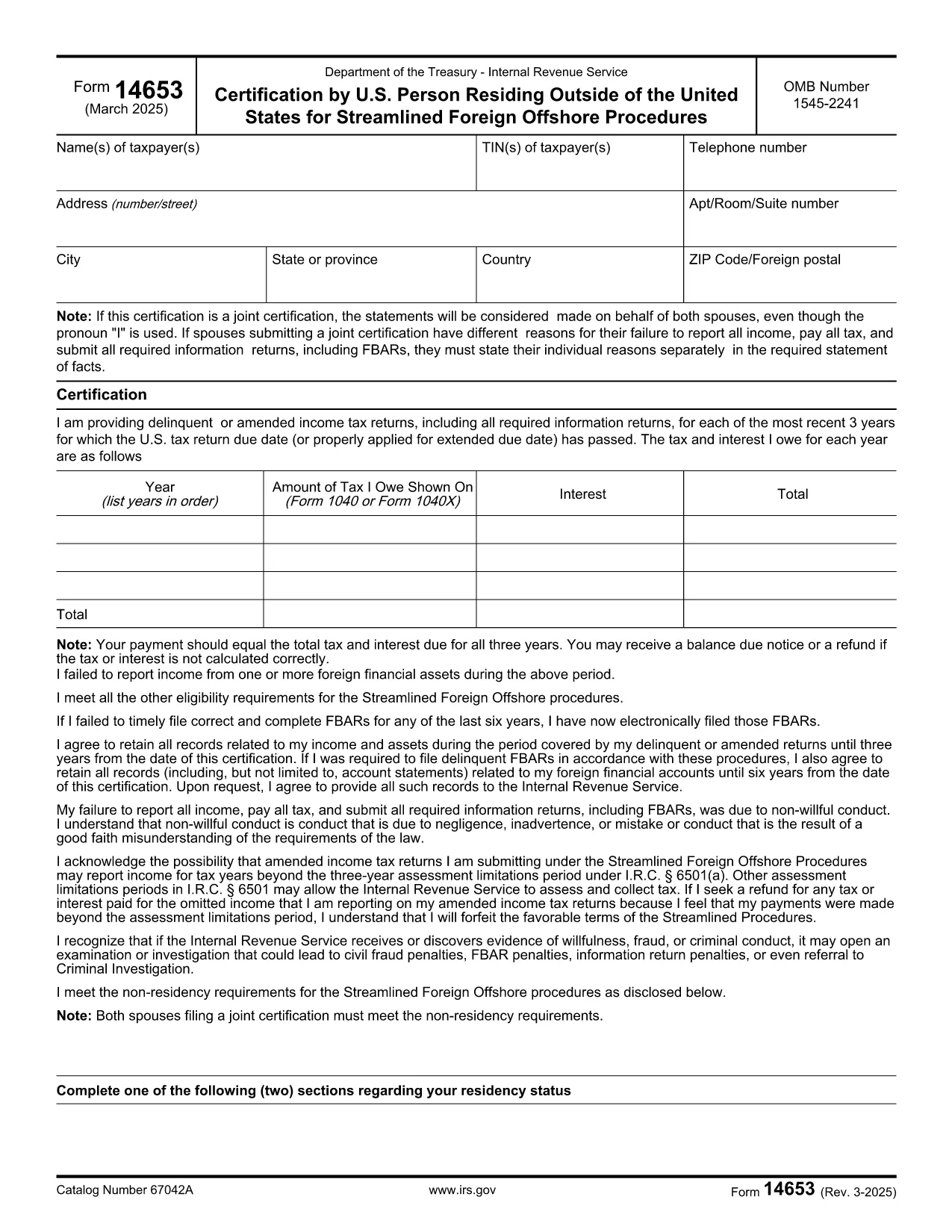
Form 14653 on yksi virallisista verolomakkeista, joita käytetään Yhdysvalloissa tulojen ilmoittamiseen, vähennysten ja hyvitysten vaatimiseen, verovelan laskemiseen ja muiden verotukseen liittyvien velvoitteiden täyttämiseen. IRS on liittovaltion virasto, joka on vastuussa sisäisten tulolakien hallinnoinnista ja täytäntöönpanosta Yhdysvalloissa.
Tässä on esimerkkejä sisäisen tulopalvelun lomakkeista:
Lomake 1040: Tämä on useimpien veronmaksajien käyttämä ensisijainen tuloveroilmoituslomake. Sitä käytetään erilaisten tulojen ilmoittamiseen, vähennysten ja hyvitysten hakemiseen, verovelan laskemiseen ja sen selvittämiseen, onko verovelvollisella lisäverovelkaa vai onko hän oikeutettu palautukseen.
Lomake 1099: Lomakkeesta 1099 on erilaisia muunnelmia, kuten 1099-MISC, 1099-INT, 1099-DIV jne. Näitä lomakkeita käytetään ilmoittamaan tulot, jotka yksityishenkilöt tai yritykset ovat saaneet muista lähteistä kuin työstä, kuten itsenäisestä ammatinharjoittajasta. tulot, korkotulot, osinkotuotot ja vuokratulot.
Lomake W-2: tätä lomaketta käyttävät työnantajat ilmoittaakseen työntekijöille maksetut palkat ja verot pidätetty palkastaan. Työntekijät käyttävät lomakkeen W-2 tietoja täyttääkseen henkilökohtaiset veroilmoituksensa.
Lomake 941: Työnantajat käyttävät tätä lomaketta ilmoittaakseen työntekijöidensä työllisyysveroista, mukaan lukien liittovaltion tuloveron, sosiaaliturvaveron ja lääkintäveron.
Lomake 1065: yhtiöt käyttävät tätä lomaketta tulojen, vähennysten ja verovelkojen ilmoittamiseen. Kumppanuudet eivät itse maksa tuloveroa; sen sijaan osakkaat ilmoittavat osuutensa parisuhteen tuloista henkilökohtaisissa veroilmoituksissaan.
Lomake 1120: Tämä on yhtiöveroilmoituslomake, jota C-yritykset käyttävät ilmoittaessaan tulonsa. vähennykset ja verovelvollisuus.
Lomake 990: Tätä lomaketta käyttävät verovapaat organisaatiot, kuten järjestöt ja hyväntekeväisyysjärjestöt raportoivat taloudelliset tiedot, toimintansa ja verolakien noudattamisen.
Lomake 8862: Tätä lomaketta käyttävät veronmaksajat, jotka ovat aiemmin hakeneet tuloverohyvitystä (EITC) mutta se oli kielletty, ja haluan nyt vaatia sitä uudelleen.
Nämä ovat vain muutamia esimerkkejä lukuisista IRS-lomakkeista, joita on olemassa erilaisten verotukseen liittyvien velvoitteiden täyttämiseksi. Yksityishenkilöltä tai yritykseltä vaadittavat erityiset lomakkeet riippuvat yksilöllisistä olosuhteista, tulolähteistä ja vähennyksistä. On suositeltavaa tutustua verohallinnon viralliseen verkkosivustoon (www.irs.gov) tai pyytää ammattimaista veroneuvontaa saadaksesi tarkkoja ja ajantasaisia tietoja tietystä verohallinnosta. verotilanteeseesi liittyviä lomakkeita.