
school admission form malli
Perinteisten PDF-dokumenttien katseluun ja täyttämiseen tarkoitettujen ominaisuuksien sekä verkkosovelluksen ja responsiivisen asettelun etujen avulla voit suorittaa school admission form muutamassa minuutissa.


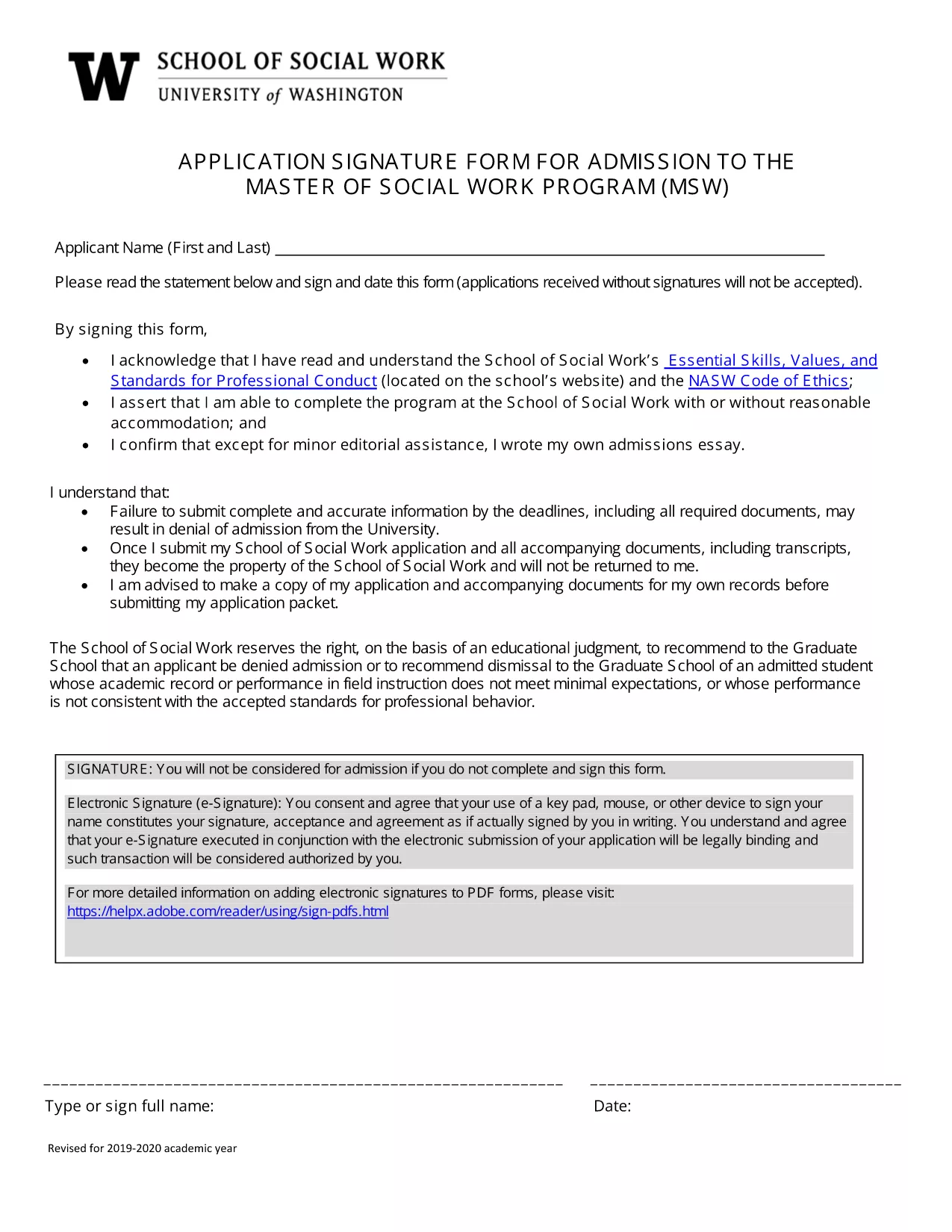
Applying for a place at a new school can be stressful, but the right form makes it simple. Our School Admission Application Form is a fully fillable PDF that lets you enter student details, parent information, and supporting documents directly in your browser.
With Formize’s PDF Filler, you never need to print, scan, or hand‑write anything. All data is saved securely, and you can download a completed copy for your records or submit it electronically to the school.
Follow the simple steps in the How To section below. The process takes only a few minutes, and you’ll have a professional‑looking PDF ready to send.
Even with a digital form, errors happen. Watch out for:
After you finish, click **Download PDF** to store a copy on your device. You can also email the file directly from the Formize interface.
No. The Formize PDF Filler works in any modern browser, so you can complete the form without installing additional software.
Yes. Use the **Save Draft** button to download a partially‑filled PDF. Re‑upload it later to continue where you left off.
PDF, JPEG, and PNG are supported. Each file must be under 5 MB.
All data is encrypted during the session and never stored on our servers after you download the completed form.
If the school provides an email address, you can use the built‑in **Email** feature to send the completed PDF instantly.
Perinteisten PDF-dokumenttien katseluun ja täyttämiseen tarkoitettujen ominaisuuksien sekä verkkosovelluksen ja responsiivisen asettelun etujen avulla voit suorittaa school admission form muutamassa minuutissa.
Helpoin tapa täyttää school admission form verkossa
Poista täyttöistunto
Poista muokkausistunto