Valitse kieli

FAA Form 8610-2 – Fillable PDF for Airman Certificate & Rating Application

  1. Kieli Englanti
  2. Maa USA
  3. Toiminta Aviation Certification
  4. osasto Federal Aviation Administration
FAA Form 8610-2 – Fillable PDF for Airman Certificate & Rating Application

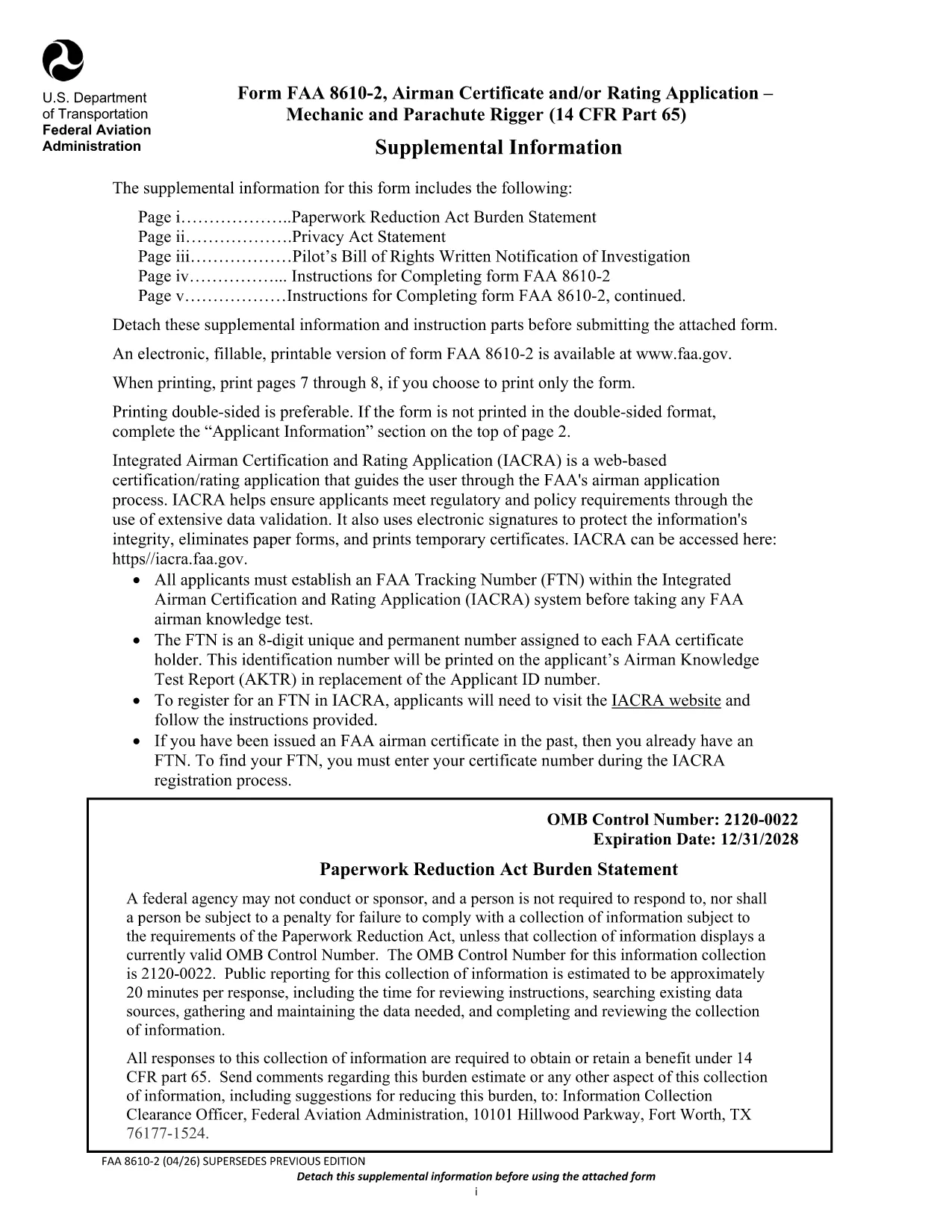
The FAA Form 8610-2 is the official Airman Certificate and/or Rating Application for mechanic and parachute rigger certifications (14 CFR Part 65). Whether you’re applying for an A&P, mechanic, or rigger rating, this form is required before you can schedule your oral and practical exams.

What Is FAA Form 8610-2?

Form 8610-2 collects personal information, employment history, and the specific ratings you are requesting. It is used by Flight Standards District Offices (FSDOs) and International Flight Standards Offices (IFOs) to verify eligibility and issue a tracking number (FTN) through the IACRA system.

How to Fill Out Form 8610-2 Online with Formize

Instead of downloading, printing, and scanning, simply click the “Fill out this form” button on this page. The Formize PDF Filler loads in your browser, letting you type, select check‑boxes, and save your progress instantly.

  • Step 1: Click the button and wait for the Formize app to load.
  • Step 2: Complete each field – the filler highlights required sections.
  • Step 3: Review, then click “Save & Download” to get a completed PDF copy.
  • Step 4: Print or email the file to your local FSDO for signature.

Common Mistakes to Avoid When Completing the Form

Even a small error can delay your certification. Avoid these pitfalls:

  • Leaving the top‑left “Mechanic”, “Airframe”, or “Powerplant” boxes checked – the FAA inspector fills them.
  • Providing incomplete experience worksheets (Tables I‑III). Use the exact language from 14 CFR §65.77.
  • Submitting an outdated FTN. Create a new IACRA account if you haven’t already.
  • Forgetting to attach a Real‑ID or passport copy when applying for a rating change.

Where to Submit Your Completed Form

After you’ve saved the filled PDF, bring the original and copies to your nearest Flight Standards District Office (FSDO) or International Flight Standards Office (IFO). The inspector will review, sign, and forward the application to the FAA certification database.

Download the Official Fillable PDF

Need the original PDF for offline use or reference? You can download the latest FAA‑issued form below.

Download FAA Form 8610-2 (PDF)

FAQ
  • Do I need a PDF editor to fill Form 8610-2?

    No. With Formize you can fill the form directly in your browser—no extra software required.

  • Can I submit the form electronically?

    The FAA still requires a hard copy signature at the FSDO, but you can email the completed PDF ahead of your appointment.

  • What is an FTN and why do I need it?

    An FTN (FAA Tracking Number) is generated in IACRA and links your written and practical exam results to your certification record.

  • How long is the FAA Form 8610-2 valid?

    The form is active until the expiration date shown on the PDF (currently 12/31/2028). Use the latest version for any new application.

  • What documents should I bring to the FSDO?

    Bring a government‑issued ID (Real‑ID, passport, or birth certificate), your FTN, experience worksheets (Tables I‑III), and any supporting letters of recommendation.

  • Can I apply for both airframe and powerplant ratings on the same form?

    Yes. Select the appropriate boxes on the form and provide experience for each rating in the corresponding tables.

  • Is there a fee to submit Form 8610-2?

    The form itself is free, but you will pay testing fees when you schedule your oral and practical exams.

MITEN

Kuinka täyttää FAA Form 8610-2 ilmaiseksi verkossa 4 helpon vaiheen avulla:

  1. 1
    Open the Formize Filler
    Click the “Fill out this form” button on the page. The Formize PDF Filler will open in a new browser tab.
  2. 2
    Enter Your Information
    Type directly into each field. Required sections are highlighted in red. Use dropdowns for rating selections.
  3. 3
    Save and Download
    When you’ve completed all sections, click “Save & Download”. A filled‑out PDF will be saved to your device.
  4. 4
    Print or Email to Your FSDO
    Print the saved PDF (or email it) and bring it to your local Flight Standards District Office for the final signature.
Muotoile PDF Filler -sovellus
NOIN

FAA Form 8610-2 malli

Perinteisten PDF-dokumenttien katseluun ja täyttämiseen tarkoitettujen ominaisuuksien sekä verkkosovelluksen ja responsiivisen asettelun etujen avulla voit suorittaa FAA Form 8610-2 muutamassa minuutissa.

OMINAISUUDET

PDF-täyttö

Helpoin tapa täyttää FAA Form 8610-2 verkossa

  • Täytä nopeasti FAA Form 8610-2
    Etsitkö tapaa täyttää FAA Form 8610-2 nopeasti verkossa? Online-maksuttoman PDF-lomakkeen täyttösovelluksemme avulla tiedät kuinka muokata ja täyttää tämä pdf-dokumentti alle minuutissa.
  • Helppokäyttöinen PDF-editori verkossa
    Oletko kyllästynyt tulostamaan PDF-tiedostoja, jotta voit muokata niitä, ennen kuin skannaat uudelleen ja lähetät ne takaisin? Muokkaa PDF-dokumentteja ilmaiseksi verkossa. Käytä online-pdf-editoriamme säästääksesi aikaa ja paperia.
  • Upeita työkaluja, kaikki alustat
    Mietitkö, kuinka FAA Form 8610-2 täytetään Macilla tai kuinka käyttää PDF-täyttöä ilmaiseksi? Online PDF-työkalumme toimivat kaikilla alustoilla.
  • Suojattu tiedostojen tallennus
    Valmiit "FAA Form 8610-2"-tiedostot tallennetaan suojattuun tietokantaan, jota hallinnoi Amazon Cloud hosting. Voit poistaa tiedostosi järjestelmästämme milloin tahansa. Joka tapauksessa nämä tiedostot poistetaan automaattisesti 24 tunnin kuluttua.
  • Keskustele käyttäjän FAA Form 8610-2 kanssa
    Keskustele käyttäjän "FAA Form 8610-2" kanssa Chatizessa, joka on ilmainen PDF-lukija-apuohjelma. Esitä kysymyksiä ja hanki vastauksia käyttäjältä "FAA Form 8610-2". Napsauta yllä olevaa Chat With Document -painiketta.

Poista täyttöistunto

Poistetaanko valittu täyttöistunto? Tässä tapauksessa edistymisesi lomakkeen täyttämisessä menetetään.

Poista muokkausistunto

Poistetaanko valittu muokkausistunto? Tässä tapauksessa etenemisesi lomakkeen luomisessa ja muokkaamisessa menetetään.