Choisir la langue

Application Form Resume – Fillable PDF for Easy Submission

  1. Langue Anglais
  2. De campagne Australie
  3. Activité Job Application
  4. département Department of Biodiversity, Conservation and Attractions
Application Form Resume – Fillable PDF for Easy Submission

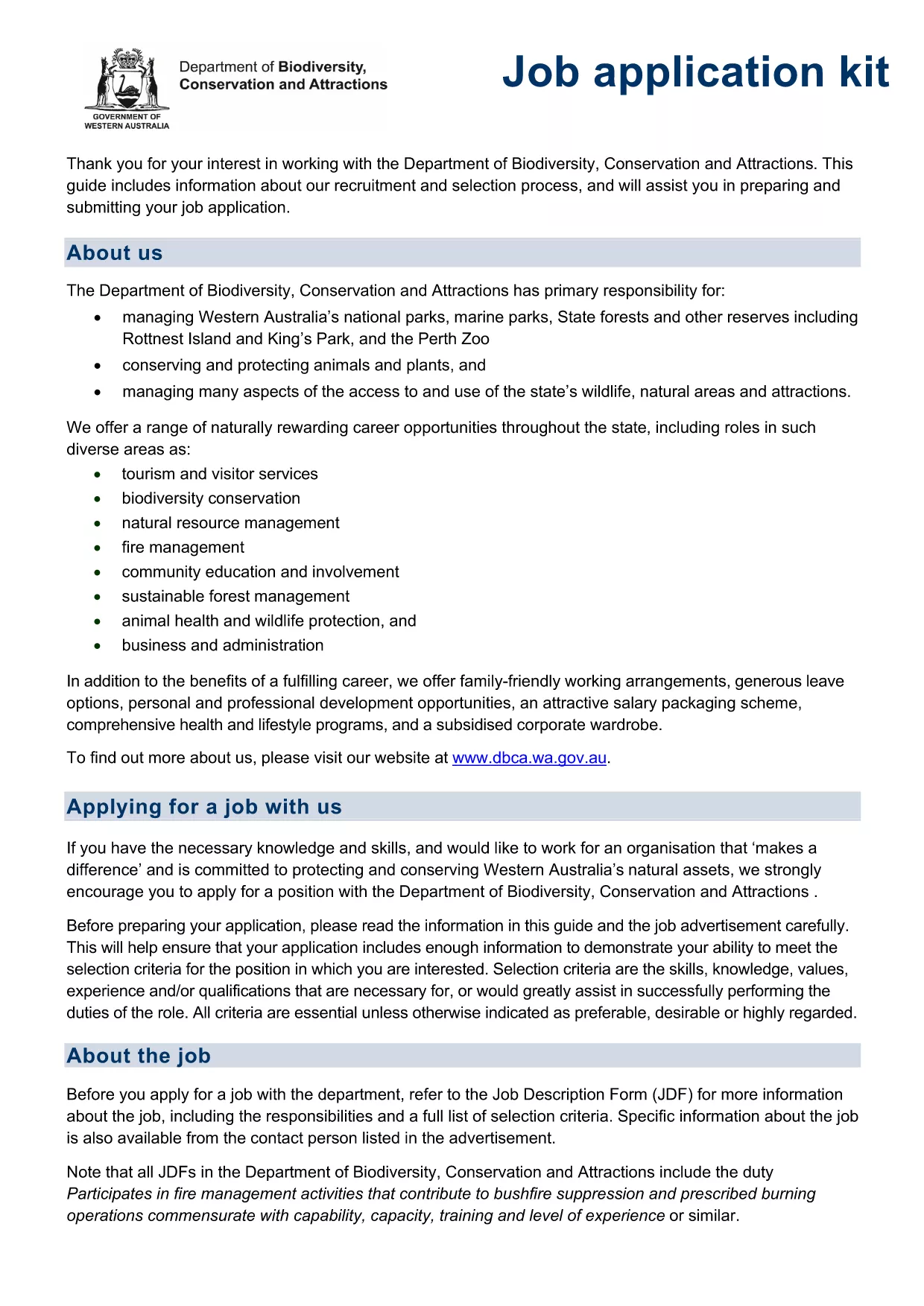
Looking for a fast, hassle‑free way to submit your job application and resume? The Application Form Resume PDF provided by the Department of Biodiversity, Conservation and Attractions (DBCA) is a fully fillable form designed for Australian job seekers. With Formize’s online PDF filler, you can complete the form in minutes—no extra software required.

This page explains everything you need to know about the form, how to fill it out correctly, and where to send it once it’s completed.

What Is the Application Form Resume?

The PDF is a standard job‑application kit that includes fields for personal details, employment history, qualifications, and a space to attach your CV. It is used by many Western Australian government agencies for recruitment, making it an essential document for anyone applying to DBCA or similar employers.

How to Fill Out the PDF Resume Form Online

Instead of downloading the file and opening a separate PDF editor, simply click the "Fill out this form" button on this page. The Formize PDF Filler app will load directly in your browser, allowing you to type, check boxes, and upload supporting documents.

Common Mistakes to Avoid

  • Leaving required fields blank – the form will highlight missing information.
  • Using non‑standard date formats – stick to DD/MM/YYYY.
  • Uploading large files – keep attachments under 2 MB for faster upload.
  • Skipping the declaration section – it invalidates the submission.

Where to Submit Your Completed Form

After you finish, the Formize app lets you either download the completed PDF for email attachment or send it directly to the DBCA recruitment portal (link provided on the confirmation screen).

Download the Fillable PDF Instantly

If you prefer to work offline, you can still download the original fillable PDF from the official DBCA source. The file is fully compatible with Adobe Acrobat, Foxit, and other PDF editors.

FAQ
  • Do I need Adobe Acrobat to fill this form?

    No. The Formize PDF Filler works entirely in your web browser, so you can complete the form without installing any software.

  • Can I save my progress and return later?

    Yes. Use the "Save Draft" button in the Formize app to download a partially completed PDF, then reopen it later to finish.

  • What file format should my CV be?

    Upload your CV as a PDF or a Word document (DOC/DOCX). Keep the file size under 2 MB for quick uploading.

  • Is the form accepted for all Australian government jobs?

    This specific form is used by DBCA and many Western Australian agencies. Check the job posting for any alternative forms required.

  • How do I know my submission was received?

    After you click "Submit", the Formize app shows a confirmation screen with a reference number. Save this for your records.

  • What should I do if I make a mistake after submitting?

    Contact the DBCA recruitment team immediately and request a new submission. They will guide you through the correction process.

COMMENT

Comment remplir application form resume gratuitement, en ligne en 5 étapes simples :

  1. 1
    Click the Fill Out Button
    Press the "Fill out this form" button on the page to launch the Formize PDF Filler directly in your browser.
  2. 2
    Wait for the Filler to Load
    The Formize app loads in a few seconds. No download or installation is required.
  3. 3
    Complete Each Section
    Enter your personal details, work history, qualifications, and attach your CV. Required fields are marked with an asterisk.
  4. 4
    Review and Confirm
    Double‑check all entries, tick the declaration box, and click "Submit" to generate the final PDF.
  5. 5
    Save or Send Your Form
    Download the completed PDF to your device or use the built‑in email option to send it directly to the DBCA recruitment address.
Formize l'application PDF Filler
À PROPOS

modèle application form resume

Avec l'ensemble traditionnel de fonctionnalités pour afficher et remplir un document PDF, combiné aux avantages d'une application Web et d'une mise en page réactive, vous pouvez compléter application form resume en quelques minutes.

CARACTÉRISTIQUES

Remplisseur de PDF

Le moyen le plus simple de remplir des formulaires PDF en ligne

  • Remplissez rapidement application form resume
    Vous cherchez un moyen de remplir rapidement application form resume en ligne ? Avec notre remplisseur de formulaire PDF gratuit en ligne, vous saurez comment éditer et remplir ce document pdf en moins d'une minute.
  • Éditeur PDF en ligne facile à utiliser
    Vous en avez assez d'imprimer des fichiers PDF pour pouvoir les modifier avant de les renumériser et de les renvoyer ? Modifiez des documents PDF gratuitement en ligne. Utilisez notre éditeur de pdf en ligne pour gagner du temps et du papier.
  • Excellents outils, toutes plateformes
    Vous vous demandez comment remplir application form resume sur un Mac, ou peut-être comment utiliser un remplisseur PDF gratuit ? Nos outils PDF en ligne fonctionnent sur toutes les plateformes.
  • Stockage de fichiers sécurisé
    Les fichiers "application form resume" terminés sont stockés dans une base de données sécurisée gérée par l'hébergement Amazon Cloud. Vous pouvez supprimer vos fichiers de notre système à tout moment. Dans tous les cas, ces fichiers sont automatiquement supprimés après 24 heures.
  • Discutez avec application form resume
    Discutez avec "application form resume" sur Chatize qui est un assistant de lecture PDF gratuit. Posez des questions et obtenez des réponses de "application form resume". Cliquez simplement sur le bouton Discuter avec un document ci-dessus.

Supprimer la session de remplissage

Supprimer la session de remplissage sélectionnée ? Dans ce cas, votre progression dans le remplissage du formulaire sera perdue.

Supprimer la session d'édition

Supprimer la session de modification sélectionnée ? Dans ce cas, votre progression dans la création et la modification du formulaire sera perdue.