


Formulaires permettant aux propriétaires et/ou locataires de proposer une action relative aux contrats de location.
rental application pdf est l'un des formulaires de location qui font référence aux documents utilisés dans le processus d'établissement et de gestion d'un contrat de location. Ces formulaires sont généralement utilisés par les propriétaires, les gestionnaires immobiliers ou les locataires pour décrire les termes et conditions de la location. Voici quelques formulaires de location courants :
Contrat de location : Le contrat de location, également appelé contrat de location ou contrat de location, est un contrat juridiquement contraignant entre le propriétaire et le locataire. Il définit les droits et responsabilités des deux parties, notamment la durée de la location, le montant du loyer, les modalités de paiement, le dépôt de garantie, les responsabilités d'entretien et toute autre condition spécifique à la location.
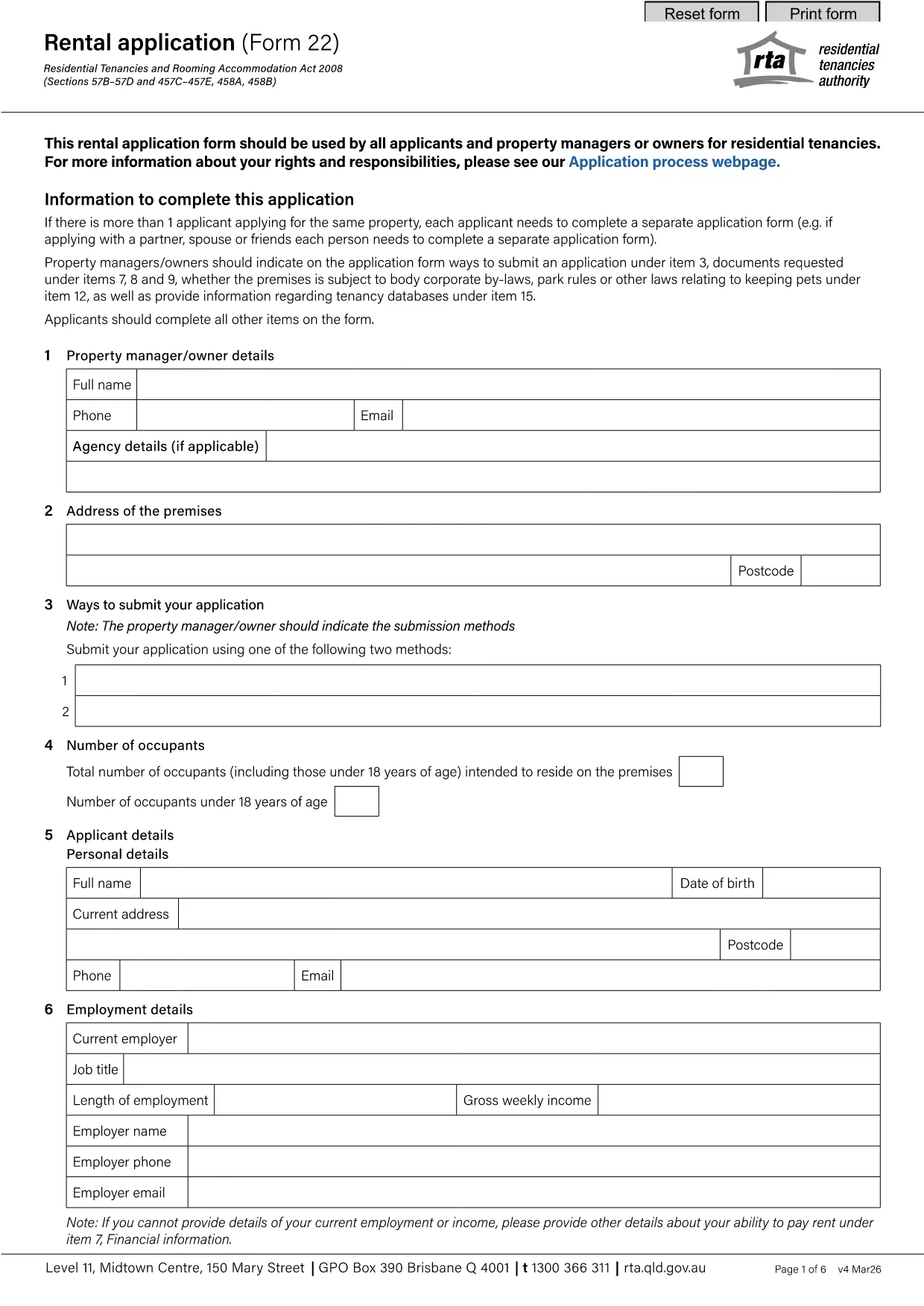
Demande de location : les locataires potentiels remplissent généralement un formulaire de demande de location lorsqu'ils postulent pour un bien à louer. Ce formulaire collecte des informations personnelles sur le demandeur, telles que son nom, ses coordonnées, ses antécédents professionnels, ses antécédents de location et ses références. La demande de location aide les propriétaires à évaluer l’aptitude des locataires et à prendre des décisions éclairées.
Avis de libération : Ce formulaire est utilisé par le propriétaire ou le locataire pour fournir un avis d'intention de résilier la location. La période de préavis requise peut varier en fonction des lois locales et des termes du contrat de location.
Avis d'augmentation de loyer : Si le propriétaire a l'intention d'augmenter le loyer pendant la location, il fournit généralement un avis d'augmentation de loyer au locataire. Cet avis informe le locataire de la révision à venir du loyer et respecte les exigences légales en matière d'augmentation de loyer.
Formulaires de demande d'entretien et de réparation : ces formulaires permettent aux locataires de signaler les problèmes d'entretien ou de réparation au propriétaire ou au gestionnaire immobilier. Le formulaire décrit les détails du problème, les réparations demandées et toute autre information pertinente.
Consentement à la vérification des antécédents ou à la vérification du crédit : les propriétaires peuvent exiger des locataires qu'ils remplissent un formulaire de consentement autorisant une vérification des antécédents ou une vérification du crédit. Ce formulaire permet au propriétaire de vérifier les antécédents, la solvabilité et l'historique de location du locataire.
Rapport d'inventaire et d'état : Ce formulaire est utilisé pour documenter l'état du bien locatif au début et à la fin de la location. Il détaille l'état de chaque pièce et tous les dommages existants, garantissant que les deux parties disposent d'un enregistrement de l'état de la propriété afin de résoudre les litiges concernant les dépôts de garantie ou les réclamations pour dommages.
Voici quelques exemples de formulaires de location couramment utilisés dans le processus de location. Les formulaires et exigences spécifiques peuvent varier en fonction des lois locales et des circonstances spécifiques de la location. Il est important de consulter les réglementations locales et de demander conseil à un professionnel pour garantir leur conformité et utiliser les formulaires appropriés pour votre contrat de location spécifique.