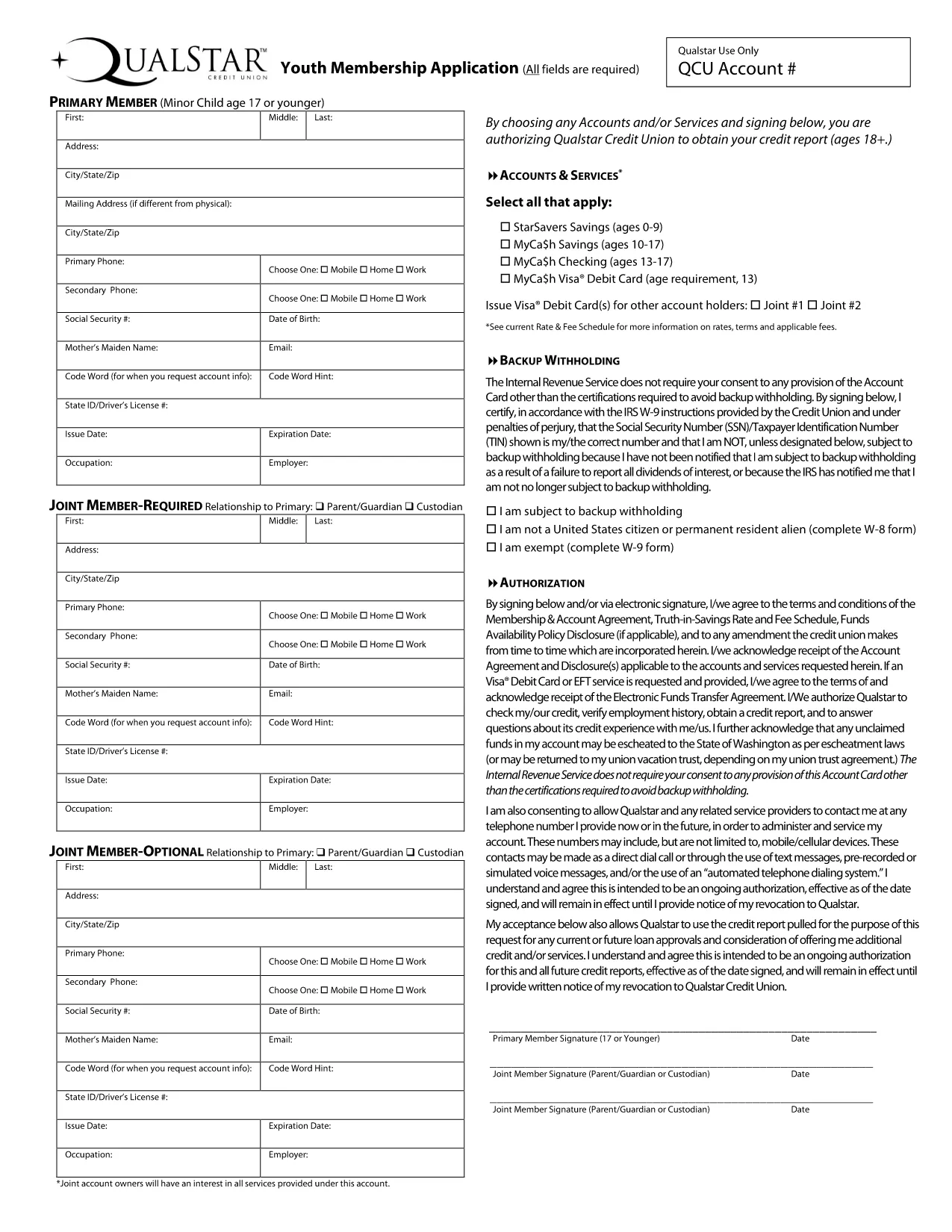
Looking for the QCU Youth Membership Application in a fast, secure, and completely fillable format? You’ve come to the right place. This page lets you open, complete, and submit the credit union’s youth membership form without installing any PDF editor.
What Is the QCU Youth Membership Application?
The QCU (Qualstar Credit Union) youth membership form is used by students ages 13‑18 to join the credit union, gain access to a savings account, and start building financial habits early. The form collects basic personal information, parent/guardian details, and a signature to comply with IRS backup‑withholding rules.
How to Fill Out the Form Online with Formize
Instead of downloading the PDF and searching for a desktop editor, simply click the “Fill out this form” button below. The Formize PDF Filler app will load in your browser, letting you type, select dates, and sign directly on the page.
- Step 1: Click the blue Fill out this form button.
- Step 2: Wait a few seconds while the Formize PDF Filler loads.
- Step 3: Complete each field – the interface highlights required fields.
- Step 4: Review your answers, then click Submit or Download Completed PDF to send it to QCU.
Common Mistakes & Tips for a Successful Submission
Even with a fillable PDF, a few simple errors can delay processing:
- Incorrect SSN/TIN: Double‑check the number; a single digit off triggers a backup‑withholding notice.
- Missing Parent/Guardian Signature: The IRS requires a signature for minors – use the built‑in signature pad.
- Leaving Optional Fields Blank: If a field is marked “optional,” you may leave it empty, but be sure required fields are fully completed.
- Using the Wrong Date Format: The form expects MM/DD/YYYY – the Formize tool will auto‑format for you.
Download the Fillable PDF Directly
If you prefer to work offline, you can still download the original fillable PDF. Click the link below to get the official QCU Youth Membership Application.
Download QCU Youth Membership Form (PDF)