Choisir la langue

Fillable Application Form HTML Code & Live PDF Preview

  1. Langue Anglais
  2. De campagne Etats-Unis
  3. département Technology
  4. Activité Web Development
Fillable Application Form HTML Code & Live PDF Preview

Looking for a quick way to add an application form to your website? Our free fillable HTML code gives you a fully functional form that automatically converts to a PDF you can view, fill, and submit directly in the browser.

Why Use a Fillable HTML Application Form?

Using HTML for your form means you get instant validation, responsive design, and seamless integration with JavaScript or server‑side processing. When the user clicks Fill out this form, the Formize PDF Filler loads the PDF version (based on the demo file below) so the data can be captured in a standard, printable format.

How to Embed the HTML Code in Your Site

Copy the code snippet below and paste it into any page of your website. The form works with all modern browsers and requires no additional libraries.

<form action="/submit" method="post">
  <label for="name">Full Name:</label>
  <input type="text" id="name" name="name" required><br>

  <label for="email">Email Address:</label>
  <input type="email" id="email" name="email" required><br>

  <label for="position">Position Applied For:</label>
  <select id="position" name="position">
    <option value="developer">Developer</option>
    <option value="designer">Designer</option>
    <option value="manager">Project Manager</option>
  </select><br>

  <label for="resume">Resume (PDF):</label>
  <input type="file" id="resume" name="resume" accept="application/pdf"><br>

  <button type="submit">Submit Application</button>
</form>

Instant PDF Preview with Formize PDF Filler

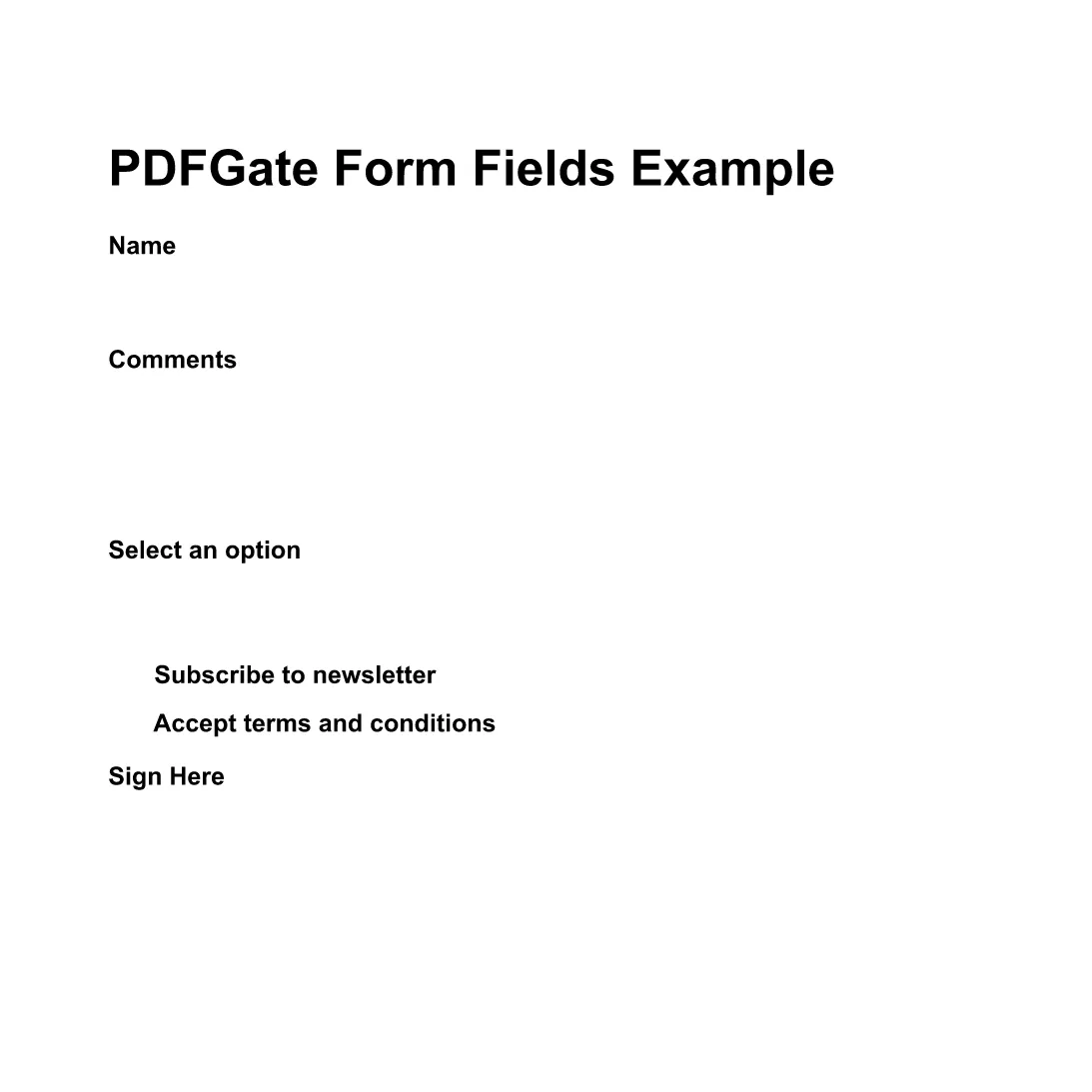
Instead of downloading the PDF, simply click the Fill out this form button below. The Formize PDF Filler app will load the demo PDF (preview PDF) and let you complete the fields online. All data is saved automatically, ready for you to download or email.

Fill out this form

Common Mistakes & Tips for a Perfect Submission

  • Missing required fields: HTML required attribute prevents empty submissions.
  • Incorrect file type: Accept only PDFs for resume uploads to keep the final document consistent.
  • Responsive layout: Use CSS media queries so the form looks great on mobile devices.
  • Server‑side validation: Always double‑check data on the back end even if the front end validates.

With these tips, your application form will be both user‑friendly and ready for PDF generation.

FAQ
  • Do I need to download any software to fill the form?

    No. The Formize PDF Filler runs completely in the browser, so you can fill the form online without installing anything.

  • Can I edit the HTML code after embedding it?

    Yes. The HTML snippet is fully editable. Just update the markup on your site and the changes will appear instantly.

  • Is the PDF version automatically updated when I change the HTML?

    The Formize PDF Filler maps standard HTML input types to PDF fields each time the form loads, so any HTML changes are reflected in the PDF preview.

  • What file types can I upload with this form?

    The example accepts PDF files for the resume field. You can adjust the accept attribute to allow other types if needed.

  • Is my data secure when I fill out the PDF online?

    Formize uses HTTPS encryption for all communications, and the PDF is processed locally in your browser, keeping your data private.

  • Can I embed this form on a WordPress site?

    Absolutely. Paste the HTML snippet into a Custom HTML block or use a shortcode plugin to render the form.

COMMENT

Comment remplir application form html code gratuitement, en ligne en 4 étapes simples :

  1. 1
    Open the Formize PDF Filler
    Click the **Fill out this form** button on the page. A new window loads the Formize PDF Filler app.
  2. 2
    Wait for the PDF to Load
    The demo PDF (application form) loads automatically. All HTML fields are mapped to fillable PDF fields.
  3. 3
    Complete the Form
    Enter your information, upload your resume, and use the drop‑down to select the position. The PDF updates in real time.
  4. 4
    Save or Submit
    When finished, click **Save PDF** to download a copy or **Send via Email** to forward the completed application.
Formize l'application PDF Filler
À PROPOS

modèle application form html code

Avec l'ensemble traditionnel de fonctionnalités pour afficher et remplir un document PDF, combiné aux avantages d'une application Web et d'une mise en page réactive, vous pouvez compléter application form html code en quelques minutes.

CARACTÉRISTIQUES

Remplisseur de PDF

Le moyen le plus simple de remplir des formulaires PDF en ligne

  • Remplissez rapidement application form html code
    Vous cherchez un moyen de remplir rapidement application form html code en ligne ? Avec notre remplisseur de formulaire PDF gratuit en ligne, vous saurez comment éditer et remplir ce document pdf en moins d'une minute.
  • Éditeur PDF en ligne facile à utiliser
    Vous en avez assez d'imprimer des fichiers PDF pour pouvoir les modifier avant de les renumériser et de les renvoyer ? Modifiez des documents PDF gratuitement en ligne. Utilisez notre éditeur de pdf en ligne pour gagner du temps et du papier.
  • Excellents outils, toutes plateformes
    Vous vous demandez comment remplir application form html code sur un Mac, ou peut-être comment utiliser un remplisseur PDF gratuit ? Nos outils PDF en ligne fonctionnent sur toutes les plateformes.
  • Stockage de fichiers sécurisé
    Les fichiers "application form html code" terminés sont stockés dans une base de données sécurisée gérée par l'hébergement Amazon Cloud. Vous pouvez supprimer vos fichiers de notre système à tout moment. Dans tous les cas, ces fichiers sont automatiquement supprimés après 24 heures.
  • Discutez avec application form html code
    Discutez avec "application form html code" sur Chatize qui est un assistant de lecture PDF gratuit. Posez des questions et obtenez des réponses de "application form html code". Cliquez simplement sur le bouton Discuter avec un document ci-dessus.

Supprimer la session de remplissage

Supprimer la session de remplissage sélectionnée ? Dans ce cas, votre progression dans le remplissage du formulaire sera perdue.

Supprimer la session d'édition

Supprimer la session de modification sélectionnée ? Dans ce cas, votre progression dans la création et la modification du formulaire sera perdue.